
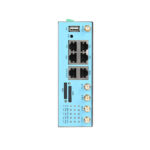
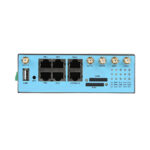
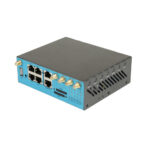
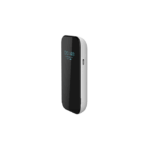
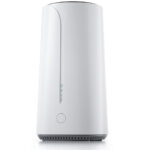

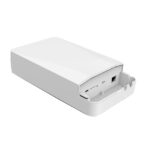
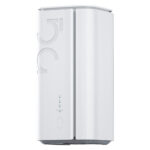






















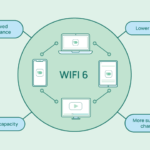


















Wi-Fi 6, also known as 802.11ax, is the most recent Wi-Fi network protocol. Wi-Fi 6 delivers faster speeds and bigger data transfers, allowing more devices to connect to the same network without service interruptions. Wi-Fi 6 also provides WPA3 encryption, making it a more secure protocol than its successor, Wi-Fi 5.
1)What are the benefits of Wi-Fi 6?
Wi-Fi 6 resolves many of the issues that have plagued earlier Wi-Fi standards.
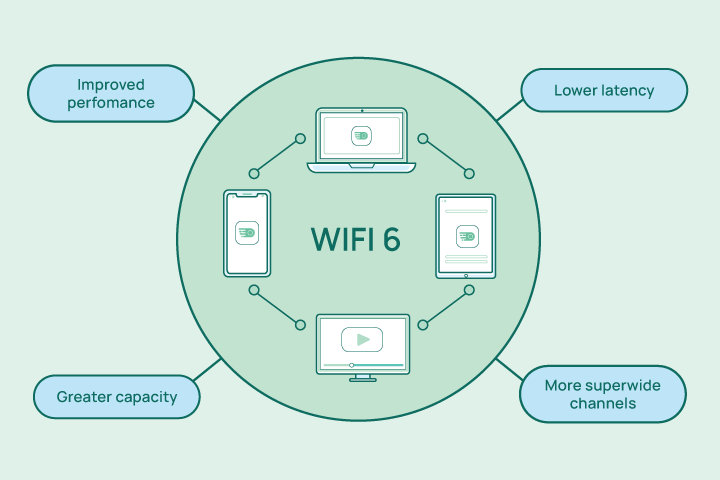
The main benefits of Wi-Fi 6 include:
- Increased capacity on a single router
- Improved performance in crowded areas and buildings
- Faster connection and data transfer speeds
- Better battery life on your devices
We’ve all been in a situation where the Wi-Fi network we’re connected to just isn’t cutting it. A large part of the problem of a spotty connection is an overload of activity. That isn’t a problem on Wi-Fi 6, because data transmission happens much more efficiently. Before, each device had to wait in line for a connection, but now everyone’s connection can work at the same time.
A Wi-Fi 6 router can handle much more traffic, and it even provides a data stream directly to your device, instead of broadcasting to a general area. The increased capacity is one of the biggest benefits and the one that’s arguably most noticeable to most users.
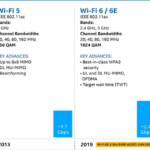
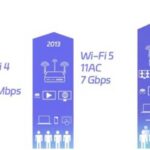
Wi-Fi 6 speeds are faster because more data is sent more times per second. The result is that heavy data streaming is smoother and you can, for example, watch TV online more easily. Wi-Fi 6’s max speed is 9.6 Gbps, while Wi-Fi 5’s is only 3.5 Gbps. While this is a big jump, you probably won’t notice the difference with just one device connected. If you’re on a busy network with lots of other people, you likely will.
Finally, Wi-Fi 6 can cut off interference from surrounding Wi-Fi networks. Devices are able to use their local Wi-Fi network with little risk that nearby networks will interrupt their connection
2)What are Wi-Fi 6 routers?
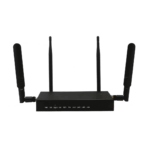
What are Wi-Fi 6 routers? Wi-Fi 6 routers offer better throughput speeds or data transfer rates. The routers can accommodate many devices with high bandwidth for all of them.
Remember, some of the features of Wi-Fi 6 won’t work unless you have a compatible router and a new phone, computer, or tablet. Be aware of what features you can take advantage of and which you can’t. The router will still work with older devices, though, just with fewer benefits available.
How should you choose the best Wi-Fi 6 router? There are plenty of options to choose from. Consider the following attributes:
- Speed: Look up tests of the router to see the average speed at different distances.
- Coverage: Describes how the router performs when a device is a certain distance away.
- Usage: Gamers will want to choose a router that ensures fewer dropped connections and even lets users prioritize their gaming device.
- Wi-Fi 6E: The ‘E’ stands for expanded and is better than the standard Wi-Fi 6 technology. A router of this type uses three frequency bands instead of just two, ensuring a constant and dedicated connection. But Wi-Fi 6E routers are expensive and not necessary for most users or home setups.
3)How fast is Wi-Fi 6?
Wi-Fi 6 has a max speed of 9.6 Gbps. You’re not likely to ever reach this speed though — it’s a theoretical top speed.
Still, Wi-Fi 6 will be much faster, and you will notice the difference in busy environments with many devices connected. Along with faster Gbps, Wi-Fi 6 also uses more subcarriers, so data gets sent more quickly and more efficiently.
For most of us, pure speed isn’t the problem. The problem is network congestion: many people on the same network, at the same time, using up all the Wi-Fi. With Wi-Fi 6, you can expect your internet to be fast all the time, no matter who’s around. That’s because Wi-Fi 6 can handle more devices, with each device having equal and constant access. There’s more than enough bandwidth to go around.
4)Do you need to upgrade to Wi-Fi 6?
What does Wi-Fi 6 mean for the everyday user at home? It’s better from a security perspective, which is important, but don’t expect your everyday devices to speed up drastically. It could be easier to update your electronic components in parts, rather than at the same time. But when you do need to buy new devices, make sure they’re Wi-Fi 6 compatible.
And as a heads-up for the early adopters out there, Wi-Fi 7 is just around the corner, although it will take years until all devices are compatible. For the majority of us, Wi-Fi 6 will be more than enough of a boost, inside and outside the home.
Public spaces and busy networks should definitely upgrade to Wi-Fi 6, and many have already. You’ll find that public Wi-Fi is speedier than ever. If you’re going to be using that Wi-Fi, make sure to learn how to stay safe on public Wi-Fi.
Want to increase your security at home but can’t upgrade to this new standard yet? Look up how to turn on Wi-Fi encryption on your router in the meantime.
5)How to upgrade to Wi-Fi 6
Upgrading to Wi-Fi 6 means you need a compatible computer or phone and router.
Here’s how to upgrade to Wi-Fi 6:
- Upgrade your computer or phone.
For computers, you can either install a new Wi-Fi adapter or purchase a new device entirely. Generally, it’s possible to swap out components from a desktop PC, but not from laptops. Most new computers and phones are ready for Wi-Fi 6, but make sure to check first. - Purchase a Wi-Fi 6 router.
You should research which model is best for you, as they all come with different features. Wi-Fi 6E routers have the highest specs but aren’t necessary for most households. Setting up a Wi-Fi 6 router varies by model, so check the manual. - Download and install the relevant software drivers.
You may not have to do this since Windows 10 and 11 are ready to use Wi-Fi 6 by default. Some drivers may not be part of the Windows update though, so you may need to update your drivers manually or use an automated driver updater. On a Mac, you can check if there’s a new software update and run it if it’s available.
6)FAQ for WiFi 6
1. What is Wi-Fi 6?
Wi-Fi 6 is the sixth generation of Wi-Fi technology, based on the IEEE 802.11ax standard. It’s designed to improve speed, capacity, and efficiency in dense environments with many connected devices.
2. How is Wi-Fi 6 different from Wi-Fi 5 (802.11ac)?
Key improvements include:
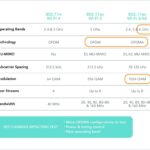
- Higher data rates (up to 9.6 Gbps theoretical maximum vs. 3.5 Gbps for Wi-Fi 5).
- OFDMA (Orthogonal Frequency Division Multiple Access) for better multi-device efficiency.
- MU-MIMO enhancements (now supports both uplink and downlink).
- Target Wake Time (TWT) for better battery life on devices.
- 1024-QAM modulation for higher throughput.
3. What are the benefits of Wi-Fi 6?
- Faster speeds in congested areas (e.g., airports, stadiums, offices).
- Lower latency for gaming and real-time applications.
- Improved battery life for IoT and mobile devices.
- Better performance in environments with many connected devices.
4. Is Wi-Fi 6 backward compatible with older devices?
Yes, Wi-Fi 6 routers and access points support older Wi-Fi standards (802.11a/b/g/n/ac). However, to enjoy Wi-Fi 6 benefits, both the router and client devices (smartphones, laptops, etc.) must support Wi-Fi 6.
5. Do I need a new router for Wi-Fi 6?
Yes, you need a Wi-Fi 6 certified router or access point. Many newer ISPs and manufacturers offer Wi-Fi 6 compatible hardware.
6. What devices support Wi-Fi 6?
Most recent smartphones (iPhone 11 and later, Samsung Galaxy S10 and later), laptops (Intel® Wi-Fi 6 enabled), tablets, and smart devices now support Wi-Fi 6. Look for “Wi-Fi 6” or “802.11ax” in the specifications.
7. Does Wi-Fi 6 work with 5GHz and 2.4GHz bands?
Yes, Wi-Fi 6 operates on both 2.4 GHz and 5 GHz bands, and it also supports the newer 6 GHz band (in Wi-Fi 6E).
8. What is Wi-Fi 6E?
Wi-Fi 6E extends Wi-Fi 6 into the 6 GHz frequency band, offering additional spectrum, less interference, and more channels for high-bandwidth applications.
9. Is Wi-Fi 6 more secure?
Yes, Wi-Fi 6 mandates WPA3 (Wi-Fi Protected Access 3) for enhanced encryption and security, making it harder for attackers to crack passwords.
10. Will Wi-Fi 6 improve my internet speed?
It can improve local network speeds and efficiency, but your actual internet speed depends on your Internet Service Provider (ISP) plan. Wi-Fi 6 helps maximize the usage of your available bandwidth.
You may need to buy one or more devices, depending on what you currently own. First, you need to know which type of Wi-Fi your device is capable of using. Google the model of your phone or computer along with “specs” to find out if it can use Wi-Fi 6 (the technical name is 802.11ax). The majority of new devices are compatible with Wi-Fi 6 now, so if you need to buy a new one, make sure it comes with this. You also need a Wi-Fi 6 compatible router.
You can also check your router’s compatibility by looking up the make and model, which you can easily find if you have physical access to your router. If the router supports 802.11ax then it’s Wi-Fi 6 ready, but if you only see 802.11ac, then the latest Wi-Fi standard it supports is Wi-Fi 5.
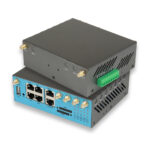
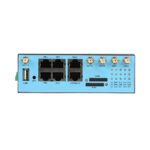
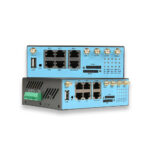
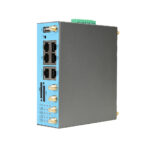
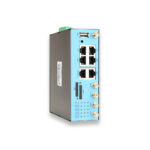
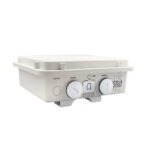
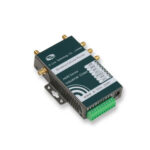
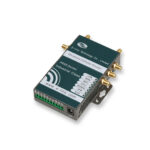
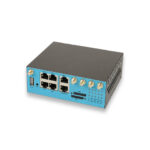
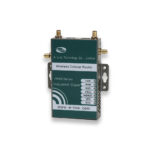
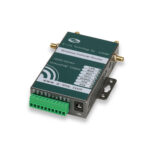
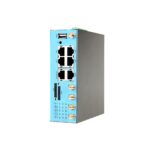
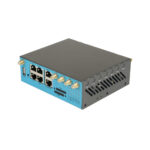
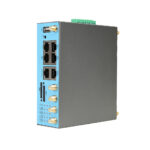
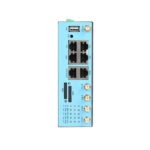
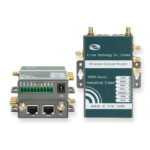
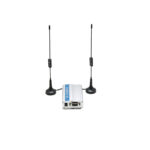
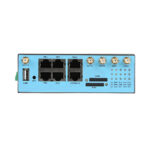
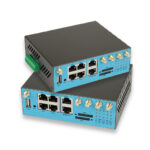
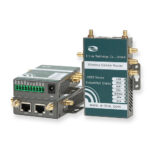
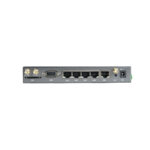
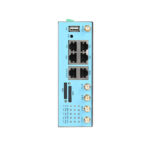
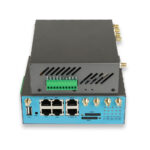
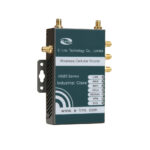
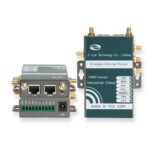
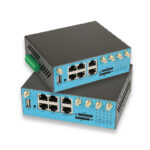
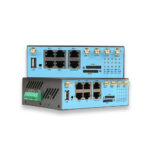
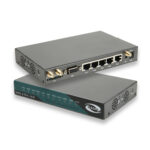
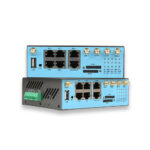
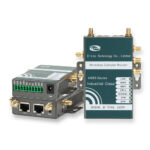
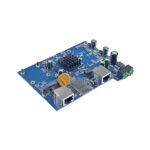
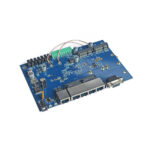
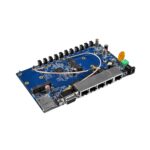
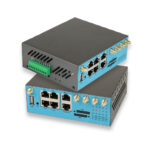
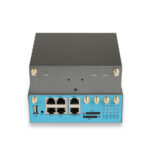
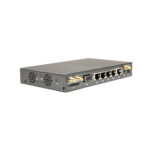
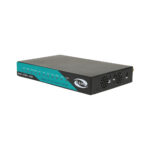
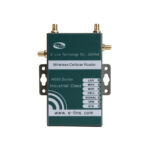
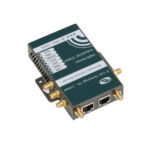
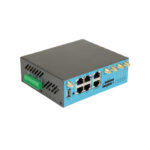
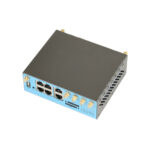
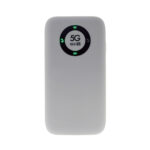
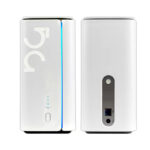
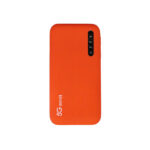
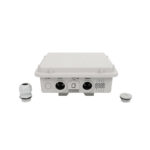
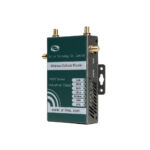
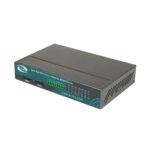
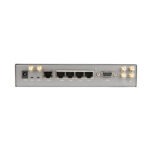
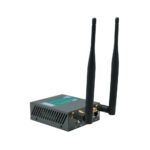
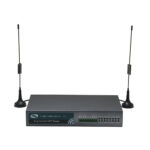
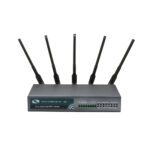
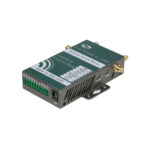
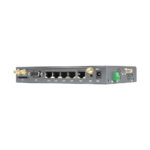
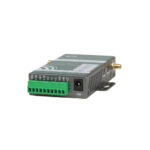
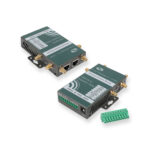
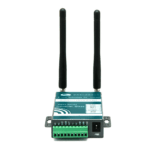
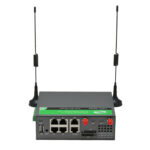
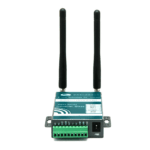
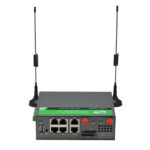
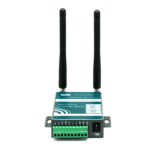
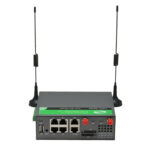
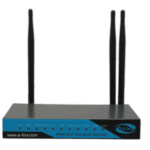
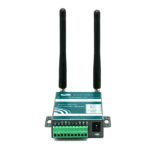
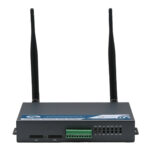
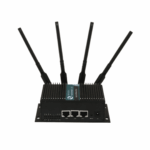
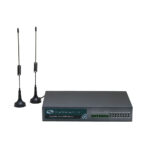
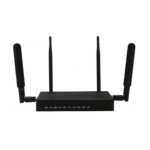
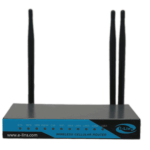
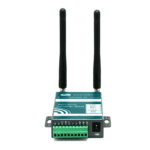
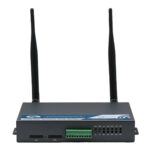
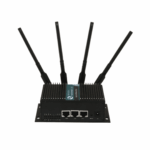
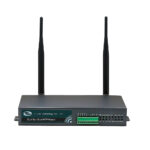
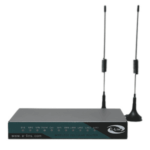
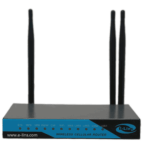
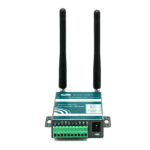
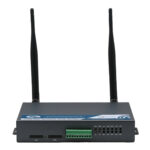
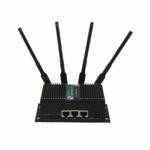
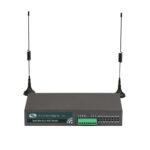
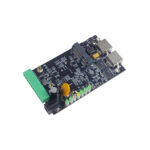
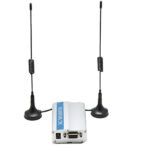
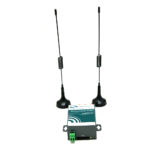
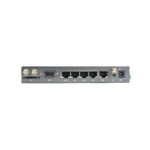
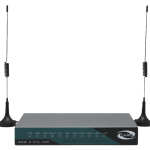
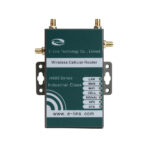
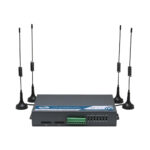
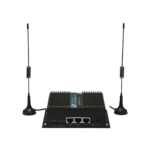
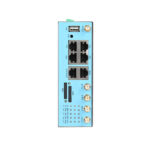
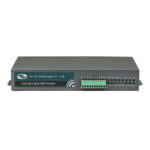
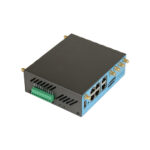
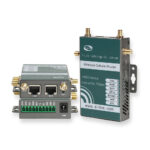
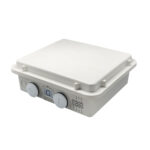
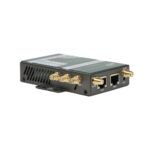
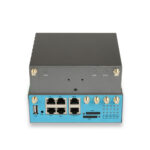
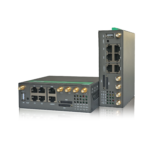
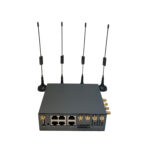
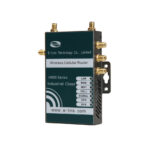
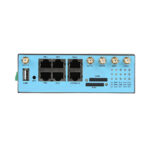
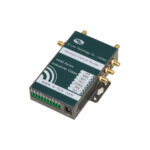
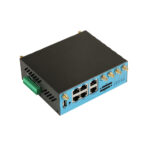
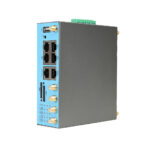
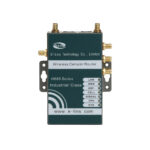
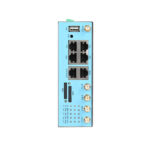
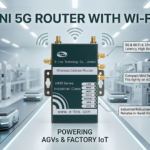
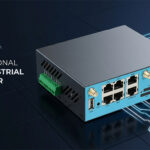
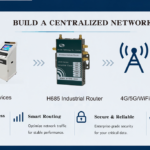
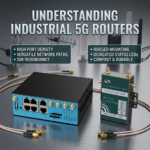
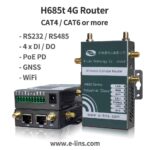
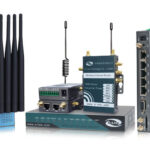
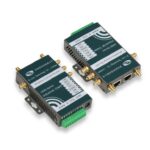
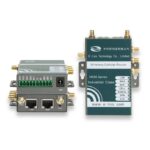
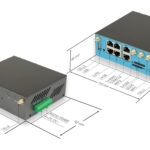
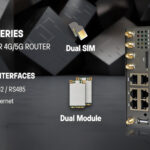
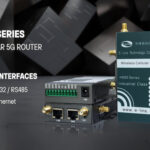
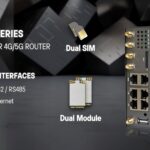
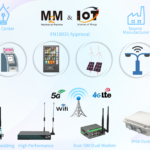
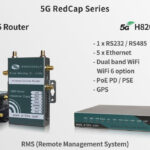
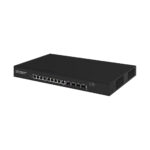
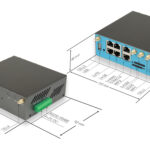
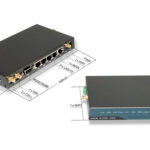
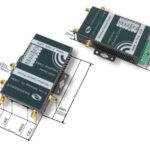
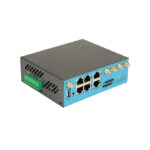
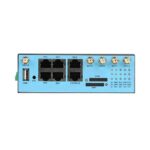
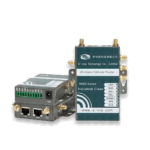
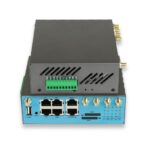
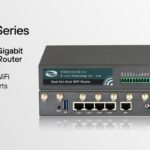
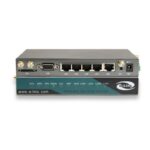
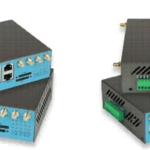
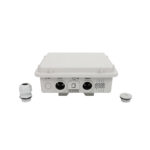
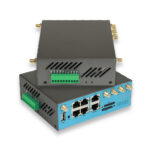
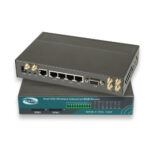
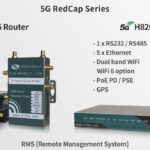
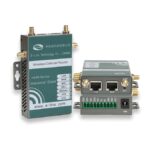
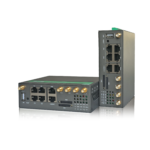
For sourcing Wi-Fi6 Router, you can consider E-Lins, China best 4G Router & 5G Router Manufacturer, released many excellent Wi-Fi 6 routers.