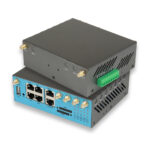
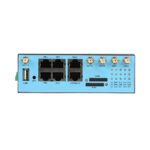
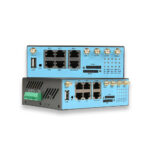
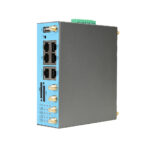
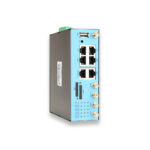
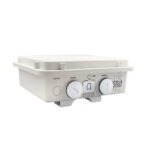
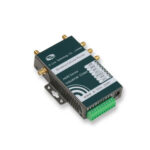
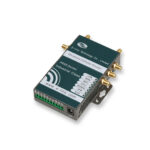
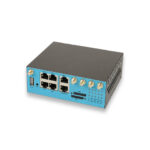
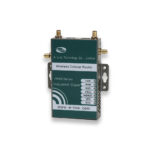
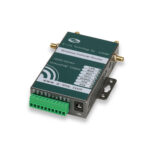
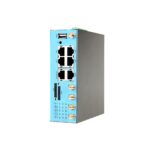

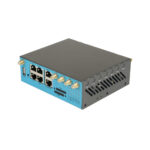
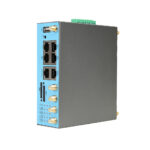
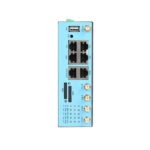
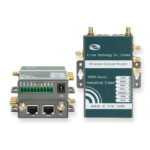
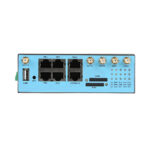
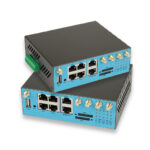
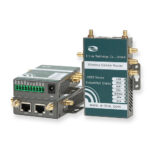
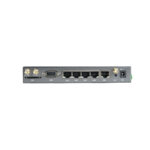
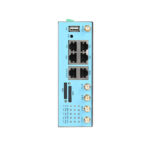
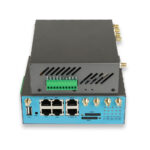
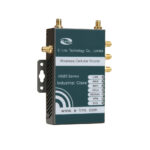
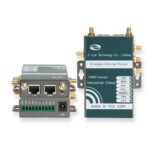
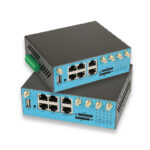
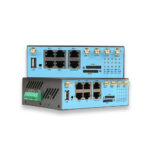
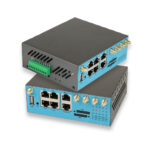
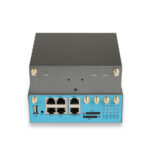
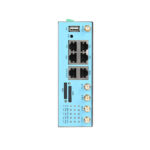
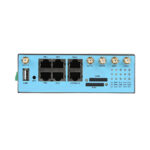
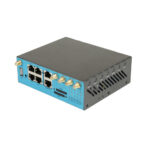
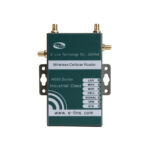
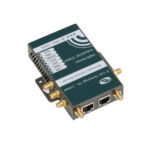
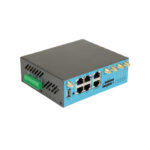
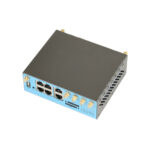
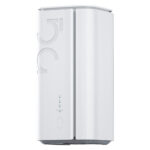

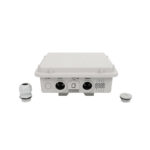
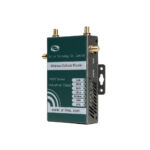
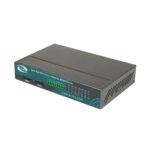
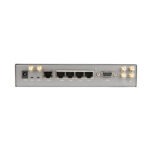
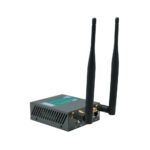
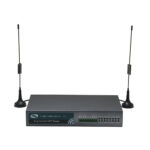
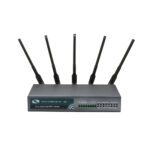
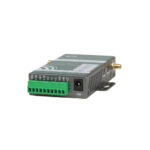
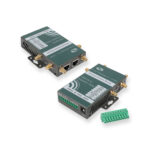
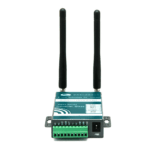
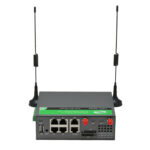
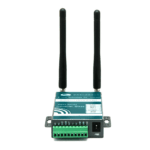
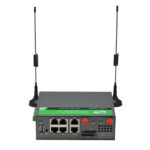
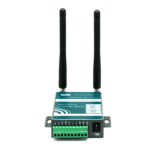
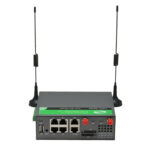
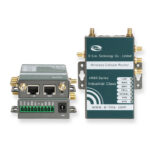
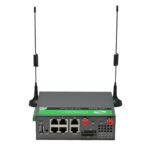

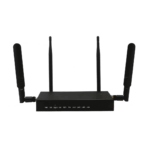
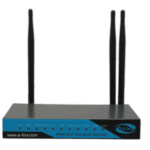
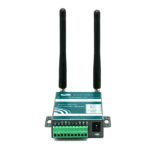
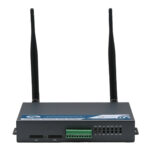
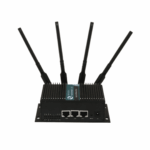

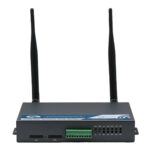
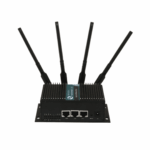
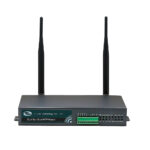

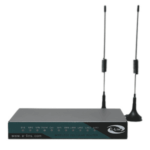
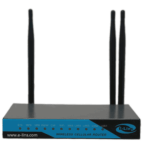
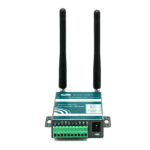
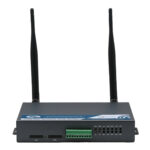
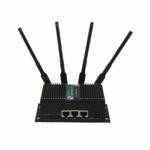
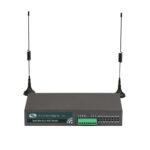
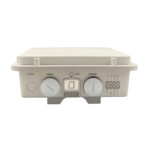
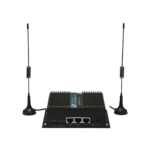
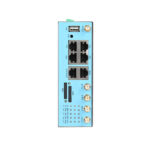
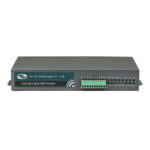
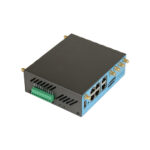
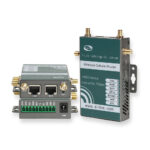
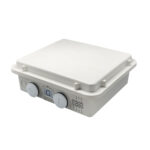
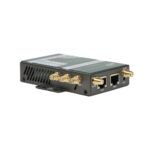
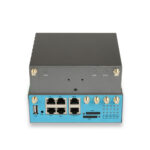
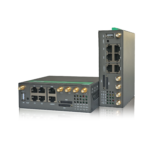
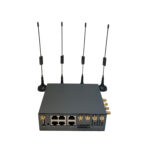
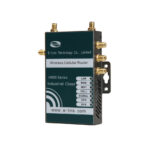
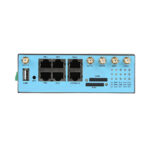
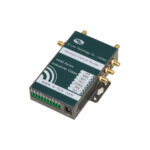
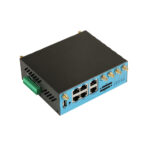
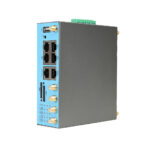
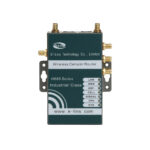
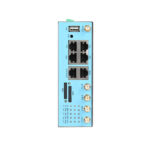










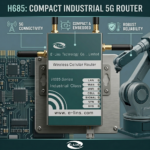
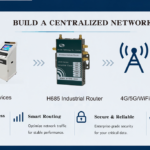


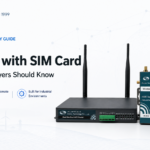
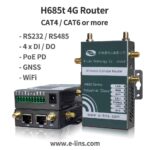


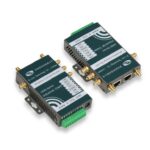




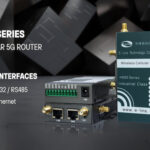



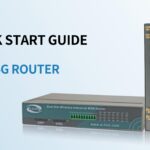
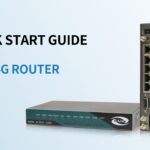
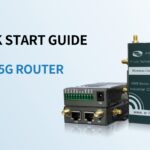
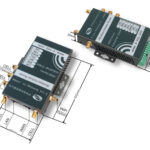
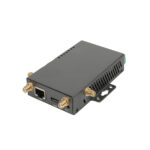
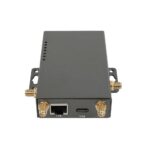



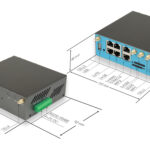
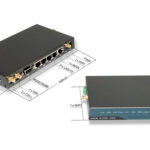
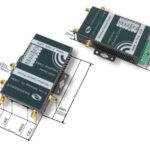
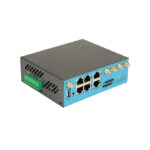
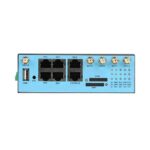
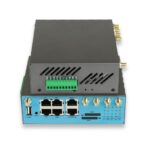
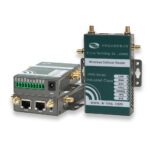

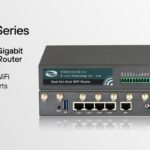


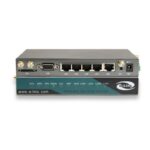



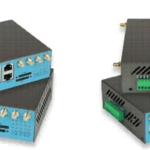



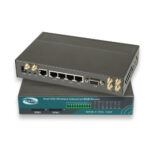





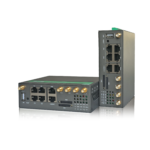






How to make one unit H685 quickly start to work?
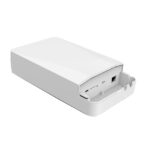
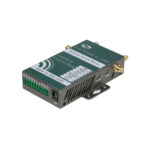
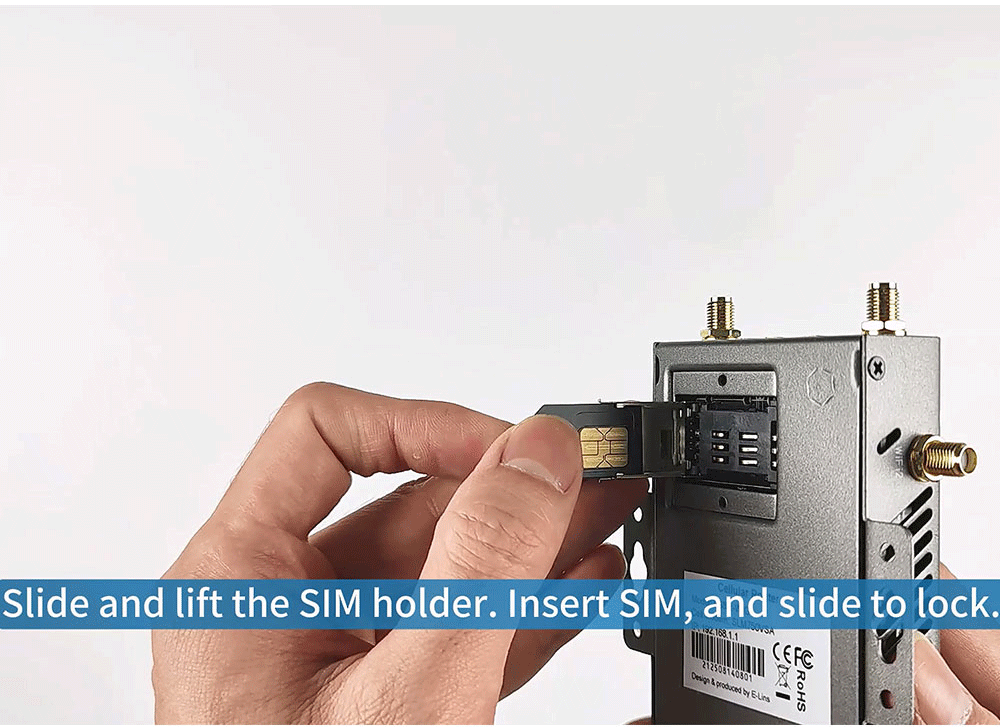
1. Remove SIM cover panel on rear of router by removing the two retaining screws.
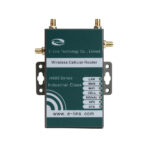
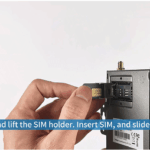
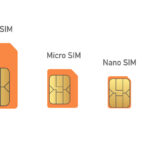
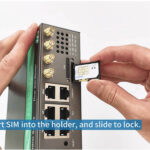
2. Slide and lift the SIM holder, Insert SIM into holder and press and slide to lock SIM into place.
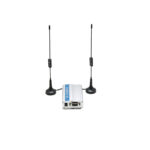
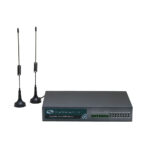
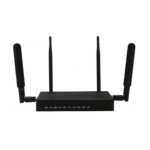
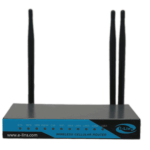
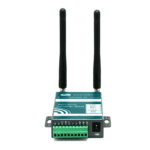
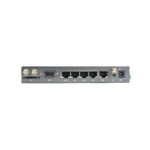
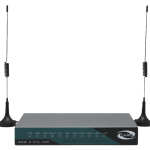
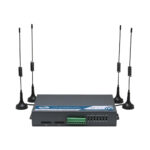
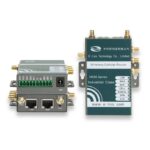
3. Connect Cellular Antennas and if required also connect the WiFi Antennas.
4. Connect the power using the included Mains Power Adapter via DC 2.5 Jack.

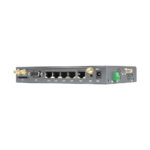
5. Wait for 60-90 seconds for router to complete Boot UP, then connect to your PC using the Ethernet Cable into the LAN Port of the router and config PC’s LAN IP well.

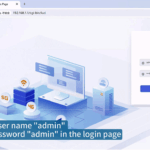
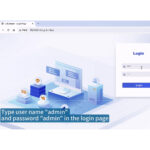
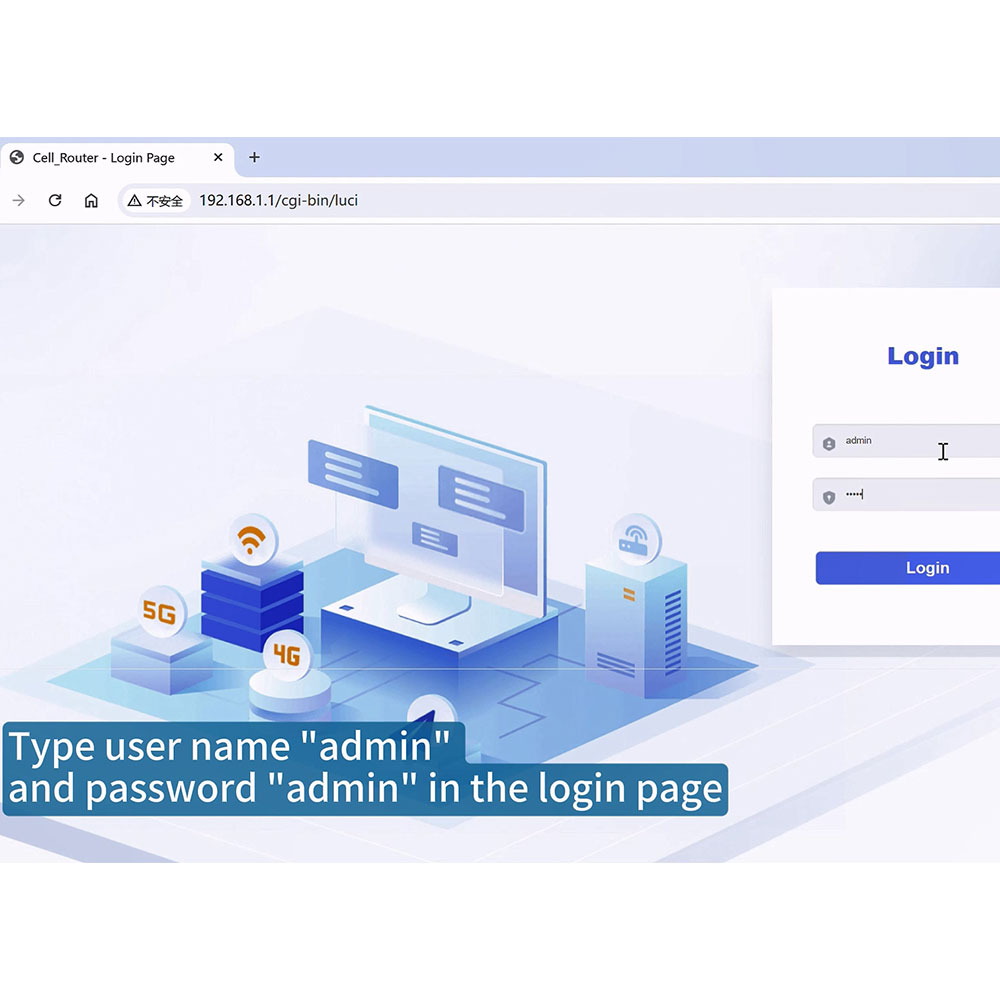
6. Enter the default IP address of the router into your web browser to access the router’s user interface. Log in using the default username/password. Kindly reminder: Once logged into the router, immediately change the default password to a secure, memorable password.

7. Check with your ISP/Carrier, obtain correct APN parameters and config well based on Web Gui–Network-Mobile . Then wait for H685 connected with 4G Cellular Network.

You are now ready to configure your APN Settings, Security, Wi-Fi, Port Forwarding etc.
For detailed user guide or more IoT 4G Routers, just freely contact with E-Lins Communication Co., Limited