

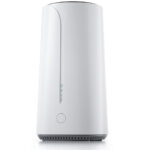

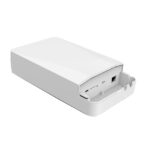
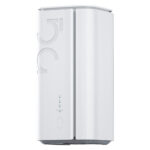
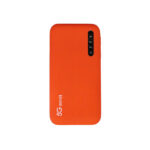



































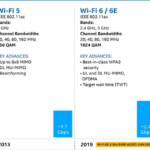











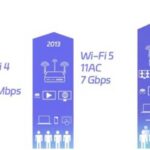





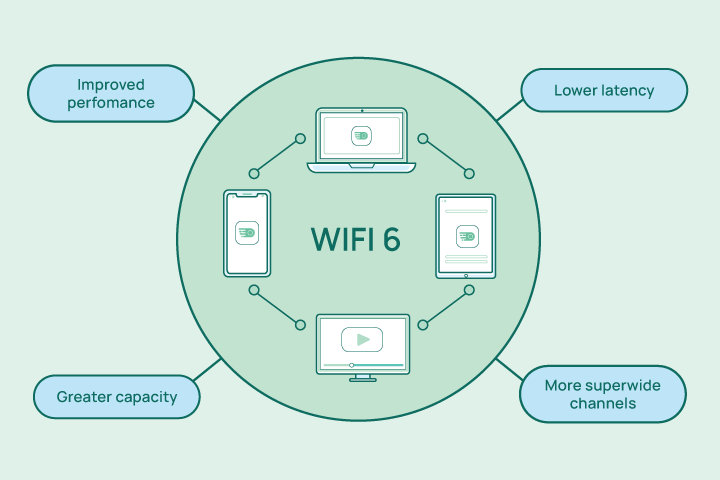
On paper, Wi-Fi 6 boasts impressive specs: up to 9.6 Gbps maximum theoretical speed versus Wi-Fi 5’s 3.5 Gbps. But focusing solely on peak speed misses the point. The real-world advantages of Wi-Fi 6 are about efficiency, reliability, and handling congestion. Let’s break down the tangible differences you’ll actually feel.
1)The Congestion Challenge:
The average household now has over 15 connected devices. Wi-Fi 5 routers can struggle with this load, leading to the dreaded “buffering” circle. Wi-Fi 6’s OFDMA is the hero here. In a family scenario, a Wi-Fi 6 router can seamlessly send a video stream to the TV, a webpage to a laptop, and a voice command to a smart speaker at the same time, within a single transmission cycle. A Wi-Fi 5 router would handle these requests sequentially, causing potential lag for some devices.
2)Performance in Dense Environments:
If you live in an apartment, you might see a dozen neighboring Wi-Fi networks. Wi-Fi 5 devices often get confused by this “noise,” slowing down. BSS Coloring in Wi-Fi 6 allows your devices to ignore foreign network traffic entirely, as if your data is on a dedicated, private lane. The result? More stable connections and higher sustained speeds, even during peak hours.
3)Battery Life for IoT Devices:
Your Wi-Fi 5 smart thermostat or security camera is constantly checking in with the router, draining its battery. Wi-Fi 6 introduces Target Wake Time (TWT), where the router tells these low-power devices exactly when to wake up and communicate. This can extend battery life from months to years, making smart home maintenance far more convenient.
4)Range and Coverage:
While both standards use similar radio frequencies, Wi-Fi 6 includes improvements like better beamforming, which directs signals more precisely towards your device rather than broadcasting in all directions. This can lead to stronger, more consistent signal strength at the edge of your home, improving performance in that back bedroom or patio.
5)Security is Non-Negotiable:
Wi-Fi 6 mandates the use of WPA3 security protocol. WPA3 provides stronger encryption, making it much harder for attackers to crack passwords via brute-force attacks. It also offers better privacy on public networks. While some Wi-Fi 5 devices received WPA3 updates, it’s a mandatory, built-in feature for all Wi-Fi 6 certified devices.
6)Should You Upgrade?
- For a Wi-Fi 5 household: If your current network works flawlessly with your handful of devices, an immediate upgrade may not be urgent. However, your next router purchase should absolutely be Wi-Fi 6 for future-proofing.
- For new buyers or strugglers: If you’re buying a new router, experiencing constant dropouts with multiple users, or building a smart home with dozens of devices, upgrading to a Wi-Fi 6 system is one of the best investments you can make for your digital quality of life.
7)FAQ for WiFi 6
1. What is Wi-Fi 6?
Wi-Fi 6 is the sixth generation of Wi-Fi technology, based on the IEEE 802.11ax standard. It’s designed to improve speed, capacity, and efficiency in dense environments with many connected devices.
2. How is Wi-Fi 6 different from Wi-Fi 5 (802.11ac)?
Key improvements include:
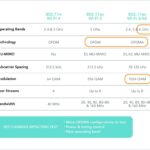
- Higher data rates (up to 9.6 Gbps theoretical maximum vs. 3.5 Gbps for Wi-Fi 5).
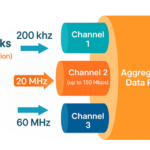
- OFDMA (Orthogonal Frequency Division Multiple Access) for better multi-device efficiency.
- MU-MIMO enhancements (now supports both uplink and downlink).
- Target Wake Time (TWT) for better battery life on devices.
- 1024-QAM modulation for higher throughput.
3. What are the benefits of Wi-Fi 6?
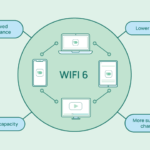
- Faster speeds in congested areas (e.g., airports, stadiums, offices).
- Lower latency for gaming and real-time applications.
- Improved battery life for IoT and mobile devices.
- Better performance in environments with many connected devices.
4. Is Wi-Fi 6 backward compatible with older devices?
Yes, Wi-Fi 6 routers and access points support older Wi-Fi standards (802.11a/b/g/n/ac). However, to enjoy Wi-Fi 6 benefits, both the router and client devices (smartphones, laptops, etc.) must support Wi-Fi 6.
5. Do I need a new router for Wi-Fi 6?
Yes, you need a Wi-Fi 6 certified router or access point. Many newer ISPs and manufacturers offer Wi-Fi 6 compatible hardware.
6. What devices support Wi-Fi 6?
Most recent smartphones (iPhone 11 and later, Samsung Galaxy S10 and later), laptops (Intel® Wi-Fi 6 enabled), tablets, and smart devices now support Wi-Fi 6. Look for “Wi-Fi 6” or “802.11ax” in the specifications.
7. Does Wi-Fi 6 work with 5GHz and 2.4GHz bands?
Yes, Wi-Fi 6 operates on both 2.4 GHz and 5 GHz bands, and it also supports the newer 6 GHz band (in Wi-Fi 6E).
8. What is Wi-Fi 6E?
Wi-Fi 6E extends Wi-Fi 6 into the 6 GHz frequency band, offering additional spectrum, less interference, and more channels for high-bandwidth applications.
9. Is Wi-Fi 6 more secure?
Yes, Wi-Fi 6 mandates WPA3 (Wi-Fi Protected Access 3) for enhanced encryption and security, making it harder for attackers to crack passwords.
10. Will Wi-Fi 6 improve my internet speed?
It can improve local network speeds and efficiency, but your actual internet speed depends on your Internet Service Provider (ISP) plan. Wi-Fi 6 helps maximize the usage of your available bandwidth.
11. How does OFDMA work in Wi-Fi 6?
OFDMA allows a single transmission to deliver data to multiple devices simultaneously by splitting channels into smaller sub-channels. This reduces latency and improves efficiency in dense networks.
12. What is the real-world speed of Wi-Fi 6?
While the theoretical maximum is 9.6 Gbps, real-world speeds depend on factors like network congestion, device capabilities, and environment. Typical speeds range from 1–2 Gbps in ideal conditions.
13. Should I upgrade to Wi-Fi 6?
Consider upgrading if:
- You have many connected devices.
- You experience slow speeds in congested areas.
- You own Wi-Fi 6 compatible devices.
- You need lower latency for gaming or 4K/8K streaming.
14. Does Wi-Fi 6 reduce interference?
Yes, features like BSS Coloring (Basic Service Set Coloring) help distinguish between different networks, reducing interference from neighboring Wi-Fi networks.
15. Where is Wi-Fi 6 commonly used?
Homes, offices, campuses, stadiums, airports, and IoT deployments benefit from Wi-Fi 6 due to its capacity and efficiency improvements.
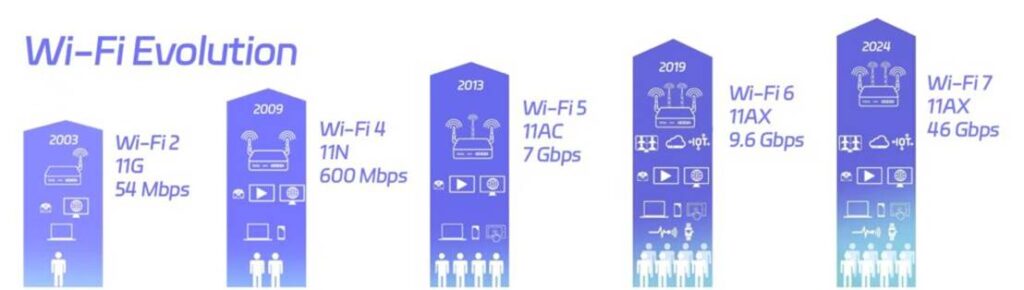
The verdict? Wi-Fi 6 isn’t just about a faster headline speed. It’s about a smarter, more robust, and more efficient network that turns a congested highway into a managed, multi-lane smart freeway for all your data.
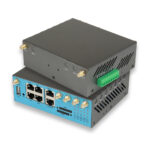
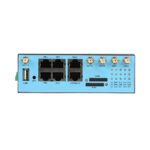
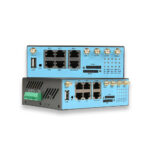
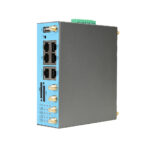
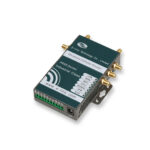
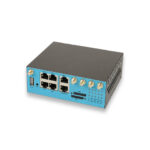
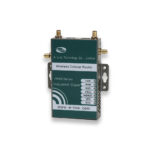
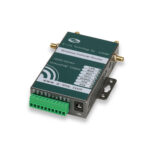
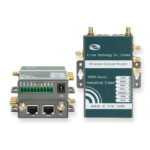
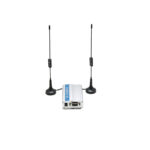
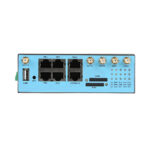
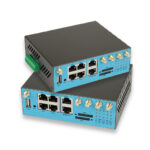
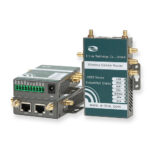
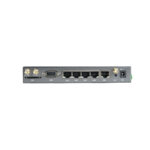
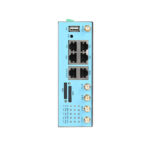
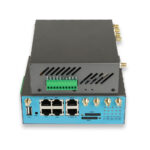
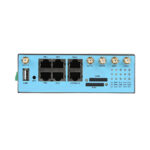
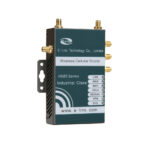
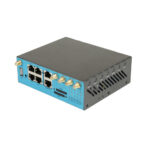
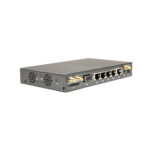
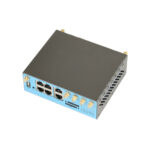
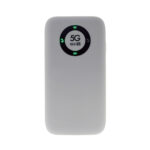
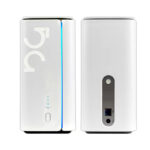
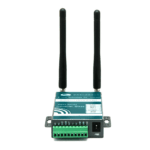
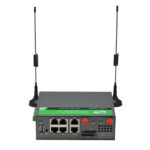
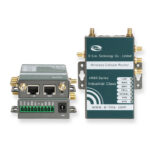
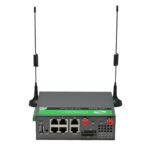
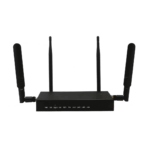
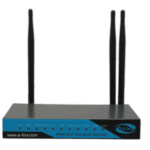
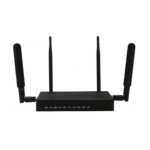
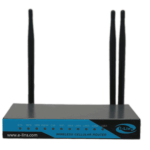
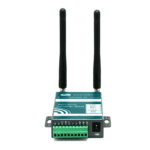
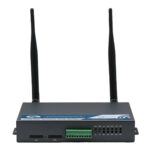
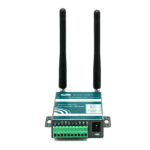
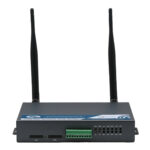
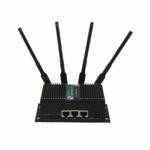
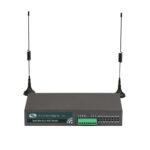
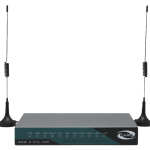
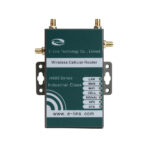
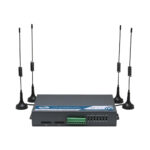
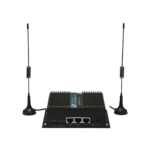
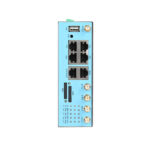
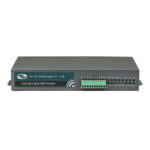
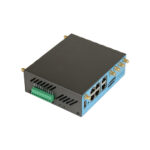
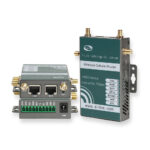
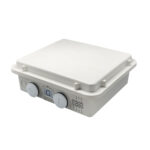
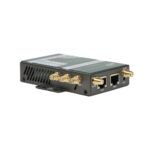
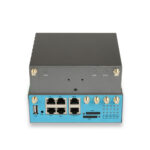
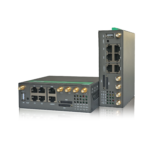
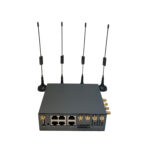
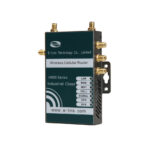
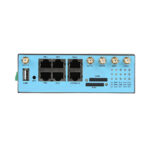
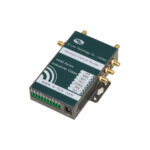
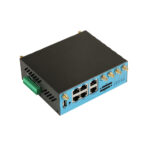
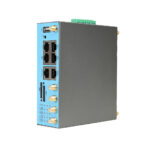
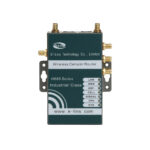
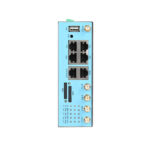
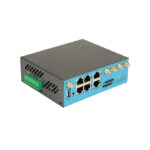
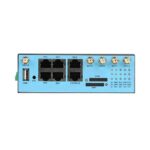
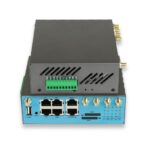
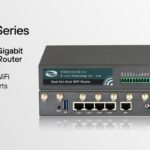
Are you ready to source IoT 4G Router & 5G Router? E-Lins is a good choice for you, please do not hesitate to check with E-Lins.