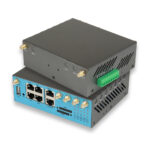
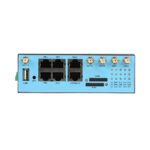
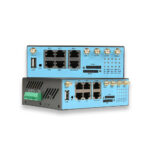
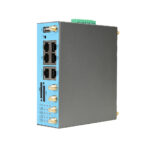
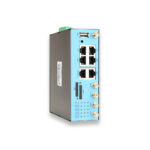
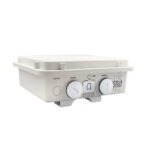
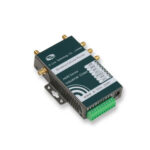
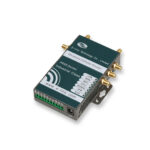
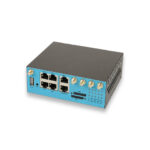
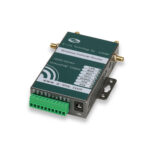
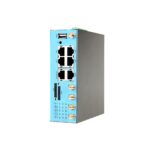

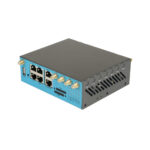
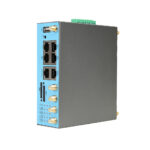
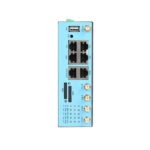
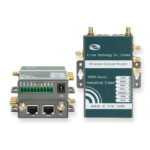
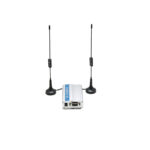
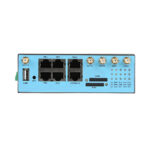
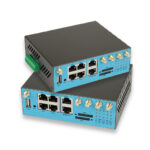
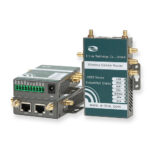
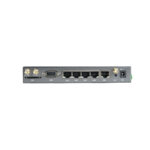
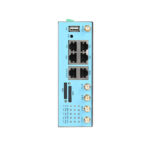
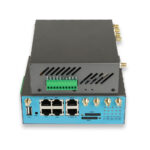
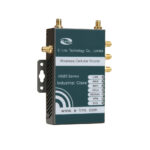
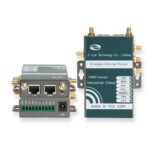
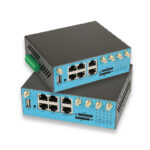
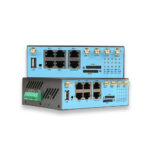
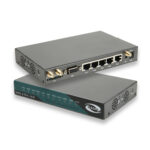
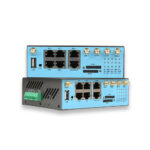
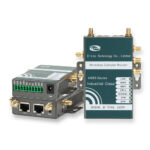
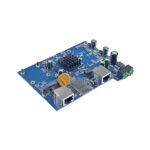
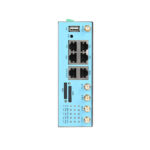
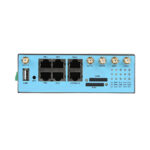
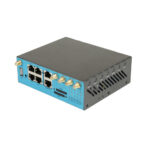
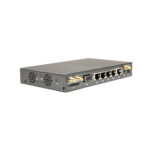
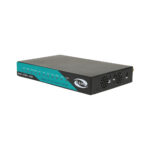
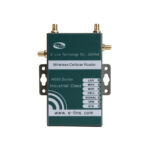
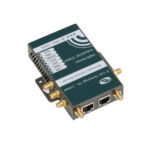
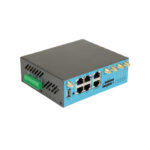
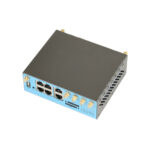
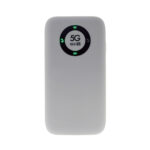
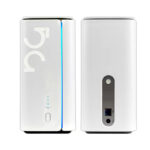
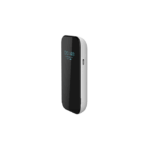
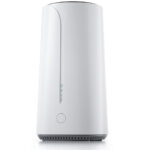
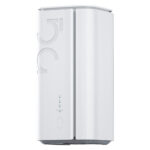
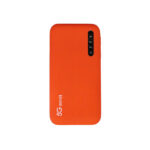
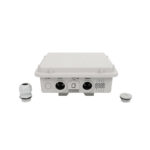
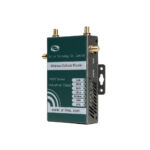
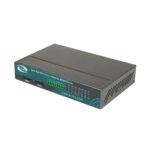
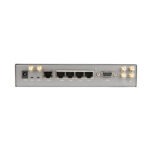
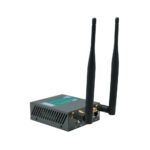
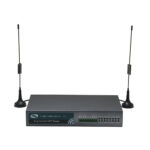
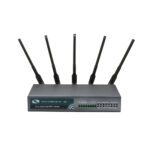
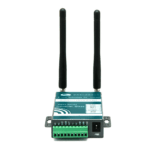
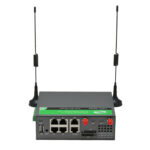
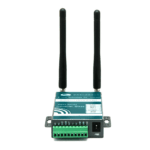
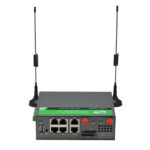
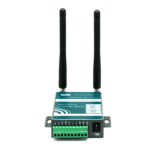
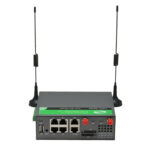
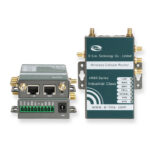
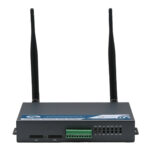
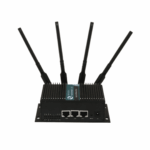
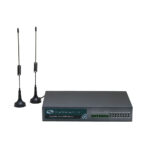
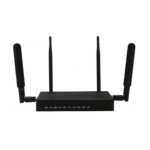
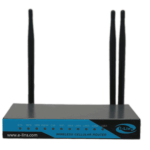
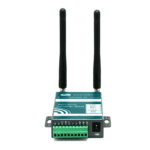
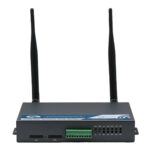
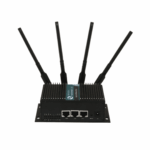
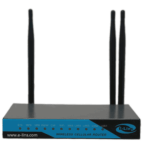
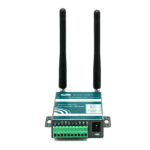
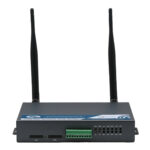
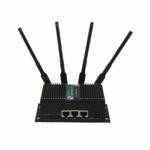
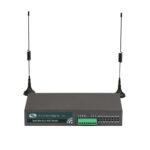
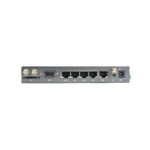
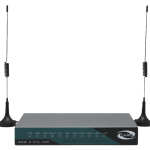
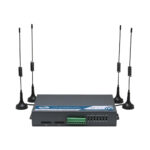
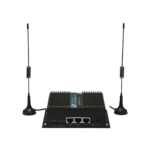
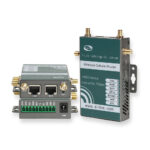
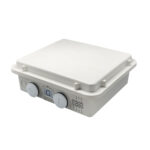
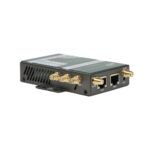
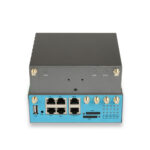
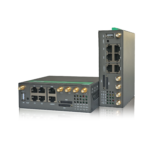
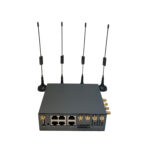
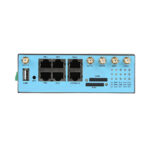
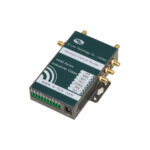
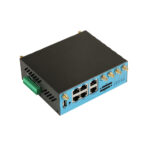
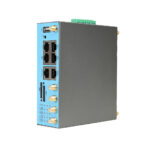
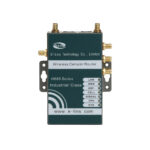

























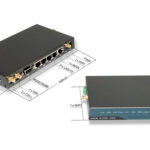
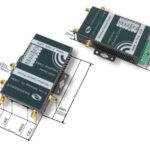
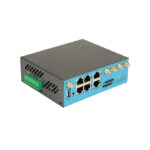
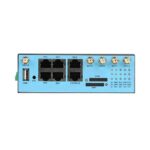
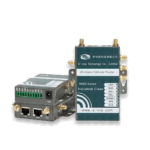
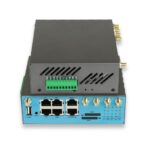







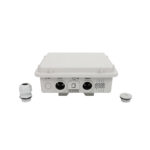
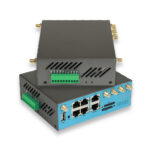


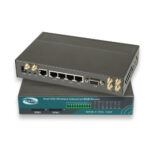












You have a 5G wireless router — now to capitalize on that investment. Although 5G technology has the potential to deliver incredible speeds and dependable connectivity, there are some things you can do to maximize your router’s performance, fix typical problems, and keep your network current with the latest trends. Whether your use case is home, business or travel, this guide spells out the details on how to configure 5G wireless routers with practical tips, troubleshooting and a peek into the future of 5G routers in 2026 and beyond. From maximizing your signal strength to keeping your network safe and what you hope will soon be in place, we are here for you.
1)Ten Ways to Improve the Performance of Your 5G Wireless Router
No single best 5G wireless router in the world will work perfectly if you fail to install and maintain it properly. Tips to maximize speed, coverage, and reliability
Place the router in the right location
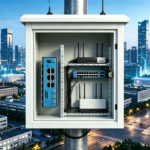
5G wireless routers boost strong signals, close at hand, but here location matters! For optimal results, position the router high up in a center location (such as a shelf or table), away from walls and metal objects; also keep it away from electrical devices that emits electromagnetic waves (microwave oven, telephones, radio equipment). If you are using a mesh router, put the nodes where the signal is weak to cover more area. Refrain from putting the router in basements, closets or corners as these places will prevent 5G and Wi-Fi signals. For outdoor use, keep the router in a place with fewer obstructions between the sky to ensure that there will be good reception of 5G signal.
Update the router’s firmware regularly
Router manufacturers release firmware updates which fix bugs, enhances performance and may also include new features. As alluded to above, if the outdated firmware can even lead to slow speeds, and connectivity issues are fully aware of these improvements; then commercial network adapters or enterprise next-generation firewall solutions may start running important classic security threats on networks. Updating the firmware in your 5G Wireless Router check with the manufacturer website or mobile app that comes along with your router to see how you can update its firmware. While most modern routers automatically apply updates, it is still advisable to check for them manually every few months to make sure you are always on latest version. TP-Link routers can be patched through either the Deco app or web interface, while ASUS routers employ the ASUS Router app.
Optimize Wi-Fi Settings
If you want to optimize the Wi-Fi experience of your router, which settings need to be adjusted based on your requirements: – — Set different names (SSIDs) for the two bands (2.4 GHz and 5 GHz) such as “MyHome_5G” and “MyHome_2.4G”, so users will know how they connect at any time, or allow devices outside home/office to identify hotspots; – — WPA3 encryption is supposed as an SSL encryption secure the security of wi-fi; – Whether Wi-Fi channel should be set? In order not interferences caused by other peripheries and networks from neighbour areas boost performance to up 5GHz: Use Channels (No overlap with Channels), while to add band improvements to use MLO Multi-Link Operation for devices connections, as well Reduce connected devices.
Manage Data Usage
Data plans for 5G can be costly especially for unlimited data. To ensure you stay within your data limit or to avoid unexpected fees: – Keep an eye on how much data you’re using by accessing the router’s mobile app or web portal — and most routers give near real-time insight into data usage. – Set limits or alerts for when you’ll surpass your plan through notifications when you’re nearing a threshold of usage. – If possible, download large files and stream videos over Wi-Fi rather than cellular whenever you can use it. – When devices are connected to the 5G router, disable auto-updates as they can take significant amounts of mobile data.
Connect With Ethernet for High-Bandwidth Devices
Although Wi-Fi is a convenient option, wired Ethernet connections are faster and more reliable when connecting to high-performance devices such as gaming consoles, desktop computers and 4K / 8K TVs. Attach these devices into the router straight using Gigabit or 2.5 Gbps Ethernet ports. This will help clear Wi-Fi congestion and improve the experience for gaming and streaming applications.
Top 5G Wireless Router Problems and Solutions
But there are still some problems with your 5G wireless router even if it is set up correctly. The following are the most common issues and respective solutions:
Slow 5G Speeds
Having a slow 5G speeds try this – Make sure to check your cellular provider coverage map before activating any troubleshooting steps. If they are in a 4G area, your router will have been switched to the slower 4G network. -Simply move the router somewhere where there is better 5G signal (the window or up high in the air) -Make sure you have checked on network congestion- speeds for these specific routers can slow when it gets to peak hours, usually between 7PM and10PM when most many people use the network itself. -Restart your router-Unplug your router for about30 seconds and plug it back it into an outlet and restart. This can help fix brief connection issues – Check your data plan — if you are over your data cap, your provider could be throttling your speeds.
Wi-Fi Connectivity Problems (dropped connections, weak signal)
Dropped Wi-Fi connection or weak signal: Dropped Wi-Fi connections or signals that don’t reach certain areas of a house are common problems but they’re easy to troubleshoot:- Move the router near a central location, preferably elevated and away from obstructions.- If you have a bigger home get some mesh nodes.- Update the router firmware because they may have bugs causing connectivity issues.- Check if the available Wi-Fi band is overcrowded, an option here is for instance switch to another less congested channel inside that same band- Restarting in turn the router and then restarting respectively and lastly your device having connectivity issues
Router Not Connecting with 5G Wireless Network
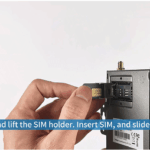
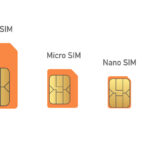
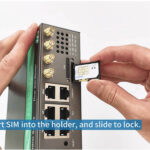
To make your router connect to the 5G network, try these steps: -Make sure that the SIM card is inserted correctly by removing and reinserting it properly. -Check whether the SIM card has been activated and if it fits other routers (some routers only work with specific providers). -Check to see if your data plan has expired; expiration prevents connection as well. -You should also check that the router signal indicator for 5G mode is normal. If it blinks or goes out, please place the router in a more appropriate position wherever there is no obstruction at all times! -Resetting each step methodically will be necessary since this reset all settings of any customized equipment used on that particular line (back up everything beforehand!)
Overheating Router
However, if a 5G wireless router is in an enclosed area or used for a long time, it may get overheated. It can even cause the router to slow down, lose connection or become damaged due to overheating. Solution: -Position the router in a well-ventilated place and keep away from devices such as microwave, TV, refrigerator or any other source of heat. -Get rid of objects like books, clothes they cover the router which causes hot air to go nowhere. -Clean the vents regularly with soft brushes because dust blocks airflow to equipment due to clogging processes. -If nothing is working properly cool fan is required or move your wireless router too cooled area.”)
Security Breaches or Unauthorized Access
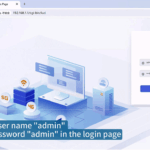
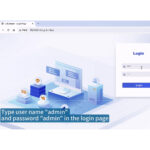
Follow these steps to secure your network -Activate WPA3 encryption and set a strong, unique Wi-Fi password (12 characters minimum; use base, numbers, symbols). – Change the router’s default admin password so no one can access the router settings. – Enable the built-in firewall and security capabilities of the router (TP-Link Home Shield, ASUS AI Protection Pro). – Regularly update the firmware for flaws in cyberspace safety. – Check connected devices to identify and disconnect suspicious devices.
2)5G Wireless Router Future Trends (2026 & beyond)
New technologies and features are being added to the 5G wireless router market every single year. So, the most important trends for 2026 and beyond are:
Wi-Fi 7 Becomes the Standard
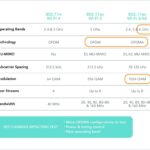
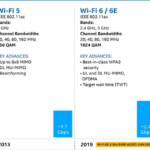
Wi-Fi, currently being utilized beginning in 2024 it becomes mass-market spec for 5G wireless routers by 2026 (October 26, 2023). Wi-Fi 7 will provide a much better user experience than Wi-Fi 6 by way of speeds at up to 30 Gbps, lower latency, support for 320 MHz channels and MLO. For most users, however, Wi-Fi 7 will become far more accessible thanks to new cheaper routers being introduced. You will also see a new breed called a mesh router with Wi-Fi 7 offering blanket coverage and faster speeds for particular market segments such as entire homes or businesses.
Connectivity with IoT and Smart Home Gadgets
As smart home ecosystems continue to evolve, 5G wireless routers will become more integrated with IoT devices. Next-generation routers will come integrated with smart home protocols (such as Zigbee, Z-Wave) and will allow users to interact with their smart devices directly from the router app. This will make it easier to configure smart homes, so that devices can connect with one another better than before and you can control all of the smart home from one interface.
Improved 5G Coverage and Speed
In 2026, cellular providers will also be working to deploy their 5G networks even further into rural and suburban areas. Coverage for mmWave will also expand, with ultra-fast speeds (up to 10 Gbps) in more metropolitan areas. New 5G technologies such as 5G-Advanced (sometimes referred to as 5.5G) will also be rolled out, offering faster speeds, lower latency and improved capacity. This will also increase the viability of 5G wireless routers as a actual substitute to wired broadband.
AI-Powered Routers
2026: Expansion of AI (Artificial Intelligence) within 5G wireless routers. Optimizing automatic settings (for instance: wi-fi channels, signal strength) based on usage patterns, device types and network conditions will be possible through AI-powered routers. They will also be capable of identifying and preventing virtual threats in real time, providing automated suggestions when needed, and anticipating as well as averting connectivity problems. AI features are already built into ASUS and TP-Link routers, so expect to see even more household devices leverage the technology in the future.
More Portable and Rugged Models
Make sure you’re prepared for 2026, with the rise of remote work and travel, portable 5G wireless router is becoming more common in new year. Manufactures will offer smaller, lighter, sturdier models with improved battery life (as high as 24 hours), weather-resistant designs. These routers will be perfect for travelers, campers, outdoor lovers, and temporary oases of work across the globe.
3)FAQ: Getting the Most Out of Your 5G Wireless Router
Q1: How often do I have to restart my 5G wireless router?
A1: It is best practice to ensure that you are restarting your 5G wireless router once every month. Reboots router sorts transient interface issues, clears reserve and will help execution. If you are facing the issue again and again (example: slow speeds, dropped connections), you may have to restart frequently (maybe once a week).
Q2: Can I use a 5G wireless router with a 4G SIM card?
A2: Yes, primary 5G wireless routers are backward compatible with 4G SIM cards. When you put a 4G SIM card into a 5G router, the router will turn on the 4G radio and provide users with 4G speeds. This is handy if you live in an area without great 5G coverage or if you haven’t signed up for a 5G data plan yet.
Q3: What is the next way I can expand my Wi-Fi 5G wireless router coverage?
A3: You can extend your Wi-Fi coverage in the following ways: – Use a mesh router system: It adds more mesh nodes to expand coverage around your home. – Use a Wi-Fi extender place a Wi-Fi extender close to the edge of your Wi-Fi range then it boosts the signal in weak areas. – Use a power-line adapters This uses electrical wiring around the house to give access for example between rooms. – Move router central position you can enable maximize out of coverage
Q4: How long should a 5G wireless router last?
A4: The lifespan of a 5G wireless router on average is approximately 3-5 years. However, this can change based on the use case, care and progress of technology. For future-proofing your network: Replace the router with a new one every 2-3 years to benefit from more features (e.g., Wi-Fi 7) and improved performance.
Q5: Can you use more than one 5G wireless router in one house?
A5: Multiple 5G wireless routers can coexist in one home but it is wiser to use a mesh router system. Mesh routers communicate to be able to provide seamless coverage, they sync their settings automatically (e.g. Wi-Fi name / password) so as not to repeat necessary entries. However, multiple standalone 5G routers cause what we call the Wi-Fi contention problem because each of these routers will start broadcasting their own Wi-Fi signal.
Q6: How to backup the settings of my 5G wireless router?
A6: Backing up your settings:
-Open the router web interface or mobile APP.
-Go to Settings or System menu.
-Click Backup or Export Settings and save it on the computer/mobile device.
-To restore setting, click “restore” or “import settings”, then select the backup file.
This comes in handy if you reset the router or replace it with a new one.
If you want to make sure that your 5G wireless router works optimally, and remains an important part of your connected life in 2026 and beyond, all we need to do is follow these tips and keep on top other the latest trends. A properly optimized 5G wireless router guarantees a fast, secure and seamless internet experience whether you are using it at home, at work or on the go.

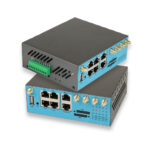
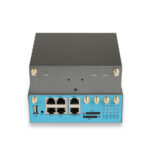
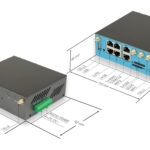
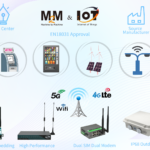
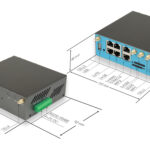
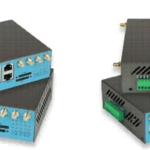
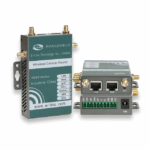
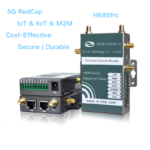
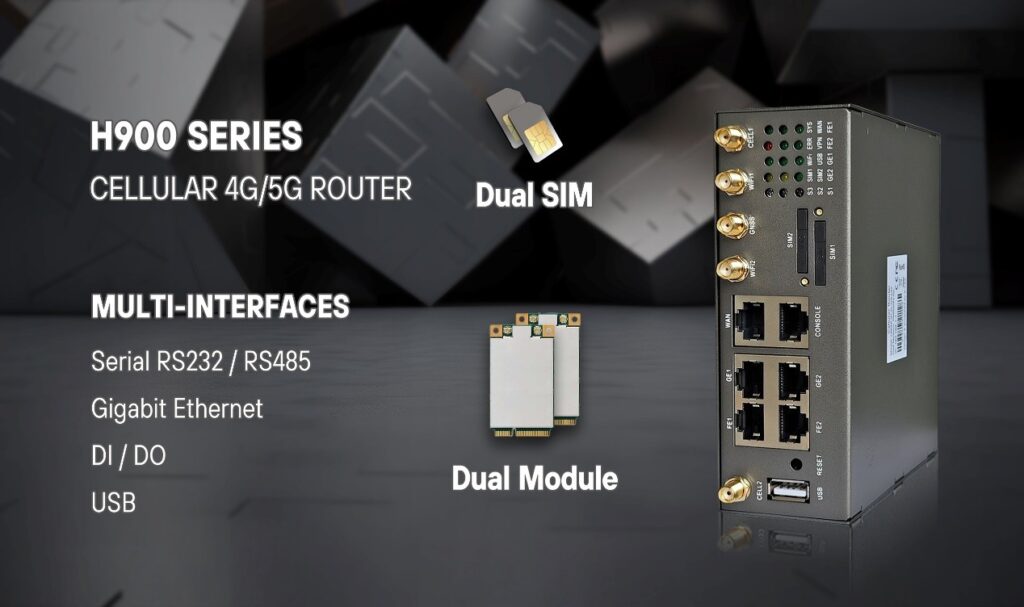
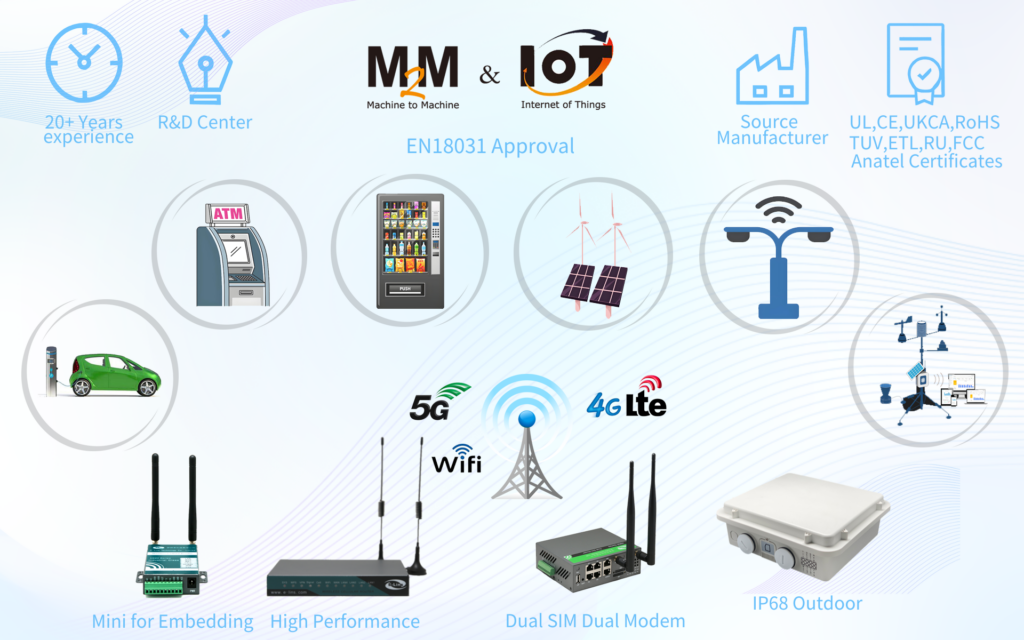
Are you ready to deploy an industrial 5g wireless router? Take a quick view of E-Lins, a IoT expert providing many excellent industrial 5g wireless routers.