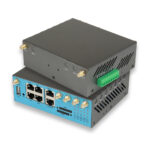
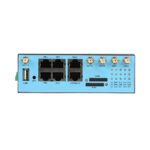
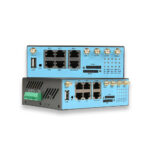
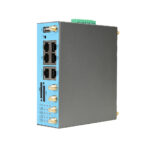
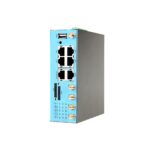

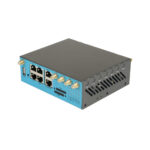
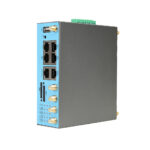
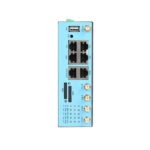
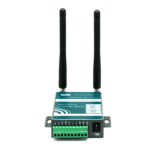
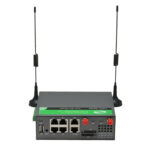
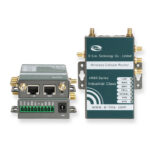
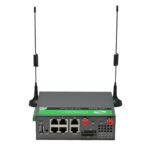
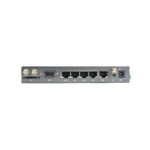
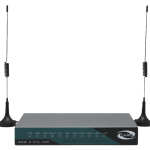
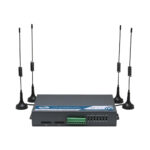
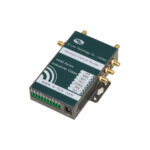
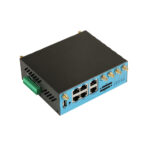
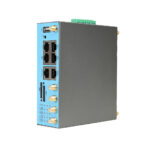
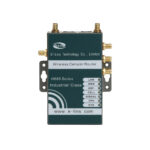







































Steps for updating,
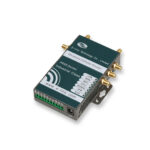
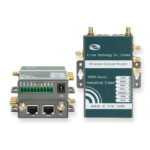
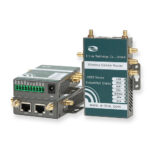
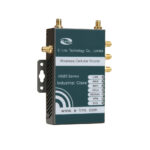
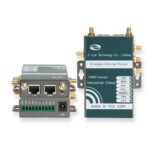
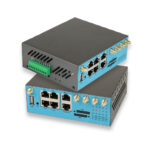
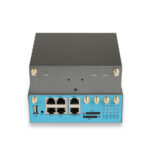
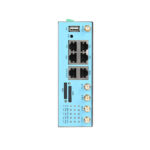
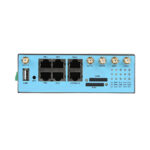
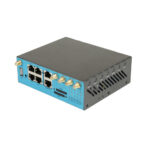
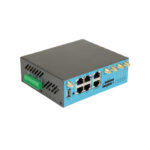
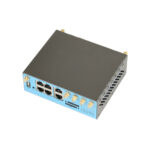
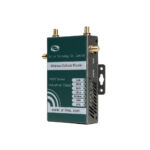
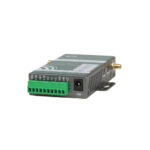
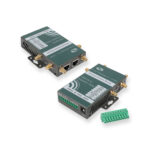
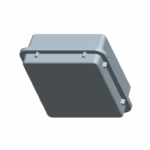
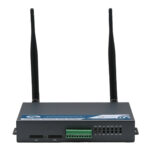
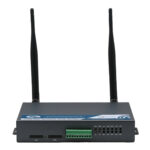
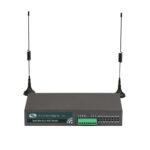
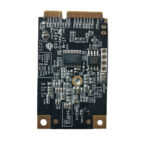
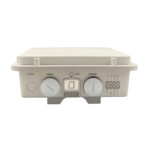
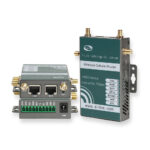
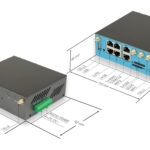
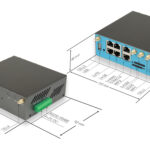
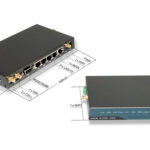
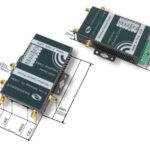
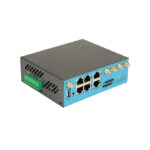
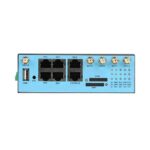
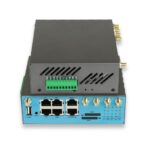
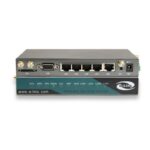
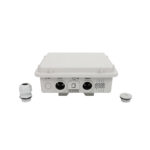
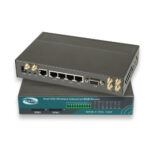
1) open H820 case, take out the MC7710 radio module
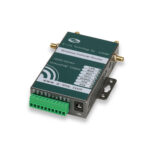
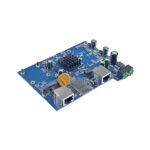
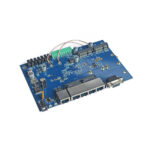
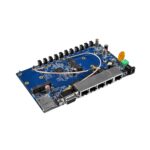
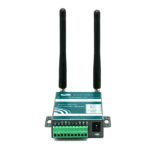
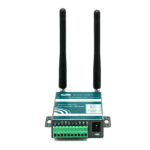
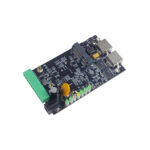
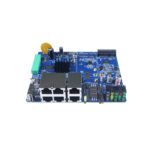
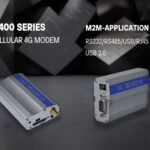
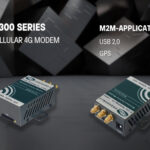
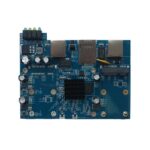
2) install the MC7710 radio module into the M300 debug board with USB cable.
3) get one PC (called PC1), install MC7710-DIP windows drivers. Download drivers and GUI tool at link https://www.e-lins.com/EN/download/driver/MC7710-DIP.zip
4) get another PC(called PC2), install MC7710-QMI windows drivers. Download drivers and GUI tool at link https://www.e-lins.com/EN/download/driver/QMI_B3449_Watcher.zip and https://www.e-lins.com/EN/download/driver/QMI_Driver_B3574.zip
5) Download DIP-QMI switching tool at link https://www.e-lins.com/EN/download/driver/BZ31018_DIP_QMI_ModeSwitch.zip
Unzip it and put in PC1.
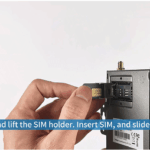
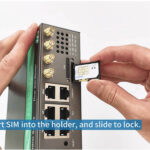
6) Put the SIM card into the M300 debug board. Connect M300 debug board with MC7710 radio module to PC1, power on the M300 debug board, the PC1 will find the device and finishing installing the drivers.
Run the sierrawireless GUI tool, check if can get signal and network.
Run the DIP-QMI switching tool “BZ31018_DIP_QMI_ModeSwitch.exe”, try to switch from DIP to QMI mode. Please do not touch the M300 board until the switching is finished.
7) Connect the M300 board with MC7710 radio module to PC2, power on the M300 debug board, the PC2 will find the device and finishing installing the drivers.
Run the sierrawireless GUI tool, check if can get signal and network.
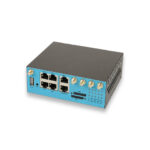
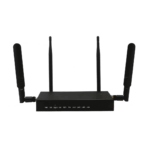
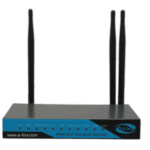
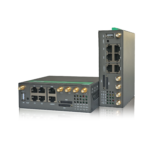
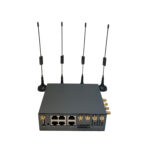
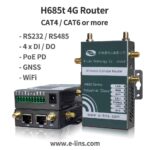
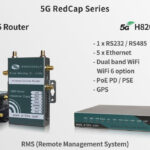
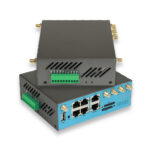
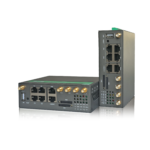
8) Put the MC7710 radio back to H685 router. Install the connectors and cables well.
9) Download newest firmware at link https://www.e-lins.com/EN/download/firmware/ H820_8M64M_V2.3.52_20130801
And update the H820 with this firmware.
10) At H820 router, please at WAN configuration page, select “AUTO” at “Cell Modem”. Do not forget to click “Apply” button. Then the router will search the radio module, and working with QMI mode, which can reach much faster speed than before.