









































In the business world, reliable Wi-Fi is no longer a convenience; it’s critical infrastructure. From employee productivity and cloud applications to customer engagement and IoT operations, a weak network can mean lost revenue and frustrated stakeholders. Enter Wi-Fi 6, a standard built with the modern, high-density business environment in mind.
1)Solving High-Density Challenges:
Offices with hundreds of employees on video calls, retail stores with connected point-of-sale systems and customer Wi-Fi, and hotels with streaming demands in every room are nightmares for legacy Wi-Fi. Wi-Fi 6’s combination of OFDMA and 8×8 MU-MIMO allows a single access point to serve dozens of clients efficiently and simultaneously. This means no more dropped Zoom calls in conference rooms and seamless browsing for guests, even when the venue is at capacity.
2)Enabling Operational IoT:
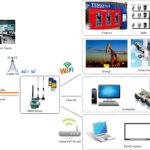
Businesses are deploying sensors for everything: inventory tracking, building management (HVAC, lighting), equipment monitoring, and security. Wi-Fi 6’s Target Wake Time (TWT) is a silent revolution for these deployments. Sensors can last for years on a battery, drastically reducing maintenance costs and enabling pervasive data collection for analytics and automation.
3)Improved Security Posture:
With cyber threats on the rise, WPA3—mandatory in Wi-Fi 6—is a major security upgrade. Its stronger encryption protects sensitive business data. For guest networks, the Enhanced Open feature provides individualized data encryption even without a password, protecting customers from casual eavesdropping. This is crucial for retail and hospitality brands that care about customer privacy.
4)Supporting Next-Gen Applications:
Wi-Fi 6 lays the groundwork for transformative technologies. Ultra-Low Latency is key for real-time collaboration tools, AR/VR training simulations, and in-hospitality applications like VR concierge services. The high capacity and efficiency enable the use of high-bandwidth, low-latency applications that were previously unreliable on shared wireless networks.
5)A Foundation for Wi-Fi 6E:
For businesses with extreme bandwidth needs (like media production firms or research campuses), the Wi-Fi 6E extension (using the 6 GHz band) offers a massive, uncongested highway. This is perfect for setting up dedicated, high-performance networks for specialized tasks without interfering with the core employee or guest Wi-Fi.
6)Implementation Considerations:
- Conduct a Network Audit: Understand your current device density, application needs, and coverage gaps.
- Prioritize Access Points: Upgrade key high-density areas first (conference rooms, lobbies, retail floors).
- Client Device Strategy: To reap full benefits, employee devices (laptops, phones) should also be Wi-Fi 6 capable. Factor this into your IT refresh cycle.
- Think Beyond Speed: When evaluating systems, focus on vendors that highlight OFDMA, BSS Coloring, and TWT management capabilities in their enterprise dashboards.
7)What is the differrence between WiFi 6 and WiFi 5?
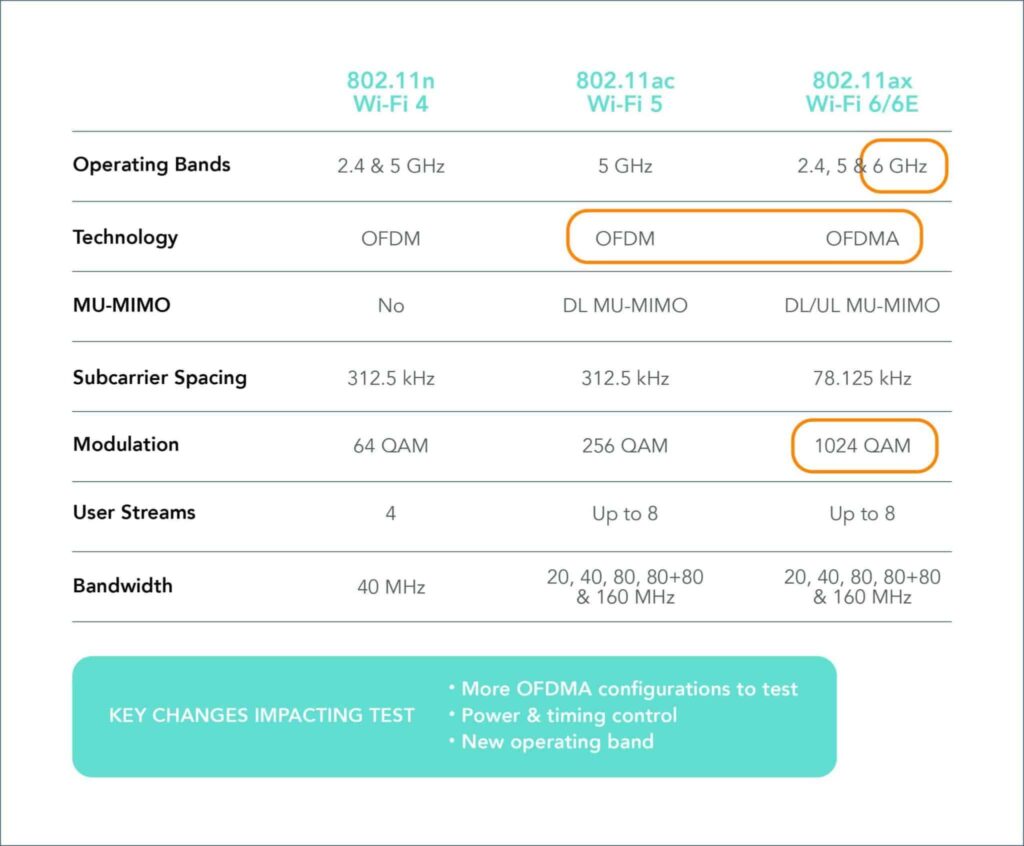
The Congestion Challenge: The average household now has over 15 connected devices. Wi-Fi 5 routers can struggle with this load, leading to the dreaded “buffering” circle. Wi-Fi 6’s OFDMA is the hero here. In a family scenario, a Wi-Fi 6 router can seamlessly send a video stream to the TV, a webpage to a laptop, and a voice command to a smart speaker at the same time, within a single transmission cycle. A Wi-Fi 5 router would handle these requests sequentially, causing potential lag for some devices.
Performance in Dense Environments: If you live in an apartment, you might see a dozen neighboring Wi-Fi networks. Wi-Fi 5 devices often get confused by this “noise,” slowing down. BSS Coloring in Wi-Fi 6 allows your devices to ignore foreign network traffic entirely, as if your data is on a dedicated, private lane. The result? More stable connections and higher sustained speeds, even during peak hours.
Battery Life for IoT Devices: Your Wi-Fi 5 smart thermostat or security camera is constantly checking in with the router, draining its battery. Wi-Fi 6 introduces Target Wake Time (TWT), where the router tells these low-power devices exactly when to wake up and communicate. This can extend battery life from months to years, making smart home maintenance far more convenient.
Range and Coverage: While both standards use similar radio frequencies, Wi-Fi 6 includes improvements like better beamforming, which directs signals more precisely towards your device rather than broadcasting in all directions. This can lead to stronger, more consistent signal strength at the edge of your home, improving performance in that back bedroom or patio.
Security is Non-Negotiable: Wi-Fi 6 mandates the use of WPA3 security protocol. WPA3 provides stronger encryption, making it much harder for attackers to crack passwords via brute-force attacks. It also offers better privacy on public networks. While some Wi-Fi 5 devices received WPA3 updates, it’s a mandatory, built-in feature for all Wi-Fi 6 certified devices.
8)Should You Upgrade from WiFi 5 to WiFi 6?
- For a Wi-Fi 5 household: If your current network works flawlessly with your handful of devices, an immediate upgrade may not be urgent. However, your next router purchase should absolutely be Wi-Fi 6 for future-proofing.
- For new buyers or strugglers: If you’re buying a new router, experiencing constant dropouts with multiple users, or building a smart home with dozens of devices, upgrading to a Wi-Fi 6 system is one of the best investments you can make for your digital quality of life.
The verdict? Wi-Fi 6 isn’t just about a faster headline speed. It’s about a smarter, more robust, and more efficient network that turns a congested highway into a managed, multi-lane smart freeway for all your data.
9)FAQ for Wi-Fi 6.
1. What is Wi-Fi 6?
Wi-Fi 6 is the sixth generation of Wi-Fi technology, based on the IEEE 802.11ax standard. It’s designed to improve speed, capacity, and efficiency in dense environments with many connected devices.
2. How is Wi-Fi 6 different from Wi-Fi 5 (802.11ac)?
Key improvements include:
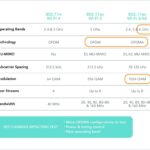
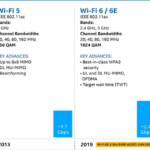
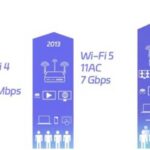
- Higher data rates (up to 9.6 Gbps theoretical maximum vs. 3.5 Gbps for Wi-Fi 5).
- OFDMA (Orthogonal Frequency Division Multiple Access) for better multi-device efficiency.
- MU-MIMO enhancements (now supports both uplink and downlink).
- Target Wake Time (TWT) for better battery life on devices.
- 1024-QAM modulation for higher throughput.
3. What are the benefits of Wi-Fi 6?
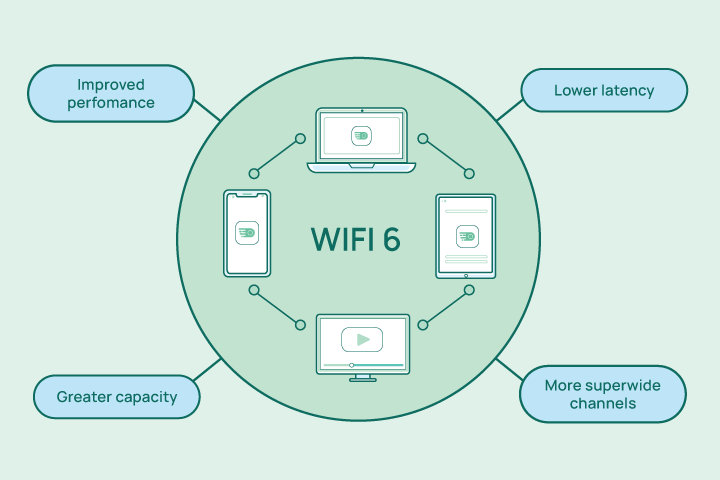
- Faster speeds in congested areas (e.g., airports, stadiums, offices).
- Lower latency for gaming and real-time applications.
- Improved battery life for IoT and mobile devices.
- Better performance in environments with many connected devices.
4. Is Wi-Fi 6 backward compatible with older devices?
Yes, Wi-Fi 6 routers and access points support older Wi-Fi standards (802.11a/b/g/n/ac). However, to enjoy Wi-Fi 6 benefits, both the router and client devices (smartphones, laptops, etc.) must support Wi-Fi 6.
5. Do I need a new router for Wi-Fi 6?
Yes, you need a Wi-Fi 6 certified router or access point. Many newer ISPs and manufacturers offer Wi-Fi 6 compatible hardware.
6. What devices support Wi-Fi 6?
Most recent smartphones (iPhone 11 and later, Samsung Galaxy S10 and later), laptops (Intel® Wi-Fi 6 enabled), tablets, and smart devices now support Wi-Fi 6. Look for “Wi-Fi 6” or “802.11ax” in the specifications.
7. Does Wi-Fi 6 work with 5GHz and 2.4GHz bands?
Yes, Wi-Fi 6 operates on both 2.4 GHz and 5 GHz bands, and it also supports the newer 6 GHz band (in Wi-Fi 6E).
8. What is Wi-Fi 6E?
Wi-Fi 6E extends Wi-Fi 6 into the 6 GHz frequency band, offering additional spectrum, less interference, and more channels for high-bandwidth applications.
9. Is Wi-Fi 6 more secure?
Yes, Wi-Fi 6 mandates WPA3 (Wi-Fi Protected Access 3) for enhanced encryption and security, making it harder for attackers to crack passwords.
10. Will Wi-Fi 6 improve my internet speed?
It can improve local network speeds and efficiency, but your actual internet speed depends on your Internet Service Provider (ISP) plan. Wi-Fi 6 helps maximize the usage of your available bandwidth.
For forward-thinking businesses, Wi-Fi 6 is not just an IT upgrade; it’s a strategic investment. It enhances productivity, enables new services, improves security, and provides the scalable backbone required for the digital workplace of today and tomorrow.
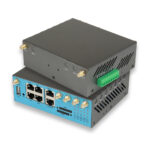
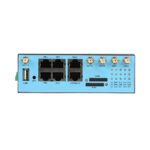
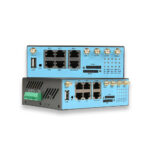
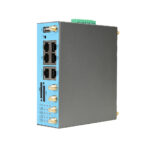
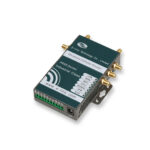
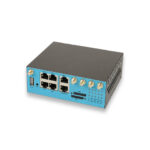
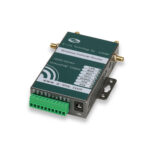
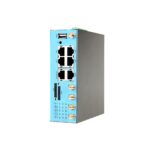
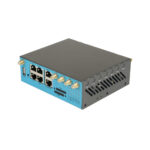
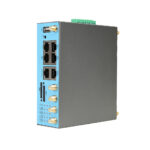
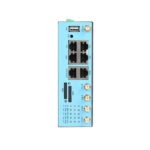
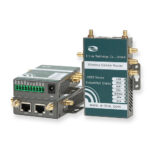
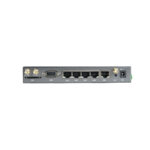
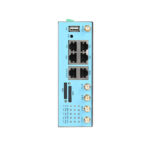
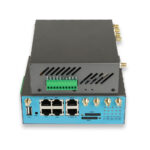
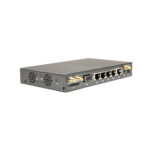
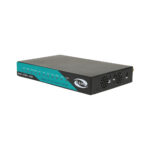
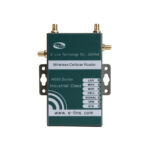
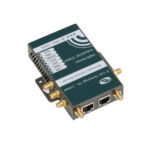
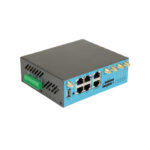
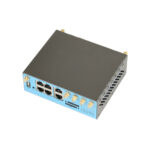
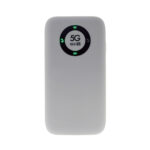
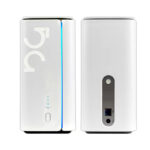
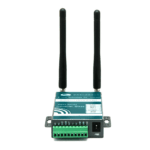
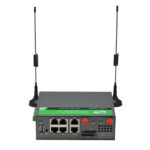
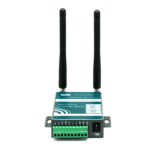
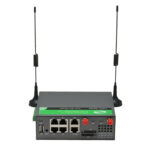
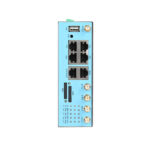
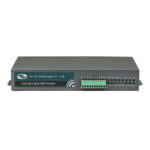
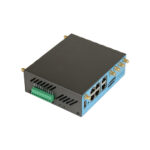
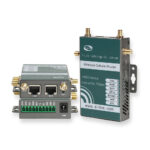
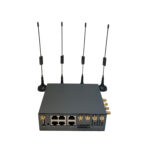
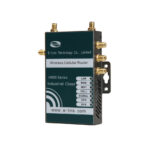
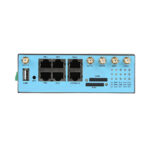
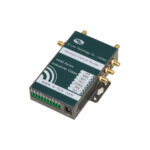
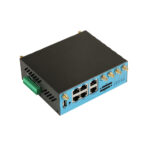
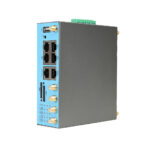
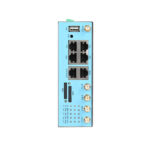
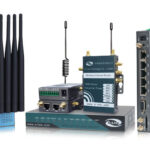
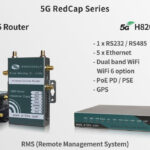
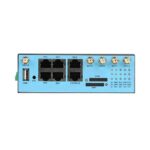
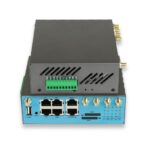
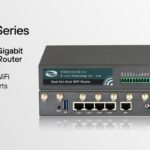
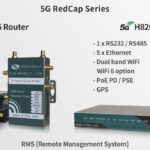
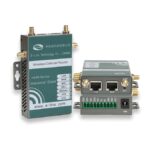
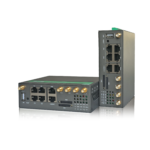
Are you interested in a 5G Router with Wi-Fi 6? Please do not hesitate to contact with E-Lins, a professional 5G Router & 4G Router expert since 1999.