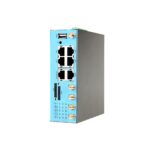

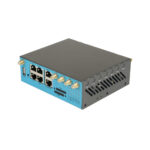
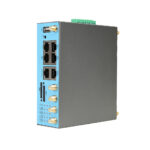
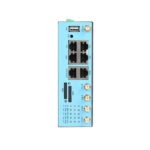













































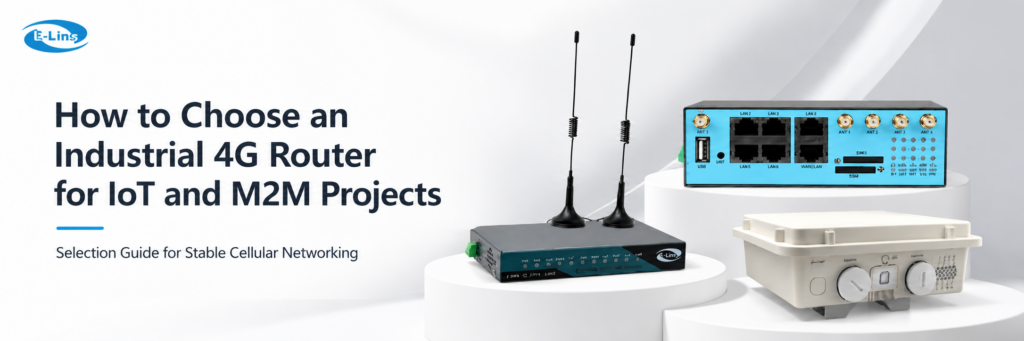
Industrial IoT and M2M projects often fail for practical reasons. The signal is weak, the SIM plan is not matched, remote access is missing, or the router cannot recover after a network drop. Therefore, selecting an industrial 4g router should not start with price or peak speed only. A field project needs stable cellular access, useful interfaces, secure tunnels, proper power input, and reliable maintenance access. For that reason, choosing a 4G Router should be treated as part of the full network design.
Instead, the selection process should start with the real installation site. The project team should confirm the SIM card, carrier, APN, Ethernet ports, VPN method, remote management tools, serial interface, power supply, antenna position, and mounting method. In addition, lifecycle planning matters because remote equipment is expensive to revisit after deployment.
Quick answer: An industrial 4g router should be chosen by project environment, SIM and APN settings, VPN access, port requirements, power input, antenna position, and remote maintenance needs. For most IoT and M2M sites, the best industrial 4g router is not the fastest model, but the one that keeps field equipment online with fewer site visits.
What Is an Industrial Cellular Router?
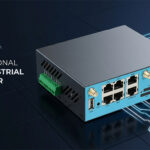
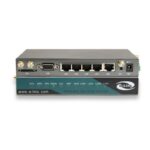
An industrial cellular router connects field equipment to the internet through a mobile network. In practice, it can share LTE access through Ethernet, Wi-Fi, serial ports, or other local interfaces. Meanwhile, it can create secure tunnels between remote sites and a control center.
Unlike a home router, this device often works inside cabinets, vehicles, outdoor boxes, unattended stations, kiosks, energy sites, and automation systems. As a result, the main concern is not only browsing speed. The real focus is stable connectivity over long operating cycles.
For example, a remote pump station may send sensor data every few minutes. A traffic cabinet may upload controller data. A self-service terminal may need payment connectivity and maintenance access. In each case, the router must keep the cellular session alive and support remote diagnosis.
In short, an industrial 4g router is a field communication gateway for remote assets, not just a simple internet-sharing device.
Industrial Router vs Normal 4G Router
A normal 4G router usually focuses on simple internet sharing. It may work well in a home, a small office, or a temporary indoor location. However, industrial deployments usually require stronger interfaces, better control, and more predictable recovery after network failure.
First, industrial sites often have power variation. A router may need wide voltage input, reliable reboot behavior, and better protection against unstable supply. In contrast, a consumer device usually expects a fixed adapter and a controlled indoor environment.
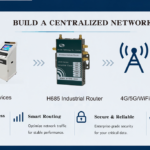
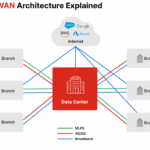
Second, industrial networks often require VPN, serial communication, WAN failover, remote management, DIN rail mounting, and external antennas. Therefore, the device should be selected as part of the whole communication architecture, not as a simple internet box.
Key Features to Check Before Selection
A well-matched Industrial 4G Router should fit the site, the carrier network, the connected devices, and the maintenance workflow. Therefore, the following points should be checked before model selection.
For technical background, the LTE overview and VPN concept explain two basic technologies behind cellular remote access. In real projects, an industrial 4g router still needs to be selected according to local carrier support, security policy, and field equipment interfaces.
SIM, APN, and Carrier
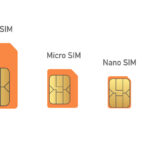
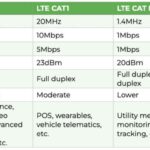
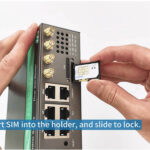
First, LTE bands, SIM plan, APN, roaming rules, static IP, and private network settings must match the deployment region.
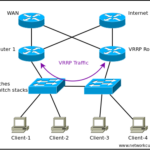
LAN, WAN, and Failover
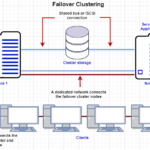
In addition, Ethernet layout should match PLCs, cameras, meters, gateways, or edge computers at the site.
RS232 and RS485
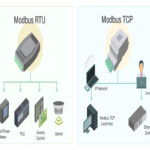
Many field devices still use serial ports. Therefore, RS232, RS485, and Modbus needs should be confirmed early.
VPN and Firewall
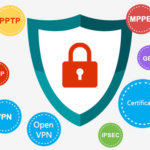
Secure remote access may require IPsec, OpenVPN, GRE, L2TP, WireGuard, DMVPN, firewall rules, or port control.
Remote Management
Meanwhile, Web GUI, SMS, SSH, Telnet, SNMP, TR-069, logs, and NMS support can reduce site visits.
Power and Installation
Finally, wide voltage input, PoE, DIN rail mounting, wall mounting, antenna placement, and temperature range affect uptime.
Product Direction: Match Hardware to the Field Design
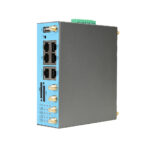
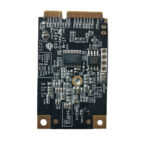
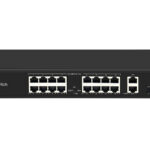
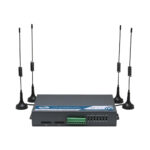
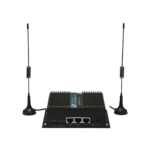
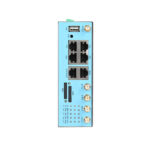
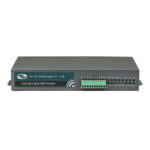
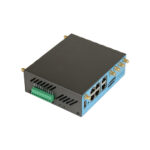
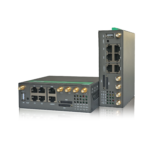
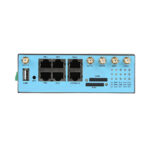
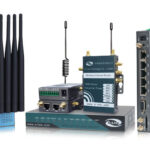
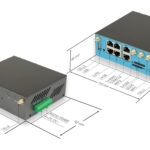
Different IoT and M2M systems need different interface combinations. For this reason, industrial 4g router model selection should begin with the deployment scenario. The following product directions show how router type, interface, and installation style can be matched to real project needs.
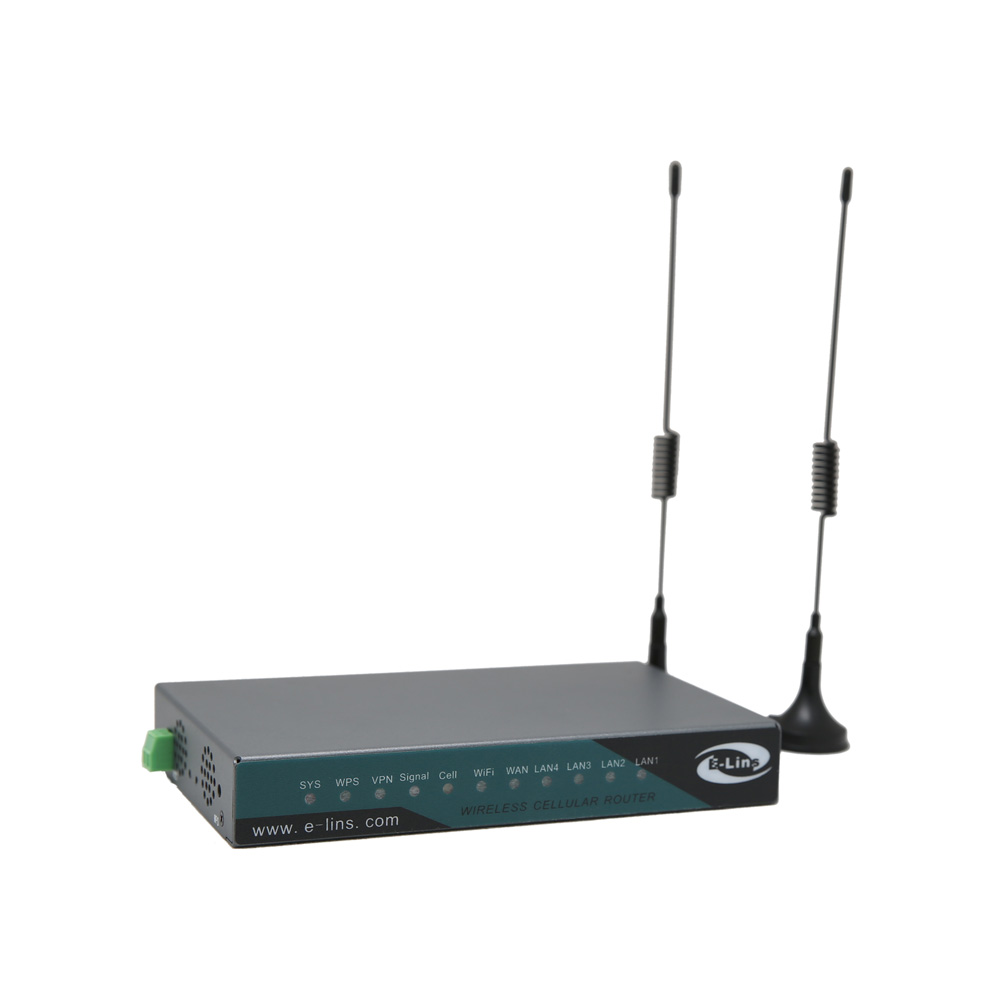
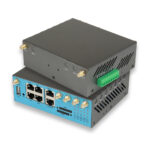
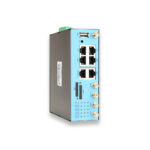
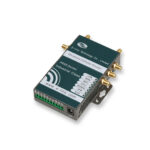
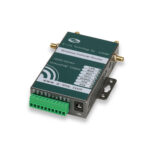
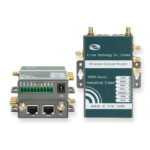
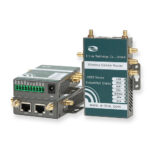
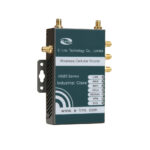
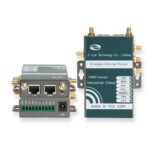
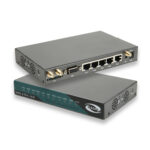
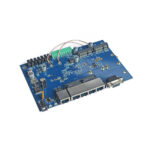
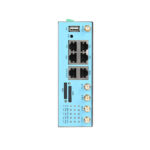
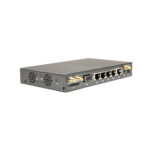
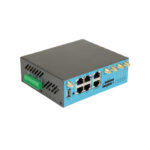
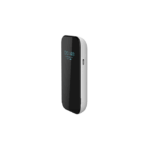
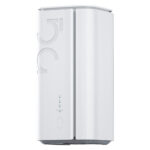
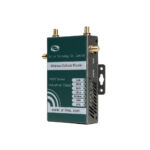
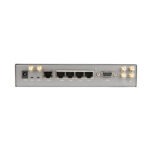
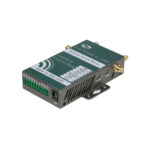
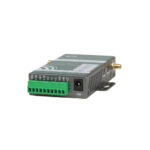
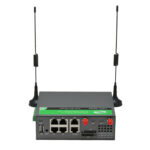
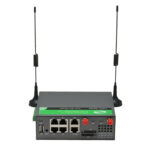
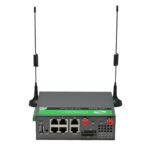
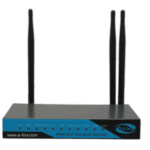
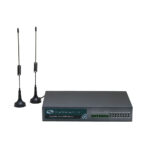
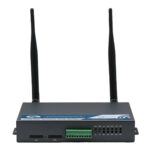
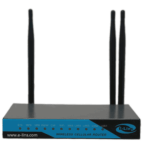
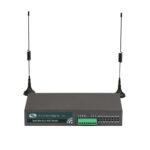
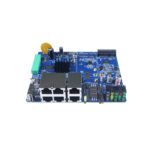
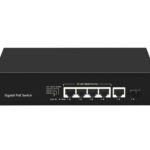
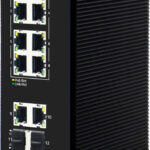
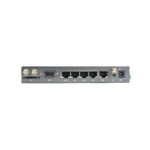
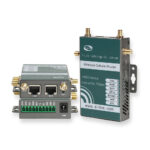
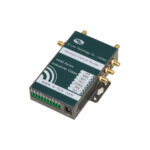
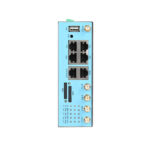
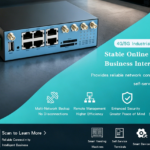
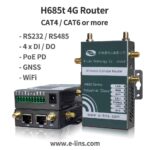
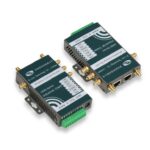
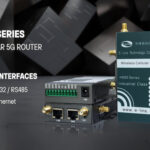
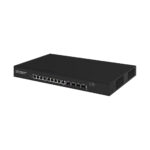
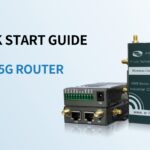
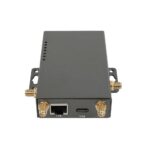
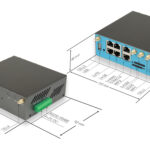
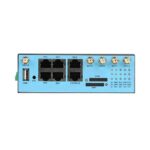
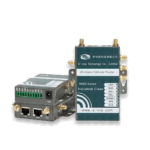
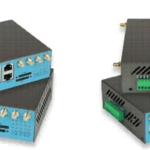
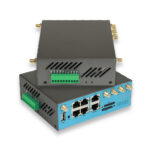
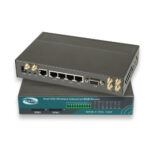
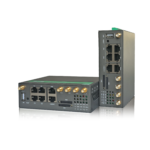
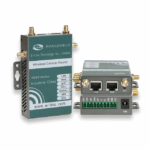
For RS232, Wi-Fi, PoE, and secure VPN projects
This direction fits cabinets, automation systems, telemetry sites, and equipment access projects that need practical wired interfaces.
View Product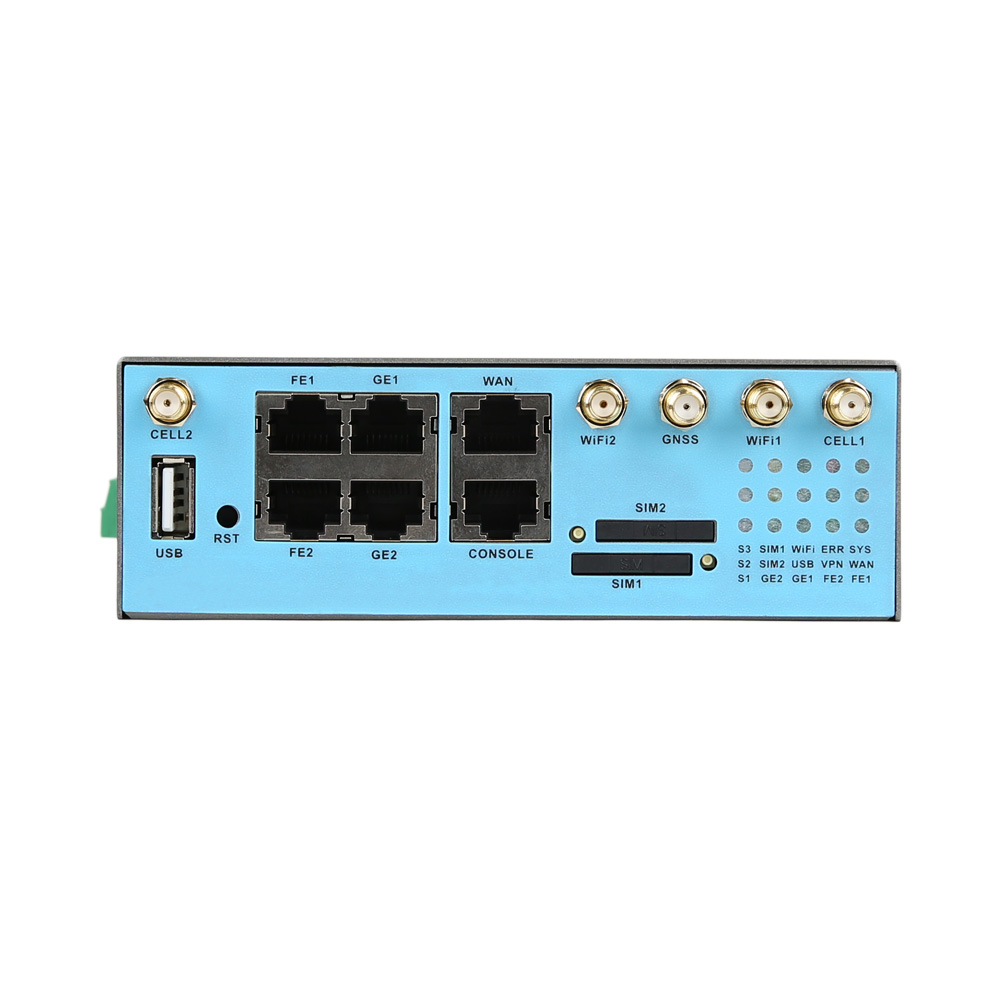
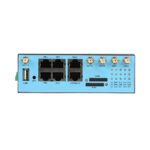
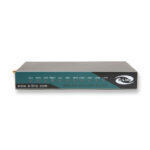
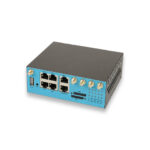
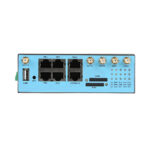
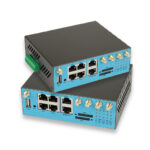
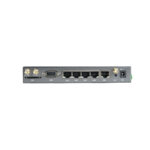
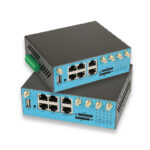
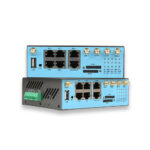
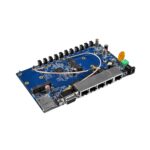
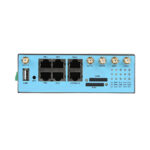
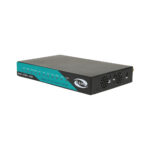
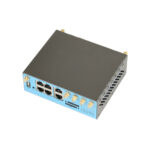
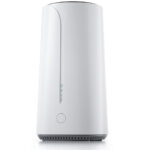
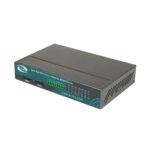
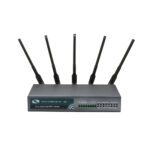
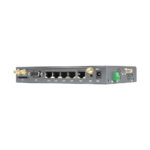
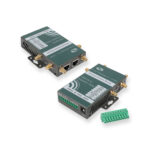
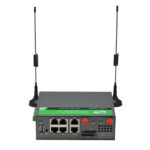
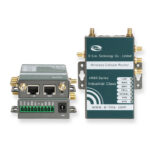
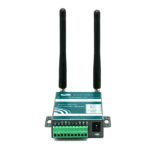
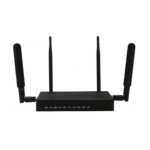
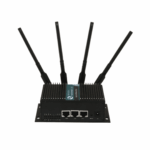
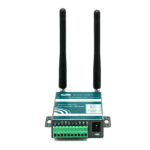
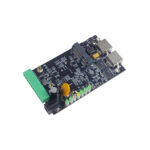
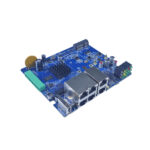
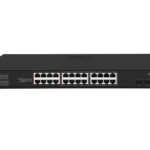
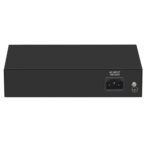
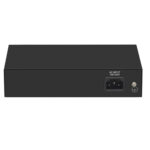
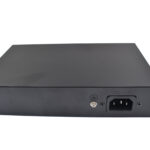
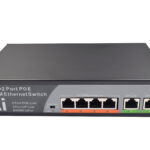
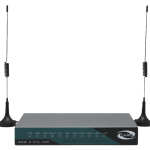
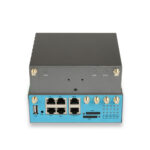
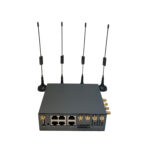
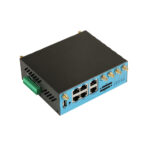
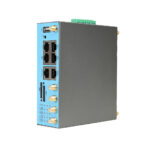
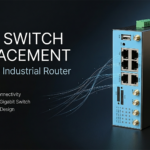
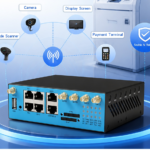
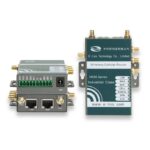
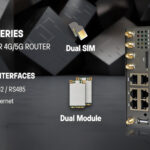
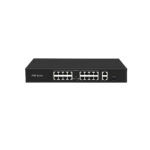
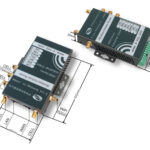
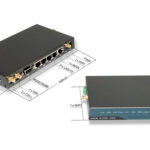
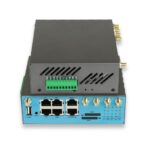
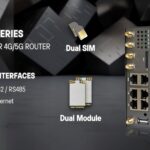
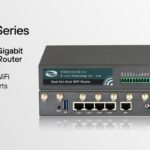
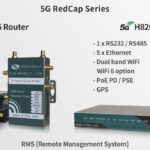
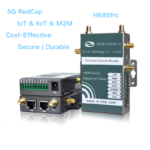
For dual SIM, Gigabit Ethernet, and PoE needs
This direction fits sites that need carrier redundancy, more local ports, and stronger network gateway capability.
View Product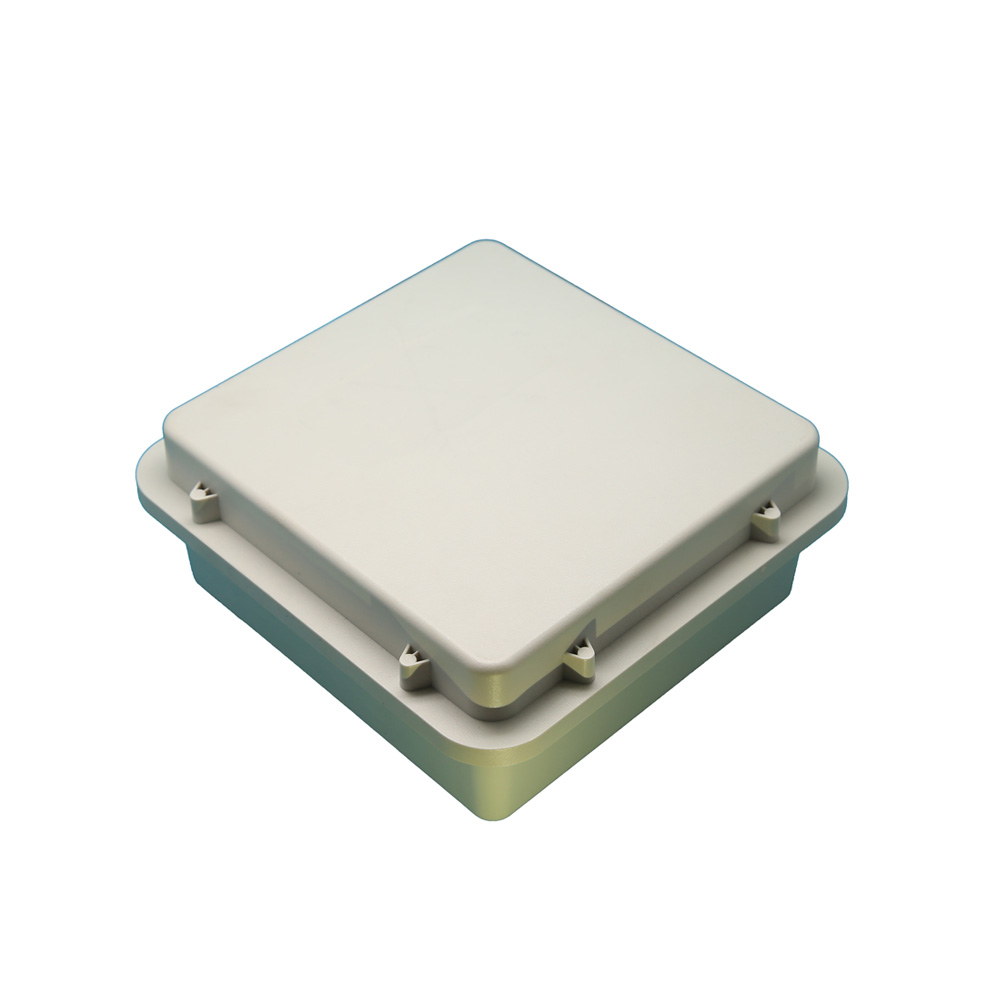
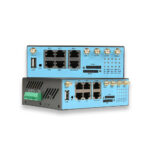
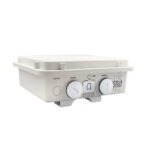
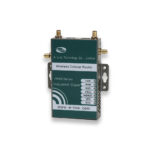
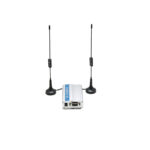
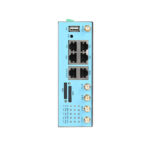
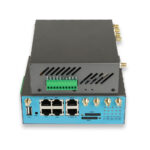
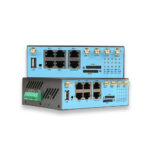
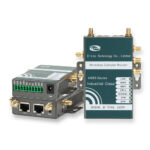
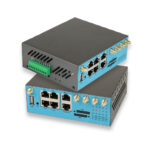
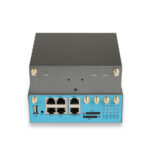
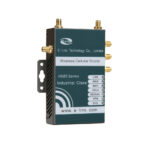
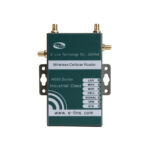
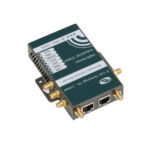
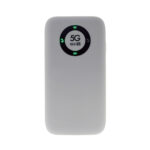
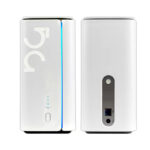
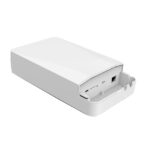
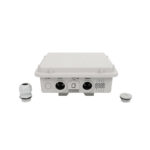
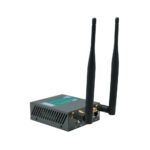
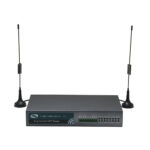
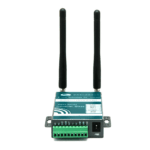
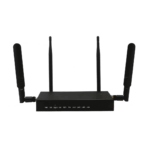
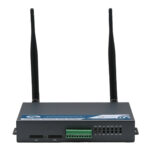
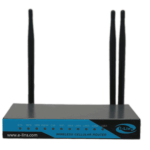
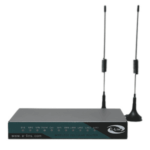
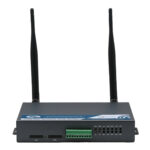
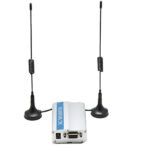
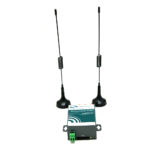
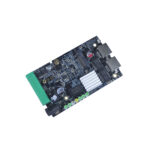
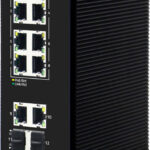
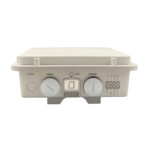
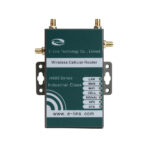
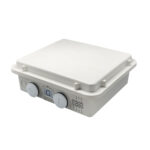
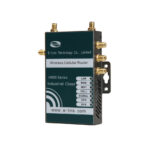
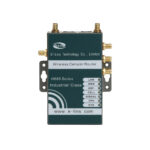
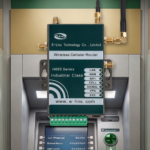
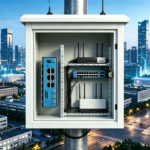
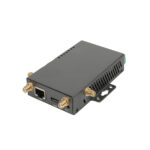
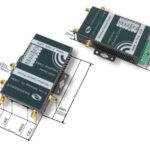
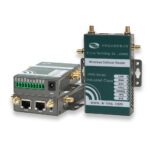
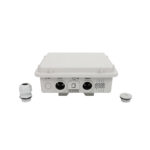
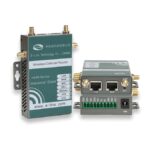
For outdoor boxes, poles, and exposed sites
This direction fits outdoor access points, remote assets, and sites where enclosure and antenna placement matter.
View ProductTypical IoT and M2M Applications
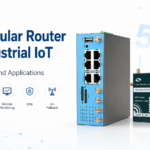
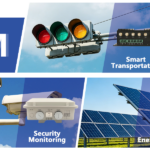
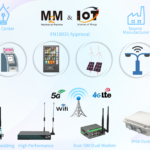
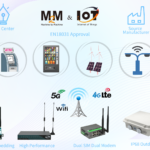
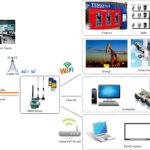
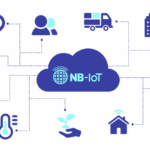
Industrial cellular routers support many remote networking projects. For example, they can connect energy sites, solar systems, EV charging stations, water treatment equipment, traffic cabinets, security systems, kiosks, vending machines, and environmental monitors.
In smart city systems, routers may connect traffic controllers, digital signage, parking equipment, or surveillance devices. Meanwhile, remote access helps operation teams update settings or check alarms without visiting every location.
In manufacturing and automation, routers may provide remote maintenance for machines, PLCs, and industrial PCs. As a result, equipment suppliers and system integrators can diagnose many issues through a secure connection before arranging field service.
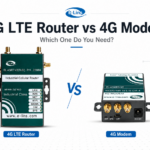
4G Router vs 4G Modem: How to Choose
A router and a modem are not the same. A router usually handles routing, NAT, firewall, VPN, DHCP, and local network sharing. A modem mainly provides cellular connectivity to another host device.
Choose a router when several local devices need internet access. It is also suitable when the site needs VPN, firewall rules, remote management, or LAN/WAN routing. In addition, a router can often operate as the main network gateway.
Choose a 4G Modem when another controller, gateway, or industrial computer already handles the network logic. In that case, the modem provides cellular access while the host device manages data and control.
Buying Checklist for IoT and M2M Projects
Before selecting hardware, the project team should define the field conditions. A clear industrial 4g router checklist prevents wrong choices and reduces later changes.
- Application type: telemetry, video, PLC access, payment, signage, vehicle, energy, security, or machine maintenance.
- Deployment location: indoor cabinet, outdoor enclosure, vehicle, pole, kiosk, equipment room, or remote station.
- Cellular requirement: LTE bands, carrier, SIM plan, APN, roaming, private network, static IP, or dynamic IP.
- SIM design: single SIM, dual SIM, failover rule, backup carrier, data usage, and service area.
- Ethernet design: number of LAN ports, WAN port, Fast Ethernet, Gigabit Ethernet, bridge mode, or NAT mode.
- Serial interface: RS232, RS485, Modbus RTU, transparent transmission, and protocol requirements.
- VPN requirement: IPsec, OpenVPN, WireGuard, GRE, L2TP, PPTP, or DMVPN.
- Remote management: Web GUI, SMS, SSH, Telnet, SNMP, TR-069, NMS, logs, and configuration backup.
- Environment: power input, temperature, dust, moisture, vibration, enclosure, grounding, and antenna position.
Common Selection Mistakes
One common industrial 4g router selection mistake is choosing only by signal bars. Signal bars give a rough view, but they do not show the full radio quality. Therefore, field tests should also check packet loss, latency, and real application behavior.
Another mistake is ignoring the SIM plan. Some SIMs block inbound access. Others use CGNAT, which limits direct remote connection. In that case, VPN, private APN, or cloud-based management may be needed.
A third mistake is placing antennas inside a metal cabinet. The router may work during desk testing, then fail after installation. Therefore, final antenna placement should be tested before project acceptance.
FAQ
What is the best industrial 4g router for remote monitoring?
The best industrial 4g router for remote monitoring depends on the site. For PLC access, check RS232 or RS485 and VPN. For outdoor sites, check antenna placement and enclosure design. For critical uptime, consider dual SIM, failover rules, logs, and remote management.
What is an industrial cellular router used for?
It connects remote equipment through mobile networks. Common uses include telemetry, PLC maintenance, meters, kiosks, traffic cabinets, energy systems, security devices, and M2M communication.
Is an industrial router better than a normal 4G router?
For field equipment, it is usually more suitable. Industrial routers focus on stable operation, wider power input, practical interfaces, VPN, remote management, and installation flexibility.
Do industrial routers support VPN?
Many industrial routers support VPN functions such as IPsec, OpenVPN, L2TP, GRE, PPTP, WireGuard, or DMVPN. The exact type should match the central firewall and security policy.
When should a 4G modem be chosen instead?
A modem is suitable when another host device already handles routing, firewall, data processing, and application logic. In that case, the modem mainly provides cellular access.
How should the right model be selected for an IoT project?
The selection should start with the application, location, SIM plan, interface needs, VPN requirement, power input, and installation method. After that, model options can be narrowed down.
Get a More Practical Model Recommendation
Choosing an industrial 4g router is mainly an engineering decision. The right device should match the site, carrier network, local equipment, security design, and maintenance plan.
As a 4G router manufacturer, E-Lins can review the application scenario, installation environment, network requirements, interface needs, and SIM or carrier details before recommending a suitable industrial cellular router solution.
Contact E-Lins