
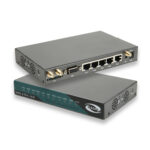
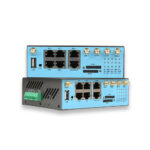
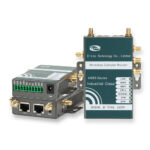
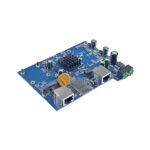
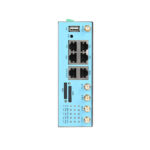
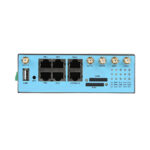
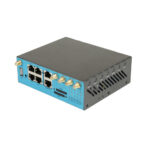
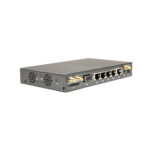
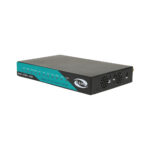
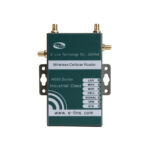
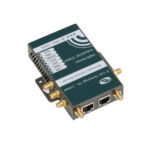
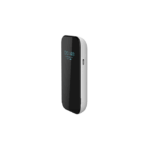
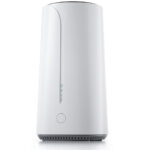
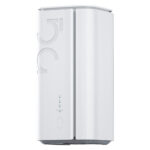
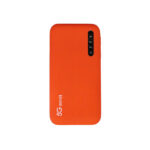
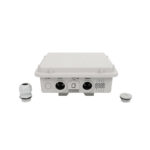
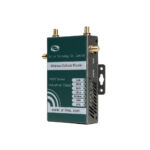
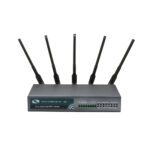
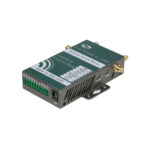
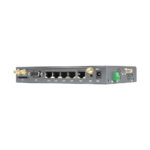

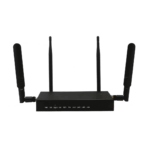
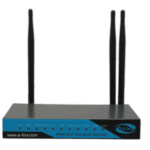
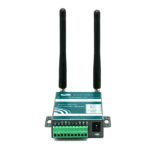
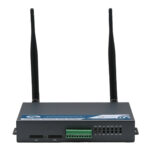


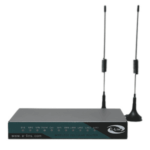
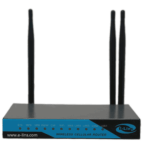
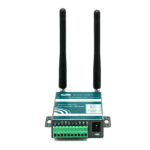
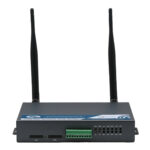
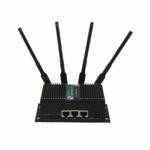
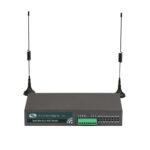
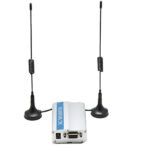









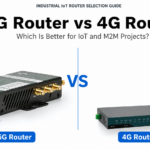
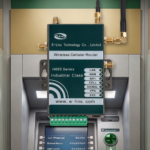
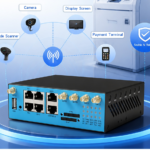
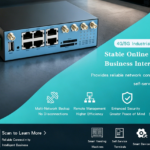





































These are the most important features to look for when selecting a 5G wireless router for your home & business
With hyper-connectivity dominating the present age – where 8K streaming, cloud gaming, remote work and smart home ecosystems form a part of everyday life – an unfailing and cutting-edge broadband connection has transitioned into a necessity, not just a luxury. It has been the 5G wireless router that could be a game-changer by linking cellular 5G to Wi-Fi connectivity so that you may access the web using all of your devices.
5G wireless router uses cellular-connected 5G signals to carry ultra-fast internet, and are the perfect solution for underserved locations lacking in wired infrastructure, frequent travelers, or anyone looking to a flexible high-performance network compared with traditional wired broadband. However, in a sea of dozens of models all with varying features, speeds and price points offering the best 5G wireless router for your needs can be quite daunting. From key buying characteristics to the best picks — plus common misconceptions not to fall for — this 2026 Buyer’s Guide will dissect everything you need to know.

A 5G Router is a multi-device Internet arrangement for individuals who are still not familiar with the concept yet.
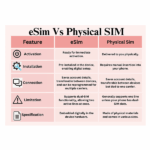
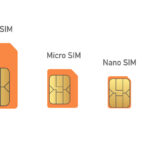
It is essential to know what a 5g wireless router is and how it differs from other routers before you jump into the buying process. 5G wireless routers (also referred to as 5G cellular routers) receive a mobile network’s 5G signal (from sub-6 GHz or mmWave) and then convert it and spread that signal out as Wi-Fi so all of your devices – smartphones, laptops, tablets, smart TVs, IoT Device, etc. While traditional Wi-Fi routers needing a physical broadband connection (fiber, cable or DSL) to connect to the internet, 5G wireless routers access a 5G network using a nano SIM card from the cellular provider it connects with similar to how you would use an android smartphone.
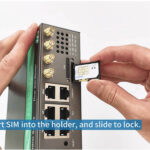
At its heart, a 5G wireless router is designed to pick up 5G cellular signals, convert that signal and then repeat it via a Wi-Fi signal typically in the form of Wi-Fi 6 or the latest Wi-Fi 7 for nearby devices. Many of the newer 5G wireless routers are dual-band or tri-band Wi-Fi-ready as well, meaning faster speeds and connectivity for multiple devices going at once. As an added bonus going for many models allows connection of wired Ethernet ports, similar to what you need to gaming consoles or desktops. Most 5G wireless routers have a plug-and-play design, allowing you to set up your device in less than 10 minutes with the simple process; insert a compatible 5G SIM card, power on the router and connect to your devices using Wi-Fi.
1)Guidelines to Consider while Choosing a 5G Wireless Router in 2026
5G wireless routers come in many forms, but this is not a one-size-fits-all scenario. Be sure to note these key features to ensure you select a device suitable for your needs:
1. 5G Band Support (Sub-6 GHz vs mmWave)
5G networks work in two major frequency ranges: sub-6 GHz, and mmWave (millimeter wave). Sub-6 GHz is the most widely used band that strikes a target balance of speed and coverage, as it can pass through walls and travel great distances—serving home and suburban use-case scenarios more effectively. In contrast, mmWave offers extreme speeds (up to 10 Gbps under optimal conditions), but limited range paired with bad wall penetration lends itself more closely to heavy urban areas with strong 5G infrastructure. You are primarily asking for a dual-band 5G router because you want flexibility and maintain the ability to leverage either band depending on whether you live in an area with varying 5G coverage (which you want One. This is the case for most 2026 models, including TP-Link’s Deco BE65-5G, which supports sub-6 GHz and is enough for most home/small business users.
2.Wi-Fi Standard (Wi-Fi 6 VS Wi-Fi 7)
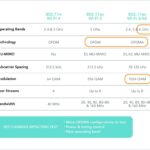
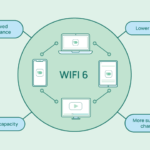
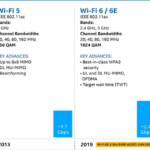
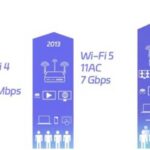
The Wi-Fi standard of your 5G wireless router affects the speed and reliability of the connection. Wi-Fi 6 (802.11ax) is the current mainstream standard [2], supporting potential throughput of up to 9.6 Gbps, smarter multi-user capacity and better energy efficiency. Wi-Fi 7 (802.11be), popular in 2026, supersedes the Wi-Fi 6 and Wi-Fi 6E standards with peak data rates up to 30 gigabits per second (Gbps), lower latency, support for four-channel-wide 320MHz channels and new Multi-Link Operation (MLO) that connects multiple bands at once to achieve faster and more reliable connections. If you have many devices (e.g., smart home gadgets, video game consoles, streaming devices) or want to ensure your future networking needs are met, choose a 5G wireless router with Wi-Fi 7. Best Wi-Fi 7 routers for 2026: ASUS RT-BE58U and TP-Link Archer BE9700
3.Speed and Performance
The speed of a 5G wireless router is dictated by the combination of the cellular speed and then the Wi-Fi speed. We recommend a router that has a minimum 5G download speed of at least 1 Gbps (best for 4K/8K streaming, and cloud gaming as well) and be greater than (or equal to) a Wi-Fi speed of above or above 3 Gbps. However, remember that depending on your cellular provider coverage and signal strength, along with network congestion as well during peak hours…and all 5G only requires a phone to support it fully. Take, for example, the TP-Link Deco X50-5G with its 5G download speed of up to 3.4 Gbps and Wi-Fi 6 speed of up to 3.0 Gbps designed for high-bandwidth activities like gaming.
4.Number of Devices Supported
Choose a 5G wireless router that can cater to more than 50 devices at the same time if there are many smartphones, laptops, smart TVs, security cameras IOT gadgets in your large house or small business. OFDMA (Orthogonal Frequency Division Multiple Access) and MU-MIMO (Multi-User Multiple Input Multiple Output) present in Wi-Fi 6 and Wi-Fi 7 routers enables these devices to offer the same speeds to more devices without any speed or reliability issues. With the ability to link up over 200 devices, the TP-Link Deco BE65-5G is a suitable choice for big houses or small offices.
5.Port Selection
Though for the most part devices connect via Wi-Fi, you should still have some wired Ethernet ports available for things that need a steady high-speed connection (desktops or network storage devices, gaming consoles) as well. A minimum of 2-4 Gigabit Ethernet ports (1000 Mbps), and, where possible, a 2.5 Gbps or even 10 Gbps port for faster wired connections is preferable with any 5G wireless router. TP-Link Deco BE65-5G 3× 2.5 Gbps ports, providing maximum flexibility and additional performance per-device for any wired devices.
6.Security Features
As cyber threats are increasing, the importance of network security is also growing. Option for a 5G wireless router operating on encryption standards such as WPA3 (the most recent Wi-Fi security standard), firewalls, parental controls, and real-time threat protection. Most routers (particularly those from TP-Link (Home-Shield) and Netgear or ASUS (AI Protection Pro)) already come with built-in features that offer protection against threats like malware, phishing etc.
7.Battery Life (for Portable Models)
Choose a portable model that contains a built-in battery if you intend to utilize your 5G wireless router when holidaying, camping, or in temporary sites. Make sure you opt for a battery life of no less than 8-12 hours to be able to access the internet on your travels easily. Certain transportable 5G routers even offer assist for high-speed charging, enabling you to fast recharge your battery when needed.
2)Searching For the Best 5G Wireless Router?
Keeping these characteristics in mind here are the top 5G wireless router selections that we’d recommend for whatever your particular needs may be or if you need to stay within a budget as well:
1.Top overall TP-Link Deco BE65-5G (Wi-Fi 7 mesh router)
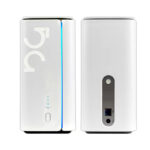
TP-Link Deco BE65-5G: The best overall router with excellent speed, coverage and features for most users the tri-band Wi-Fi 7 mesh router features support for sub-6 GHz 5G technology providing download speeds of up to 3.4 Gbps and Wi-Fi speeds of up to (5760 Mbps on 6 GHz, 2880 Mbps on 5GHz, and574 Mbps on2.4 GHz) a total of9214Mbps Wi-Fi speed! One comes with 3× 2.5 Gbps ports, MLO support and 320 MHz channels and can connect over 200 devices at once. The mesh design gives coverage throughout your house and TP-Link Home-Shield covers the entire network. It has a plug-and-play setup, which is simple to use for both novices and tech-savvy users.
2.Wi-Fi 7 BEST FOR GAMING ASUS RT-BE92U
ASUS RT-BE92U — Best for Gamers Ultra-low latency as low as 1ms thanks to gigabit 5G technology and MLO for this tri-band Wi-Fi 7 router. It provides Wi-Fi speeds of up to 9700 Mbps, supports 320 MHz channels and includes a 2.5 Gbps WAN/LAN port for high-speed wired connections. Also featured is ASUS AI Protection Pro to provide security that will not compromise gaming performance, while its’ ROG ecosystem compatibility ensures easier integration with compatible gaming peripherals. Ai Mesh is also supported, which lets you add extra ASUS routers to increase coverage.
3.The best-value option: TP-Link Archer BE230 (Wi-Fi 7 router)
The TP-Link Archer BE230 is a great choice if you want Wi-Fi 7 performance at a lower price point. Availability The dual-band Wi-Fi 7 router is 5G sub-6 compatible – with download speeds up to 1 Gbps and Wi-Fi speeds of up to 3600 Mbps. It comes with 2× 2.5 Gbps ports, as well as 3× 1 Gbps ports, supports channels of up to 160 MHz, and can connect up to a total of 50 devices. It lacks the advanced features of higher-end models but is ideal for smaller residences and customers who simply want reliable, fast internet without spending a fortune.
4.Most Portable: TP-Link M7650 (5G portative)
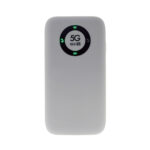
A special mention is the TP-Link M7650 that encases a number one performing portable 5G router for travelers and users needing internet on-the-move down to earth. It comes with sub-6 GHz 5G support, offers download speeds of up to 3.4 Gbps and has a large capacity 5000mAh battery that provides up to 12 hours of usage time. It comes with a small footprint, can power up to 32 devices at the same time, and has a USB-C fast charging port. Ideal for camping, road trips, temporary offices, and vacation homes.
5.Best for IoT & IIoT Choices– E-Lins H685f & H900f
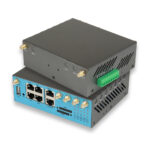
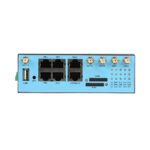
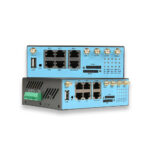
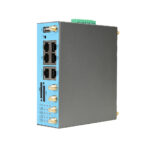
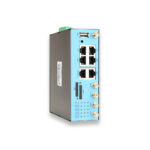
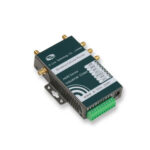
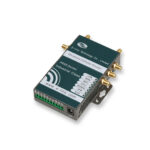
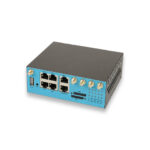
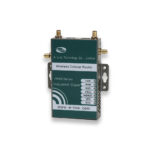
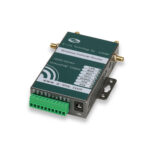
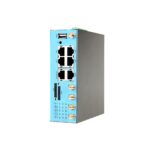
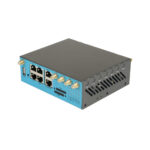
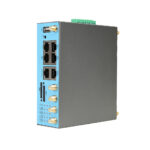
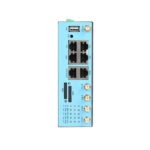
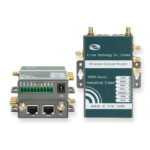
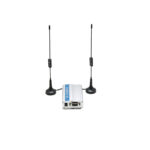
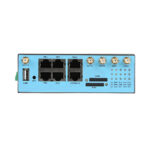
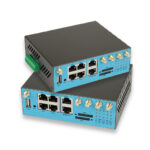
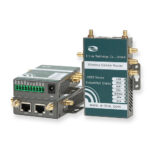
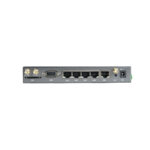
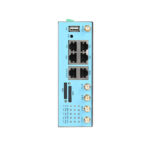
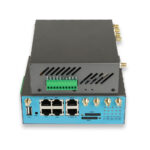
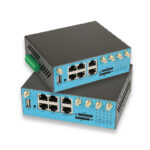
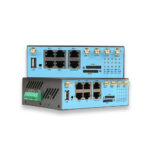
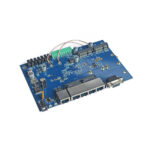
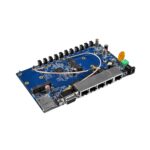
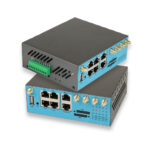
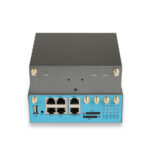
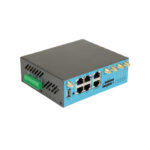
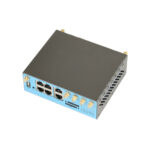
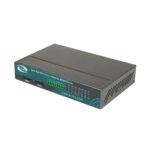
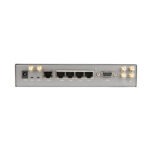
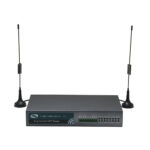
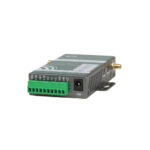
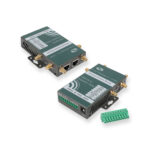
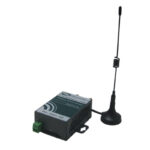
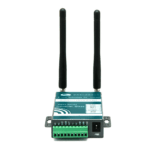
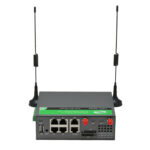
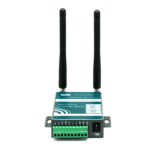
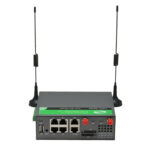
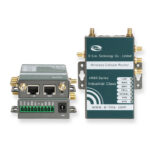
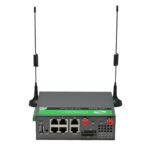
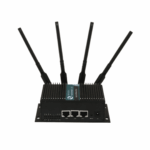
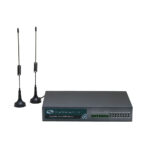
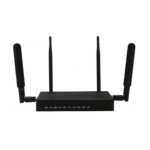
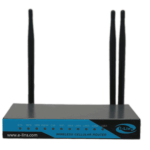
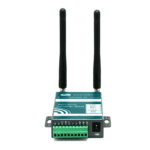
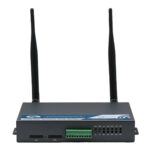
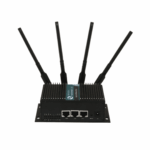
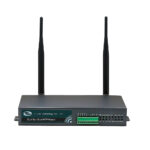
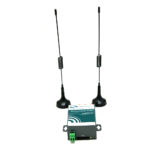
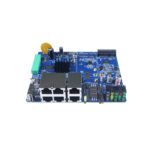
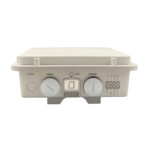
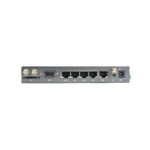
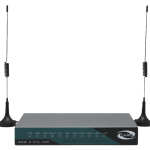
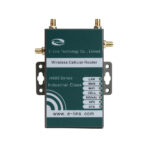
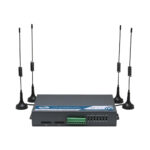
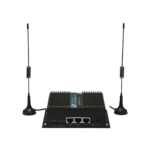
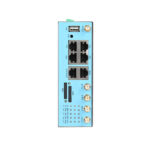
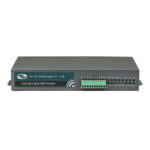
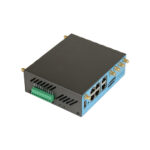
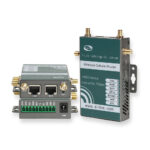
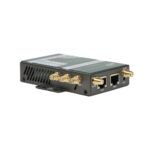
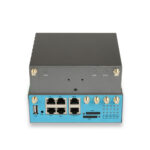
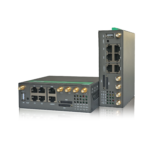
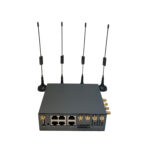
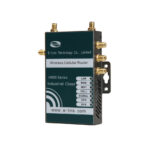
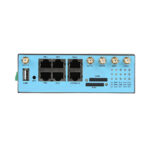
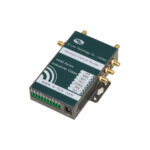
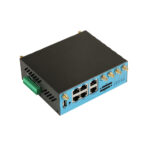
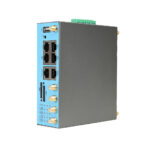
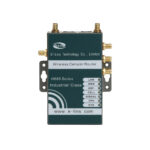
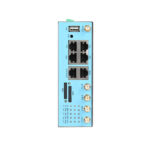
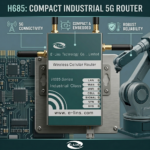
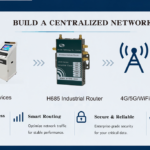
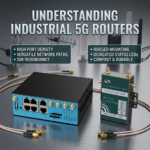
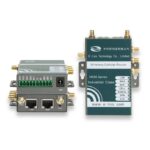
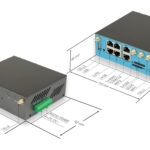
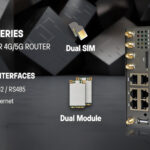
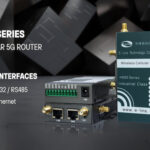
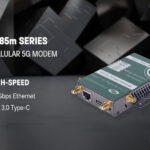
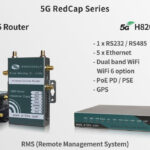
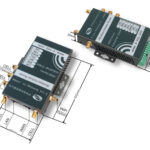
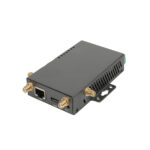
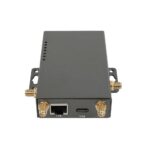
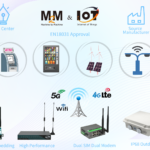
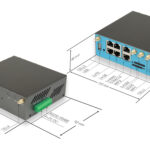
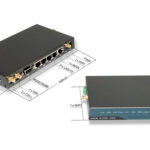
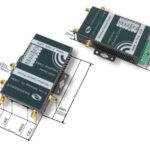
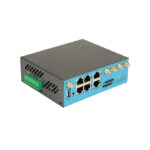
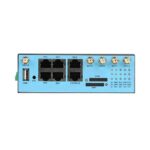
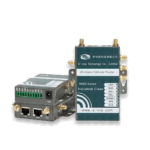
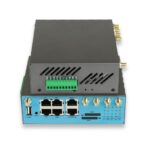
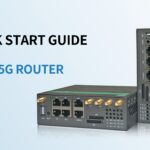
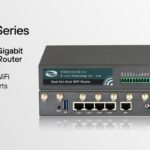
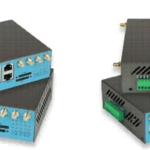
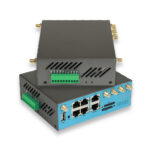
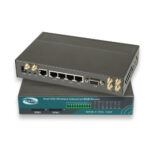
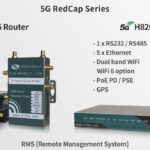
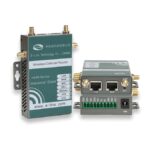
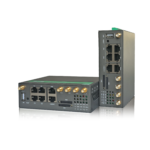
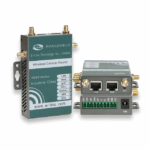
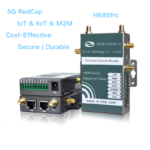
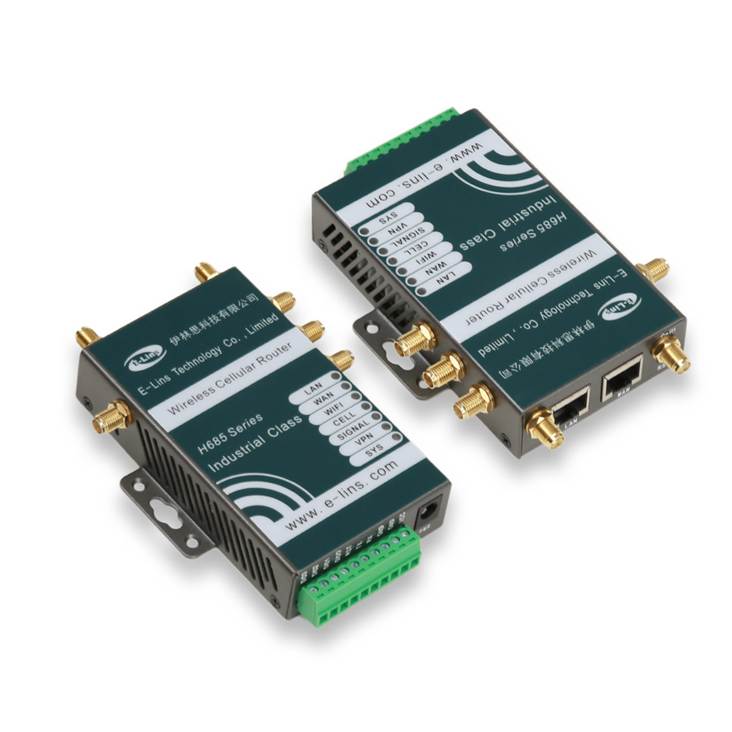
E-Lins H685f is Industrial 5G Router with PoE In, RS232 & Gigabit RJ45, while H900f is Dual SIM Industrial 5G Router with Gigabit Serial PoE. Both models are excellent IoT 5G routers for IoT cases and IIoT projects.
3)FAQ: Most Frequent Questions About 5G Wireless Routers
Q1: A 5G wireless router is same as a 5GHz Wi-Fi router?
A1: No, they are not. A 5G wireless router utilizes cellular 5G technology—the fifth generation of mobile networks—to connect to the internet, whereas a 5GHz Wi-Fi router uses the 5GHz Wi-Fi band to transmit a signal wirelessly from a wired broadband connection. Note that when the guide talks about 5G wireless routers, it is talking about cellular generation; and when it says 5GHz, it means a Wi-Fi frequency band. A 5G wireless router can broadcast 5GHz Wi-Fi, but the two are not one in the same.
Q2. Do I have to get a 5G Plan from any Cellular provider in order to use a 5G wireless router?
A2: Yes, a 5G wireless router requires a 5G data plan from a cellular provider (ie Verizon, AT&T, T-Mobile). Of course, to access the 5G network with your router you will also need a nano SIM card from your operator and data usage is deducted from your plan. Other providers have special data plans for 5G routers which can save a bit compared to standard mobile plans.
Q3: Will my 5G wireless router replace my traditional wired broadband?
A3: Depends on your use case and coverage in your area. 5G wireless routers can even take the place of traditional wired broadband, assuming you have 5G coverage solid enough and a data plan to come with it. It will be perfect for the locations where wired broadband does not exist, is costly, or when it slows down. Of course, if you use a lot of data (such as via 4K/8K streaming or downloading large files) or live in an area where 5G isn’t great yet, the old Internet broadband may be better for you.
Q4: How easy to setup a 5G wireless router?
A4: Most 5G wireless routers are relatively easy to set up; following a plug-and-play process. All you need to do is insert just a compatible 5G SIM card into the router, turn it on and connect your devices through Wi-Fi (the name of the Wi-Fi and password are usually printed on the router itself). Most routers also come with a mobile app that walks you through the installation, enabling you to make adjustments (like your Wi-Fi name and password along with parental controls) in mere minutes. No technical expertise is required.
Q5: 5G wireless router VS 4G LTE (high speed mobile broadband, widely in use) router
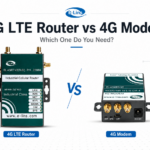
A5: The main difference being speed and latency. Compared to 4G LTE routers (100 Mbps-1 Gbps speeds, 30-50ms latency), a 5G wireless router generally provides several times faster download/upload speeds (up to 10 Gbps) with lower latency (1-10ms). It can also accommodate more devices connected to the same network at a time and has far greater throughput than its predecessors, hence it is better suited for high-bandwidth activities such as 8K streaming and cloud gaming. 4G LTE routers remain a solid choice for those in areas with spotty 5G coverage or customers that don’t require lightning-quick speeds.
Q6: Is a 5G Wireless router outdoors available?
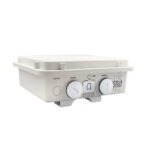
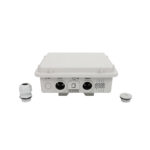
A6: It is OK to use 5G wireless router outdoors, but if you need to keep it outsider for a long time, be sure to pick up a weather-resistant model. Portable 5G routers are compact and powered by a battery, so they are ideal for use outdoors (e.g., camping or outdoor events). Please note that due to lack of density, 5G signal strength is typically weaker when outside in rural areas and please check your provider coverage map before using the router on outside with your provider.
Are you sourcing an industrial 5g wireless router? E-Lins will be an excellent choice for you. Founded since 1999, specialized on manufacturing industrial 5g wireless routers.