















































































1)Introduction: Taking Control of Your Network’s Privacy
In our first blog, we explored the “why” behind pairing WireGuard VPN with a 5G Router. Now, let’s dive into the “how.” For the tech enthusiast, the remote worker demanding robust security, or the privacy-conscious homeowner, configuring WireGuard at the router level is the ultimate move. It ensures every byte of data leaving your network is encrypted, without needing to configure each individual device. This guide walks you through a typical setup using open-source firmware, addresses advanced configurations, and answers the deep-dive questions.

2)Prerequisites and Planning
Before you begin, you’ll need:
- A Compatible 5G Router: This guide assumes a router capable of running OpenWrt, a powerful, open-source OS. Popular models from TP-Link, GL.iNet, and others are well-supported. Check the OpenWrt hardware table for compatibility.
- A VPN Service or Server: You need an endpoint for your WireGuard tunnel. This could be:
- A commercial VPN provider that supports WireGuard (e.g., Mullvad, IVPN).
- A cloud VPS (like a $5/month DigitalOcean droplet) where you’ve installed WireGuard.
- Another router at a fixed location (like your home if your primary connection isn’t 5G).
- Basic Comfort with Command Line/CLI: While OpenWrt has a GUI (LuCI), some steps are clearer via SSH.
3)Step-by-Step Setup Guide (OpenWrt Example)
Step 1: Install WireGuard Packages
Access your OpenWrt router via LuCI (web interface) or SSH.
- Via LuCI: Go to System -> Software, click “Update lists.” Then search for and install wireguard-tools and luci-proto-wireguard.
- Via SSH: Run:
bash
opkg update
opkg install wireguard-tools luci-proto-wireguard
Step 2: Generate Key Pairs
You need a private and public key for your router (the client in this scenario). On the router via SSH, run:
bash
wg genkey | tee /etc/wireguard/privatekey | wg pubkey > /etc/wireguard/publickey
cat /etc/wireguard/publickey
Securely note the public key. You’ll also need the public key of your VPN server.
Step 3: Configure the WireGuard Interface
In LuCI, go to Network -> Interfaces. Click “Add new interface…”
- Name: wg0
- Protocol: WireGuard VPN
- Create.
In the configuration window: - Private Key: Paste your router’s private key.
- Listen Port: Leave as 51820 or set a custom one.
- IP Addresses: Add an IP address assigned by your VPN server (e.g., 10.0.0.2/32).
Step 4: Add the VPN Server as a Peer
In the same interface config, go to the “Peers” tab and add a new peer.
- Public Key: Paste your VPN server’s public key.
- Endpoint Host: Your server’s IP address or domain.
- Endpoint Port: The server’s WireGuard port (e.g., 51820).
- Allowed IPs: This is crucial. To route all traffic through the VPN, set to 0.0.0.0/0. For split tunneling, specify only the subnets you want tunneled (e.g., 0.0.0.0/1, 128.0.0.0/1 is a common trick to avoid default route conflicts).
- Route Allowance: Check “Use allowed IPs as a list of routes.”
Step 5: Integrate into the Network Firewall
Assign the new wg0 interface to the wan firewall zone (LuCI: Network -> Firewall). This tells the router to treat the VPN tunnel as its new internet-facing connection.
Step 6: Test and Set as Default Route
Save, apply, and bring the interface up. Test connectivity by pinging an IP through the tunnel (e.g., ping -I wg0 8.8.8.8). Finally, to ensure all traffic uses the tunnel, you may need to modify the default route in Network -> Routing, but the Allowed IPs = 0.0.0.0/0 setting often handles this.
4)Advanced Configuration: Split Tunneling
You might not want your smart TV’s 4K stream or local gaming traffic to go through a distant VPN server. Split tunneling is the answer.
- In the Peer’s Allowed IPs field, instead of 0.0.0.0/0, list only the networks you want to tunnel. For example, to only tunnel traffic destined for your work’s network (10.10.0.0/16) and protect general web browsing but exclude local and streaming CDNs, you’d need a more complex routing table. Often, it’s easier to tunnel everything and then add static routes for exceptions (like your local LAN 192.168.1.0/24) via the Routing table in LuCI.
5)Depth FAQs
Q1: Can I host a WireGuard server on my router?
A: This is a major challenge. CGNAT means your router doesn’t get a public, routable IP address, so inbound connections from the internet can’t reach it. Solutions: 1) Use a commercial VPN provider (you’re the client). 2) Set up a reverse tunnel where your router initiates a connection to a cloud VPS with a public IP, which then forwards traffic. 3) See if your 5G provider offers a public IP add-on (sometimes for business plans).
Q2: How do I monitor WireGuard performance and data usage on my router?
A: OpenWrt offers great tools.
- Real-time: wg show via SSH gives live stats on data transferred per peer.
- LuCI: The Status -> WireGuard page (if the luci-app-wireguard package is installed) shows a nice overview.
- Bandwidth Monitoring: Use vnstat or the LuCI graphs (Status -> Realtime Graphs) to monitor the wg0 interface traffic.
Q3: What about IPv6? My 5G provider gives me an IPv6 prefix.
A: WireGuard handles IPv6 perfectly. In your interface configuration (wg0), you can add an IPv6 address from your VPN server’s tunnel network (e.g., fd00:1234::2/64). In the peer’s “Allowed IPs,” include IPv6 ranges (like ::/0 for all IPv6 traffic). Ensure your firewall rules also handle IPv6.
Q4: How can I ensure the WireGuard tunnel auto-reconnects if the 5G link drops?
A: WireGuard is resilient, but you can strengthen it:
- Use the PersistentKeepalive option in the peer configuration (set to 25 seconds). This sends a regular ping to keep the NAT mapping alive on the 5G network and allows quick detection of a dead connection.
- Combine this with a cron job or a hotplug script that restarts the WireGuard interface if the main WAN (the 5G modem) reconnects.
Q5: Is router-level VPN with WireGuard secure enough for online banking and sensitive work?
A: Absolutely. The encryption occurs the moment data leaves your router, protecting it over the entire journey to the VPN server. The security is identical to running WireGuard on your individual device. The advantage is it’s universal and covers devices (like IoT gadgets) that couldn’t run a VPN client themselves.
6)Conclusion: The Apex of Personal Networking
Configuring WireGuard on your 5G Router is more than a technical project; it’s a declaration of digital sovereignty. It centralizes and enforces privacy for your entire digital life. While the setup requires careful steps, the result is a seamless, high-performance, and supremely secure network. As 5G continues to evolve and our dependence on robust, mobile internet grows, mastering this integration places you at the forefront of safe, private, and powerful connectivity.

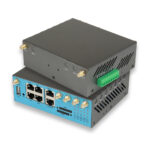
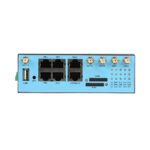
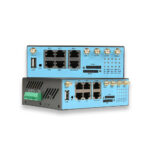
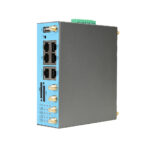
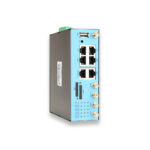
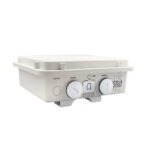
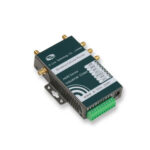
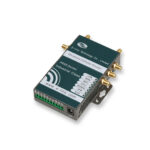
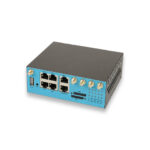
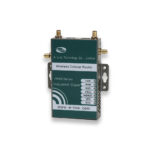
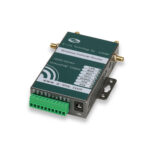
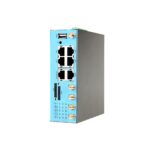
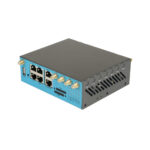
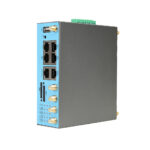
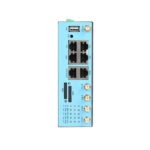
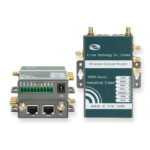
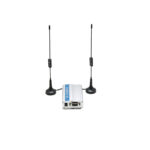
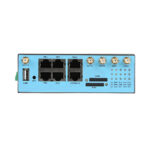
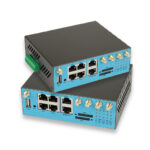
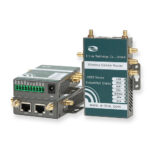
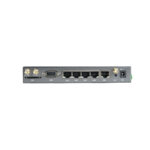
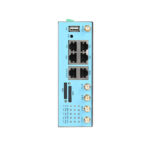
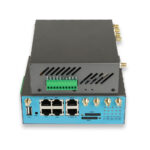
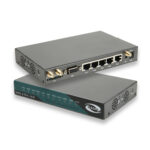
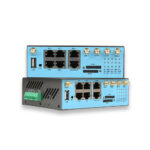
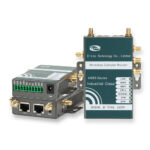
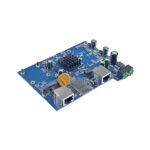
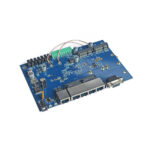
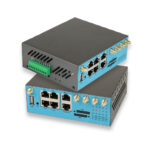
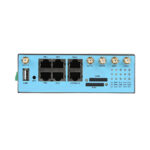
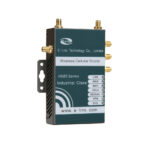
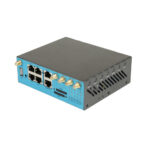
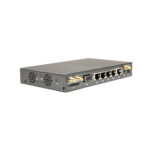
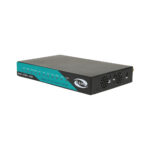
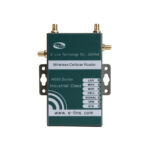
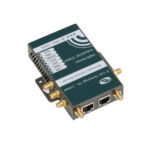
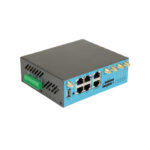
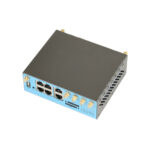
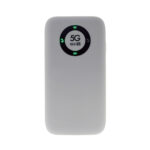
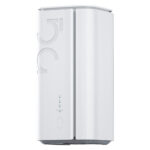
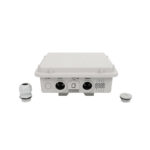
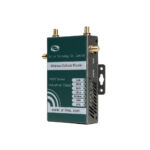
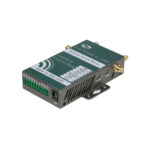
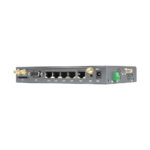
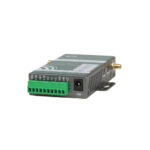
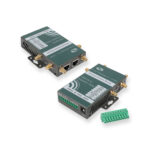
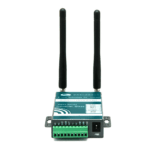
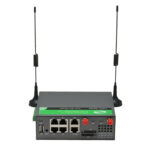
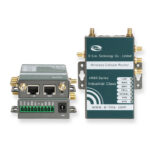
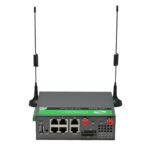
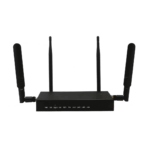
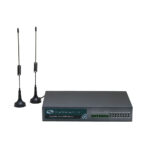
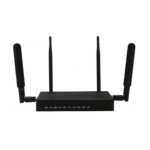
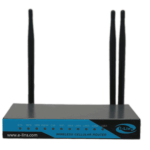
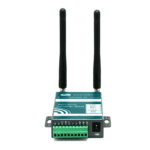
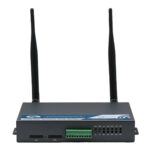
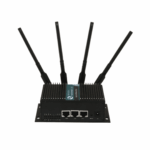
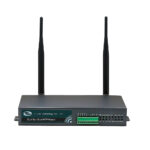
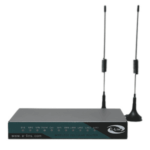
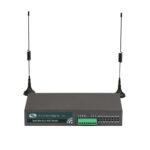
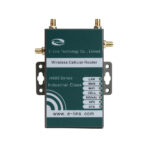
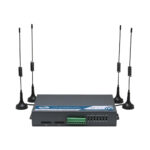
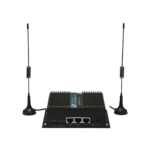
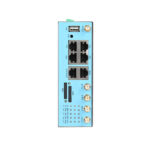
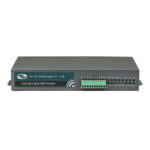
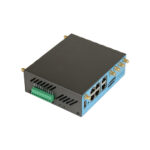
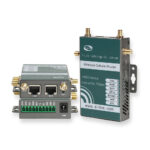
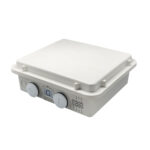
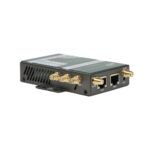
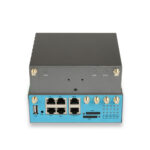
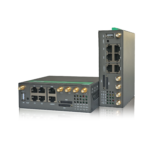
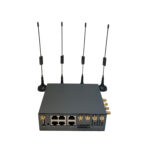
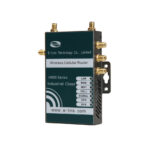
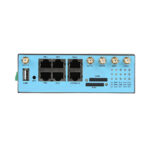
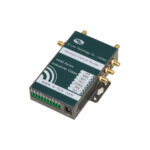
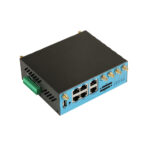
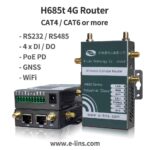
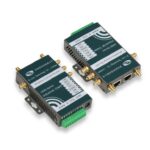
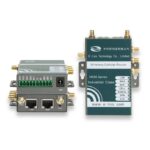
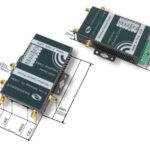
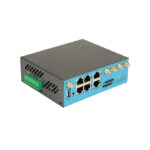
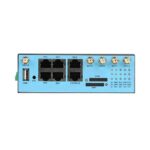
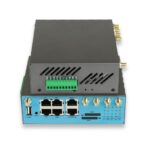
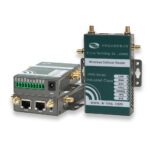
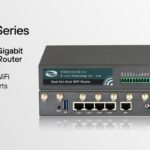
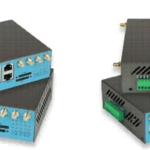
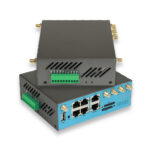
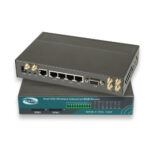
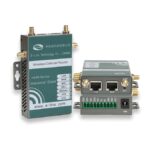
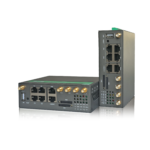
Where we can source a 5G router with Wireguard? E-Lins will be the answer for you, as for a sourcing manufacturer since1999, E-Lins could provide many 5G routers built in Wireguard.