



































Selecting an LTE Router – Your Definitive Buyer Guide
1)Introduction
With an enormous number of models, specifications and a jargon to make your head spin, buying an LTE router can be one scary endeavor. A consumer-grade device and an industrial-grade workhorse is a completely different animal. Selecting the wrong router can result in poor performance, shaky connectivity, security gaps, and ultimately wasted money.
This final buyer’s guide will lead you through the most important elements of LTE router-buying, walking you step by step through assessing your use case/speed requirements and build quality/security/long-term costs. At the End of This You Should Know How To Choose The Right 4G LTE Router For Your Home, Business or Industrial Application.
2)Step 1 — Identify The Major Use Case
Question number one (and most important): What will you use the LTE router for? Every other specification is dictated by your application.
Scenario A: Basic Home/Backup Internet
Requirement: Stable internet for surfing, emailing and streaming. Main rural internet connection or home office failover.
Router Category: LTE & Professional-Grade Consumer /Light Industrial Router
Nice if: Basic home use with the simplest possibilities to configure it in house or apartment efforts.
Industrial IoT / M2M / Remote Monitoring Scenario B
Requirements: Continuous operation 24/7/365, Option for connecting industrial equipment (PLCs & sensors), Logging and storage of data, Remote control.
Type of Router: Full industrial grade LTE router
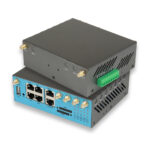
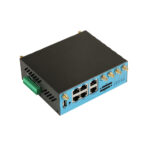
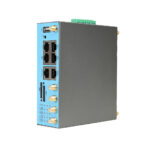
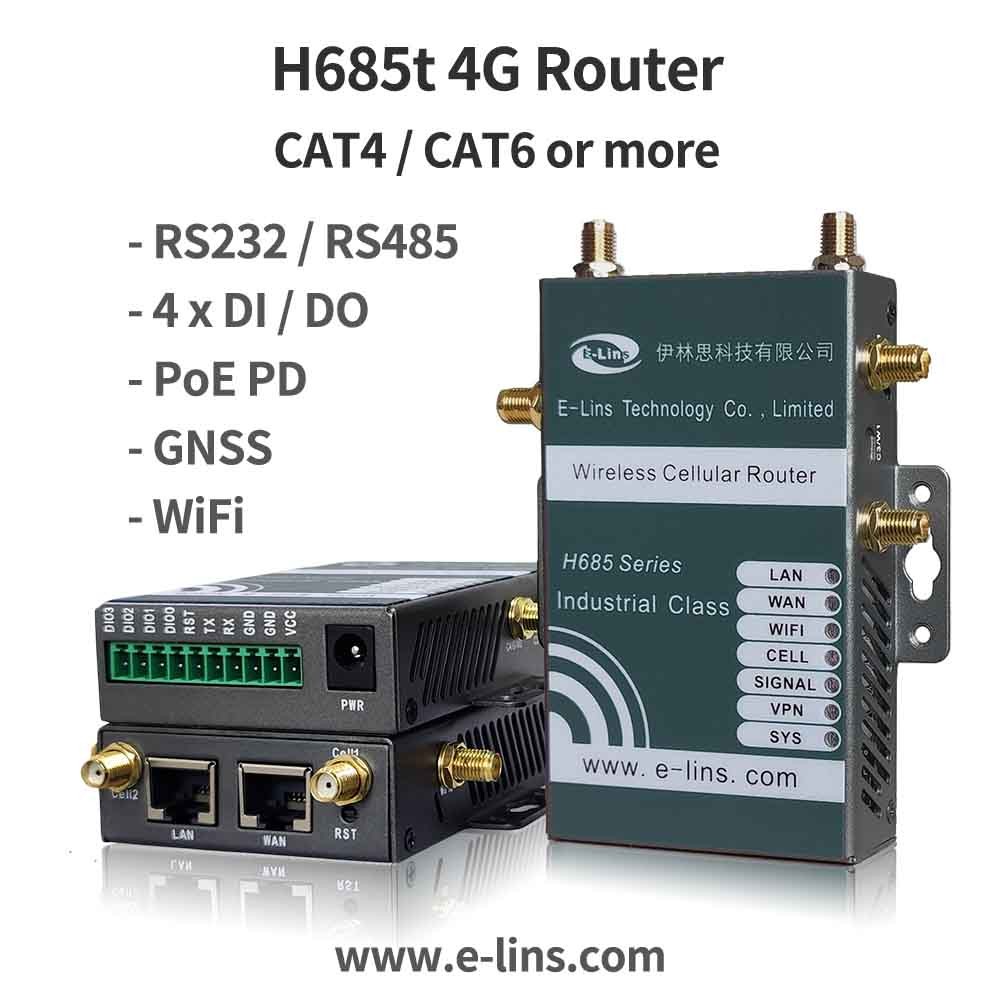
Core Capabilities: High-strength structure, extended heat range, serial interfaces (RS232/485), twin SIM, VPN, broad voltage feed.
Scenario-C: Vehicle/Mobile Application (Bus, Truck, Train)
Requirements: Rugged, vibration resistant and power cycling resistant for extreme conditions Offer passengers Wi-Fi or for fleet management.
Router Type: Industrial LTE Router for Vehicle Application
Features: IP 65 Sealed, vibration resistant, ignition control, wide DC power input
Scenario D: High Speed Video / Data Transfer
Use-Case: HD/4K Video Streaming, Transferring large files.
Component Type: Cat 6 /Cat 9 Industrial LTE Router
Key features: LTE Advanced (Cat 6+), carrier aggregation, high-gain antennas, Gigabit Ethernet ports.
3)Step 2 – Assess Speed & Performance Needs
Understand LTE Categories (Cat)
This is largely a measure of the LTE category.
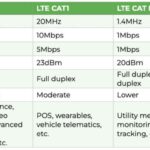
Cat 1: Slow (10 Mbps). Only for very low-bandwidth sensors. Avoid for internet access.
Cat 4 (150 Mbps): The sweet spot for the majority of the use cases. Good enough for internet browsing, SD/HD video and regular IoT data. Most popular choice.
Cat 6 / Cat 9 (300–600 Mbps) : For high-demand usage (HD video-streaming, multi-user and uploads). Requires carrier aggregation support.
Cat M1/NB-IoT: Use only for dedicated, low-power IoT sensors
Recommendation: Cat 4 as the baseline for nearly all general-purpose and industrial applications. If you require speed, choose a Cat 6 or higher
4) Actual Speed Vs Theoretical Speed
Keep in mind those theoretical maximum speeds (150 Mbps for Cat 4, etc.) never get seen in real life. Real-world speeds depend on:
Network Congestion: Longer loading times at peak hours.
Strength Of The Signal: This is the one biggest factor. For weak signals use external high-gain antennas.
Typical Quality: Carrier Network (depends on provider and location)
5) Step 3 – Check Coverage & Network Compatibility
Check Local Carrier Coverage
Map Check — Does your cellular carrier have a coverage map for 4G LTE signal strength in the area where you are?
Field Test — If you can, test a SIM card from various carriers on or near your installation website to uncover the most powerful signal.
Frequency Band Support
This is critical. This means an LTE router will only work with carrier frequencies used by your provider.
Cell Band : FDD-LTE (B1:2100MHz, B3:1800MHz, B7:2600MHz, B8:900MHz, B20:800MHz), TDD-LTE (B38, 39, 40, 41) .
Message: Buy one of the multi-band, all-carrier capable routers with really wide LTE band support so that you have maximum flexibility in catching your 80mbps average speed on last mile.
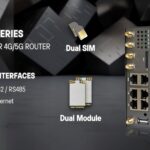
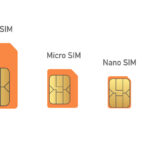
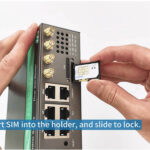
Dual SIM Card Slots
Non-negotiable for industrial/business use.
Redundancy: If the primary SIM/carrier is without signal, the router instantly switches to the second SIM.
Message Passing: Some models may leverage both SIMs for additional bandwidth.
Cost Efficieny — Use a primary data SIM and a more affordable backup SIM.
6) Step 4 — Internal Hardware and Build Quality
Industrial Durability
For all deployments not within a controlled office:
Temperature Range — A -40°C to +75°C operation
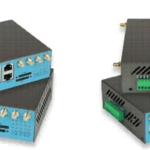
Chassis: Metal, rather than plastic for longevity and thermal dissipation.
Ingress Protection (IP rating)—at least IP30 (dust protected) minimum and IP65 (waterproof/dustproof) for outdoor use.
Vibration & Shock: Industrial models are rated to survive high levels of vibration (necessary for vehicle and factory operations).
Ports & Interfaces
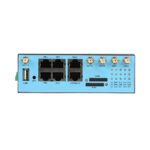
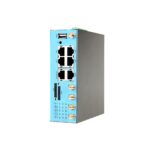
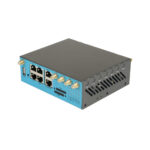
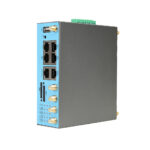
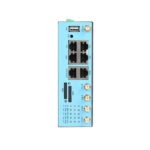
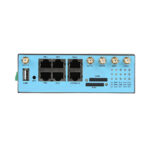
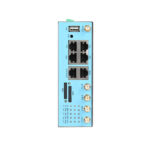
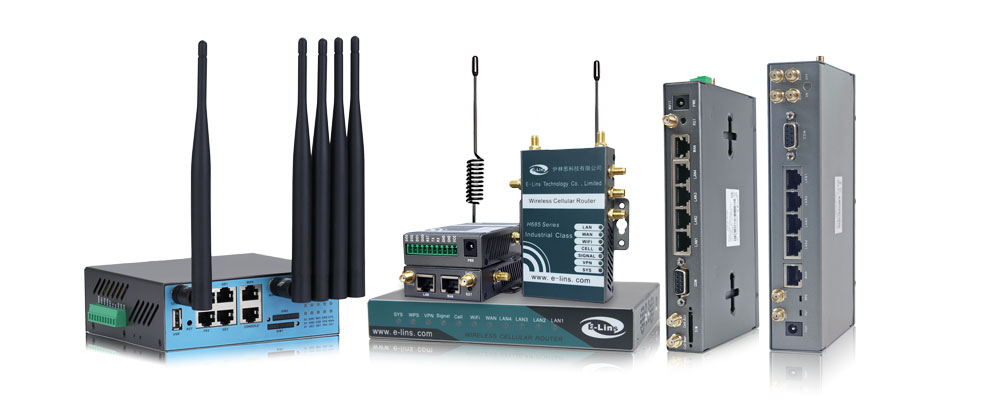
Ethernet: Minimum 1 × Gb LAN port 4+ Port Gigabit Ports for industrial models
Serial Ports(RS232/RS485): Essential to connect with older industrial devices.
USB port: for external storage, 3G/4G dongle fallback or firmware upgrades
Antennas
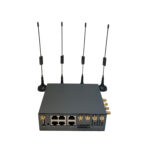
External vs. Internal: External antennas blow internal ones away for signal transmission. Note you want models with removable antennas to allow for you to attach high-gain (5-9dBi) cellular antennas.
Wi-Fi: it is with dual-band (2.4GHz and 5GHz) Wi-Fi. 5GHz provides more speed to those closer to the router, 2.4 GHz gives you a wider range of use.
7) Part 5 – Security & Management
Security Features
Your first line of defense is a router.
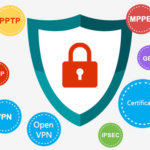
VPN Support: Required to operate into enterprise. IPsec, OpenVPN, PPTP, L2TP must be supported.
Firewall: Stateful Packet Inspection (SPI) firewall
Access Control List (ACL) : To limit access to certain devices / IPs.
Management Interface
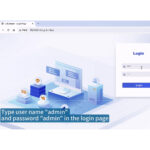
Local Access: Intuitive web-based interface.
Remote Management: A cloud-based platform for enabling remote monitoring, configuration, and firmware updates. One great time-saver in remote sites.
TCO = Total Cost of Ownership (6) Step 6
Rather than focus on the purchase price
Device Price: Consumer ($100-$300), Industrial ($300-$1500+).
Cost of Data Plan: M2M plans charge less for high usage than other consumer plans.
Maintenance Industrial routers are less expensive to maintain (MTBF > 100k hours)
Lifespan: A quality industrial router has a lifespan of 5–10 years, making the up-front cost worth it.
Cheaper is not always better. If a $200 consumer router breaks down in a remote industrial site, this can lead to thousands in downtime and labor costs replacing it. Spending $600 on an industrial router from a trusted manufacturer will probably save you more money in the long run.
8) FAQ: Frequently Asked Questions Before Buying An LTE Router
Q1. But wait, if I only want to used it at home, do I need an industrial LTE router?
If you expect it as a primary or mission critical backup connection for a home office or remote working period, buy at least an industrial mid-range business-grade LTE router. Even in a household setting Julian, they provide much greater stability, wifi performance and reliability than consumer products.
Q2. How can I improve my router LTE signal?
External Antennas: Switch out stock antennas for higher-gain 7-9dBi omnidirectional or directional antennas.
Antenna: It should be positioned at the highest point with no obstacles or metal around it.
The Slightly More Advanced Fix — Signal Booster: If you are in an area with very weak signals, consider using a cellular signal booster (repeater).
Q3. Question: Will a 5G SIM card work in an LTE router?
Yes. 5G SIM cards will perfectly work inside a 4G LTE router, connecting to the 4G network as backwards compatibility is one of the features. You just won’t get 5G speeds.
Q4. What is the difference between fixed wireless router and an LTE router?
A fixed wireless router links into a base station supplied by an ISP (often direct vision). An LTE router uses a SIM card to connect to the standard cellular mobile network, providing full mobility and flexibility.
Q5. What are the best industrial LTE routers according to a specific brand?
Popular brands deal with industrial M2M/IoT routers:
Robustel (Europe/Global)
E-Lins (China/Europe/Global)
Huawei (Enterprise)
Q6. Lifespan of an LTE router
A router you get at a Best Buy might last two to three years if on using day in and day out. A reliable industrial-grade LTE router from a reputable manufacturer can last 5-10 years even in aggressive environments.
Conclusion
Selecting an LTE router is a strategic decision that affects your connectivity and operational efficiency in directly. Evaluating your use case, required speed, network coverage, build quality, security features and long-term costs in a systematic way can help you sidestep avoidable pitfalls and choose a device that meets your needs very closely.

Tip: Never compromise on quality for any sort of mission-critical or industrial application Worry not and invest in a reliable, industrial 4G LTE router solution offered by the compliance regulatory vendor, you get the reliability, security and performance to stay connected regardless of your location.
Looking for a robust industrial LTE router? Already you can have a look on the industrial LTE Routers of E-Lins?