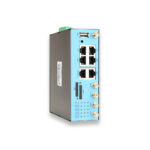
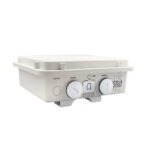
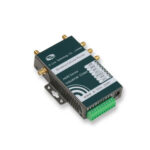

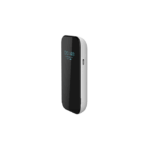
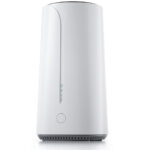
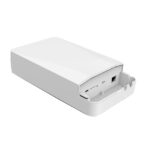
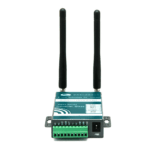
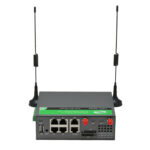
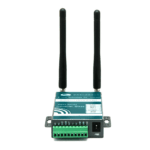
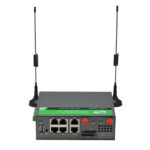

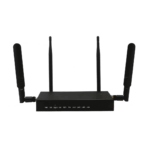
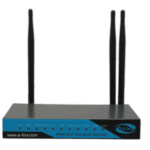
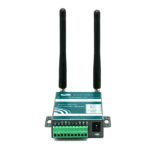
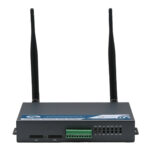

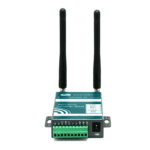
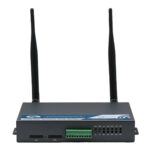
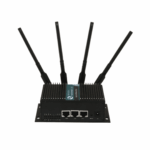
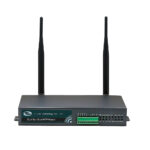
































Introduction to 4G Cellular Routers
In today’s digital world, staying connected is no longer a luxury—it’s a necessity. Whether you’re working remotely, traveling, or managing a business in a remote area, reliable internet access is critical. This is where 4G cellular router comes into play. These devices leverage cellular networks to provide stable and high-speed internet connectivity, even in locations where traditional broadband services are unavailable.
Unlike standard Wi-Fi routers, 4G cellular routers use SIM cards to connect to mobile networks. This allows users to access the internet wherever a 4G signal is present. From home offices to vehicles and construction sites, the versatility of these devices has made them a popular solution for uninterrupted connectivity.
1)How 4G Cellular Routers Work
1. The Basics of 4G Networks
4G, short for the fourth generation of mobile telecommunications technology, offers faster speeds and lower latency than its predecessor, 3G. It supports high-definition video streaming, online gaming, and large file transfers, making it suitable for both personal and professional use.
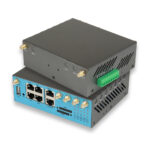
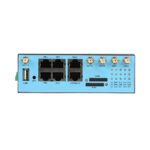
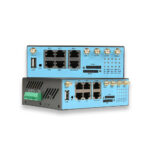
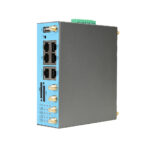
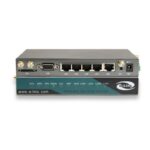
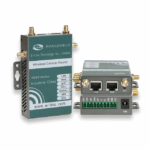
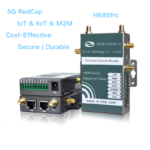
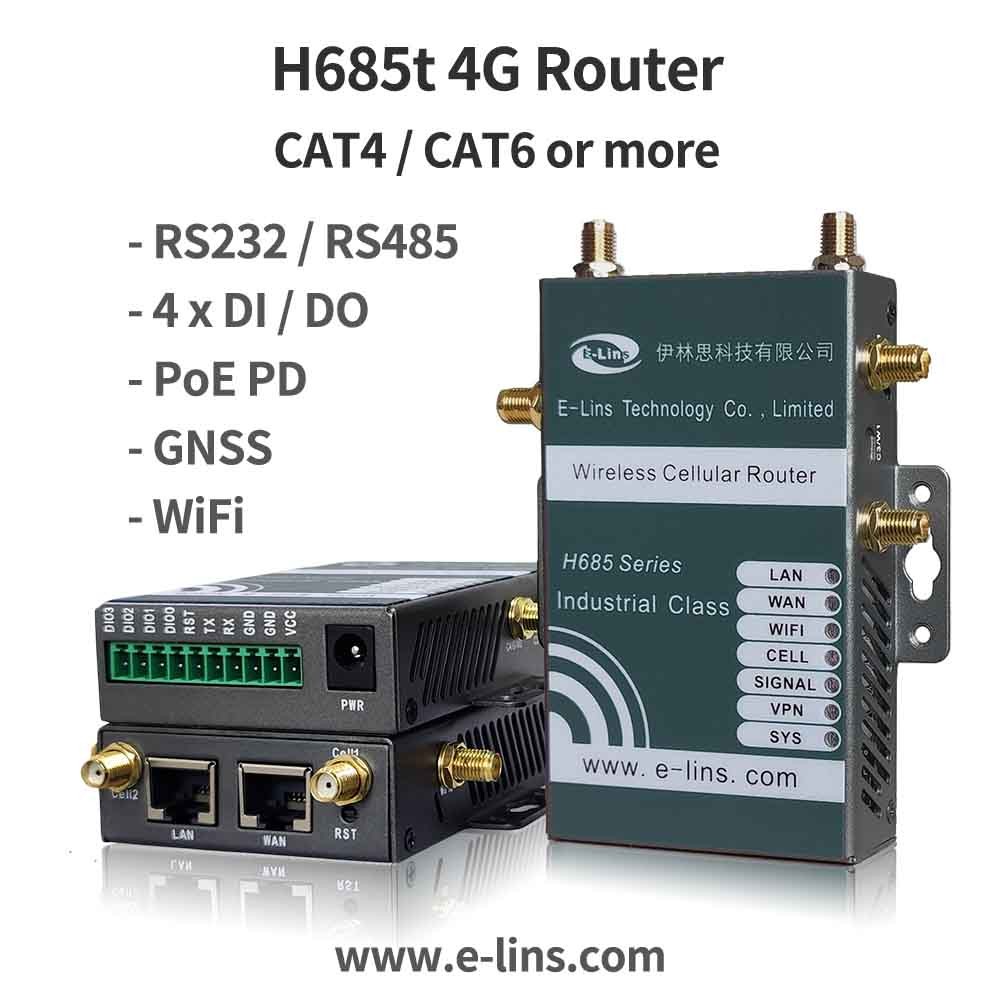
2. Components of a 4G Cellular Router
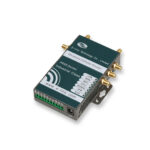
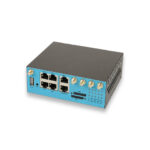
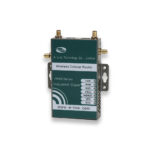
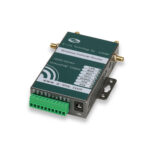
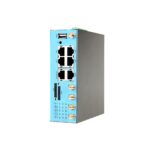
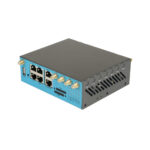
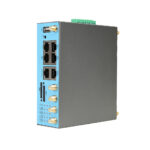
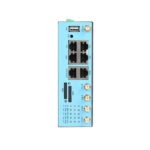
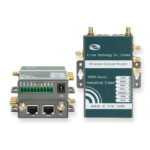
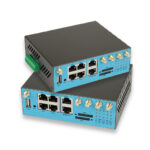
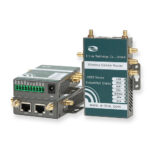
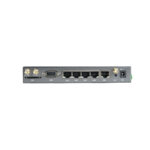
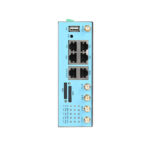
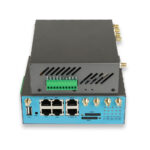
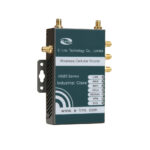
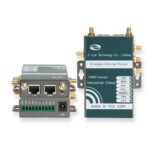
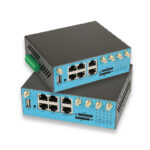
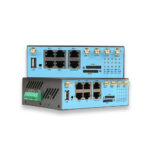
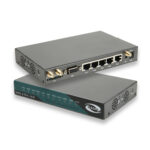
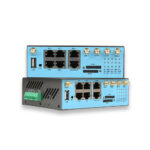
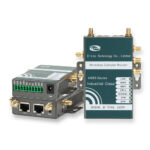
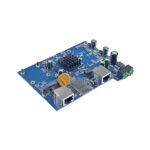
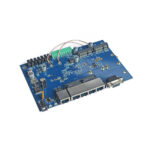
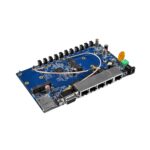
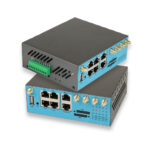
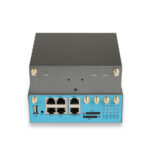
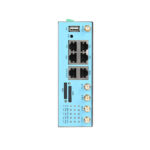
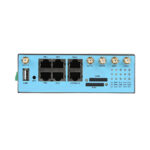
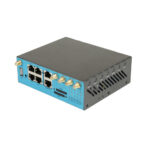
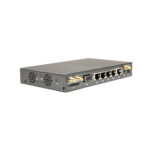
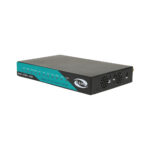
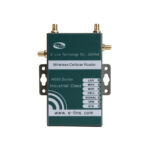
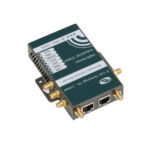
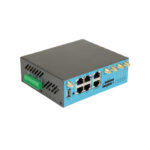
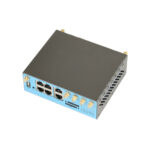
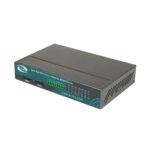
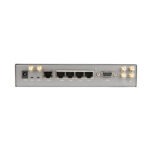
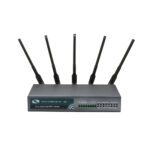
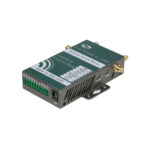
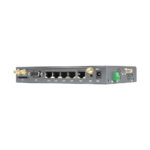
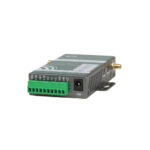
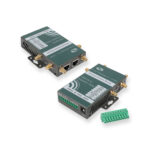
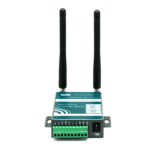
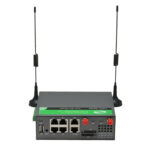
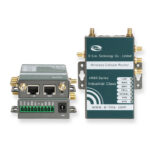
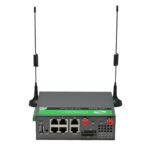
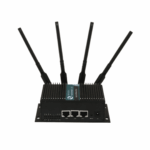
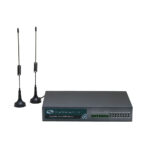
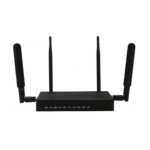
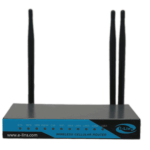
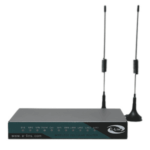
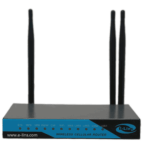
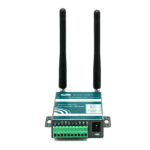
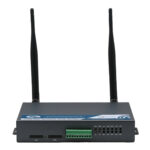
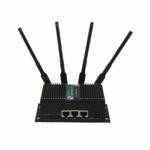
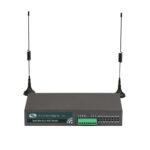
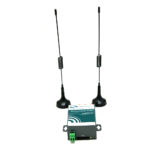
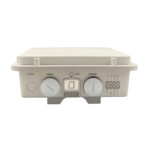
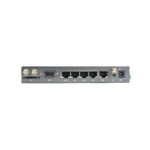
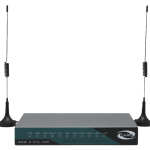
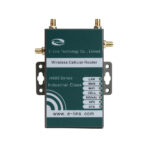
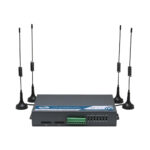
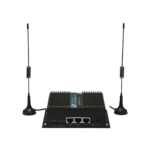
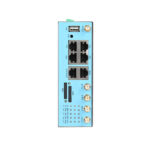
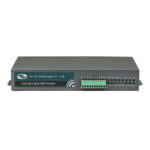
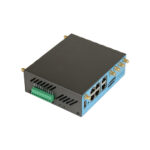
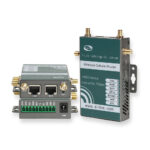
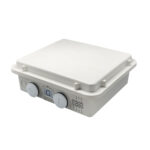
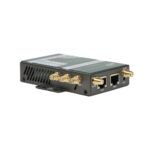
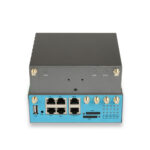
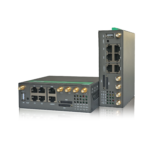
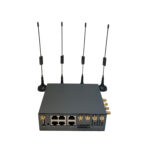
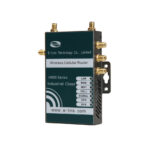
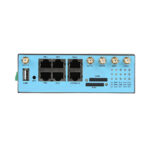
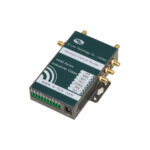
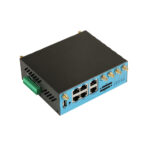
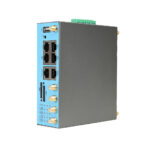
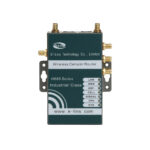
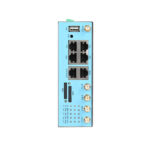
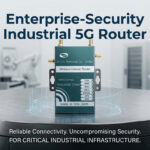
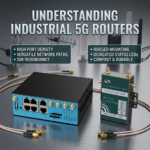
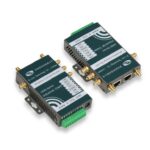
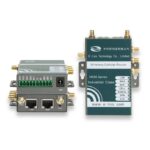
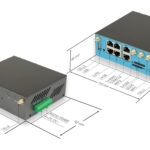
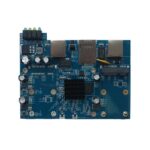
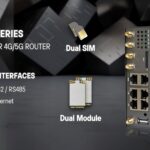
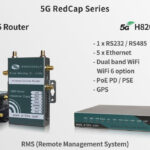
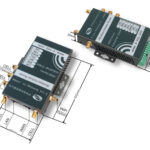
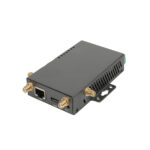
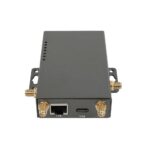
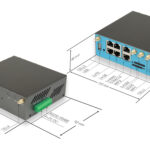
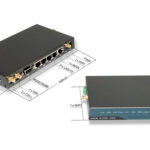
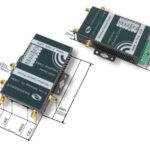
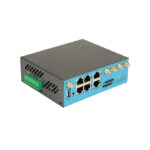
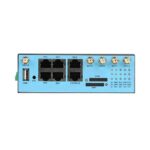
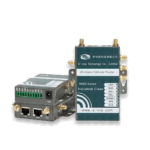
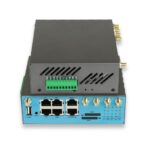
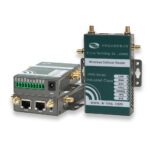
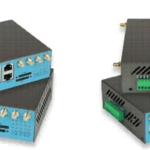
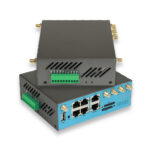
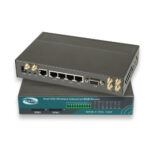
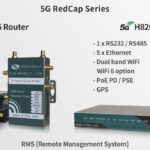
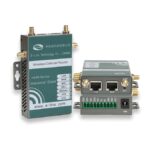
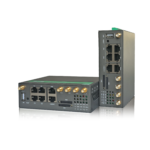
A 4G cellular router typically includes the following components:
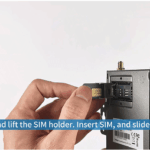
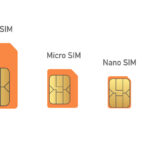
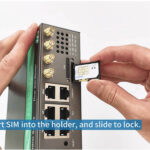
- SIM Card Slot: To insert a mobile SIM card and connect to the network.
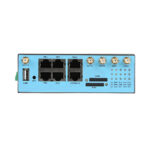
- Ethernet Ports: For wired connectivity to computers or other devices.
- Wi-Fi Module: To broadcast wireless internet to multiple devices.
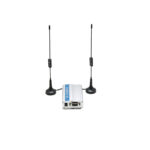
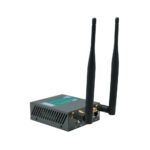
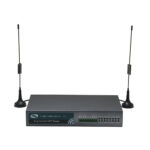
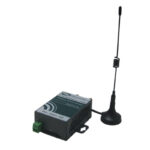
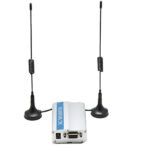
- Antenna: Enhances signal reception for better speed and stability.
- Power Supply: Either AC adapter or battery, depending on portability.
3. How Data Travels
When a 4G router is powered on, it communicates with nearby cell towers using the SIM card’s mobile network. The router then converts the cellular signal into Wi-Fi or Ethernet connections for your devices, enabling seamless internet access.
2) Benefits of Using a 4G Cellular Router
1. Mobility and Flexibility
Unlike fixed broadband, 4G routers can be carried anywhere. Whether you are camping in the wilderness or traveling for work, as long as there is a 4G signal, you can stay connected.
2. Backup Internet Solution
For businesses, having a 4G cellular router acts as a fail-safe backup. During broadband outages, operations can continue without disruption.
3. Easy Setup
Most 4G routers are plug-and-play. Insert a SIM card, power the device, and connect your devices—no complex installation is needed.
4. Cost-Effective
For those in rural areas where fiber or cable internet is unavailable, 4G routers provide affordable access without expensive infrastructure investments.

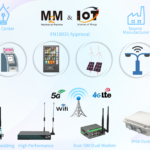
3) Common Use Cases for 4G Cellular Routers
1. Remote Work
As remote work becomes standard, employees need reliable internet outside traditional office spaces. A 4G router ensures high-speed connectivity for video calls, cloud collaboration, and other online tasks.
2. Traveling and RVs
Travelers and RV owners can maintain internet access without relying on Wi-Fi hotspots or local networks. It’s perfect for navigation, entertainment, and staying in touch.
3. Temporary Event Locations
Businesses hosting events in temporary locations like trade shows or outdoor festivals often face connectivity issues. 4G routers solve this by providing immediate network access.
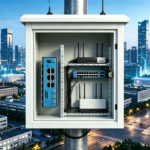
4. Industrial and Construction Sites
These sites are often in areas without broadband. A 4G router supports communication between teams, remote monitoring, and IoT devices.
4) Choosing the Right 4G Cellular Router
1. Speed and Performance
Look for routers that support LTE Advanced for faster speeds. Check specifications like download/upload speed and maximum connected devices.
2. Antenna Options
External antennas improve signal strength in weak coverage areas. Some models allow multiple antenna configurations for optimal performance.
3. Portability
If you plan to move the router frequently, consider battery-powered or compact models for convenience.
4. Security Features
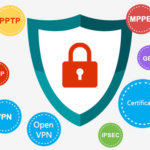
Ensure the router supports WPA3 encryption and VPNs for secure connections.
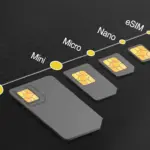
5. SIM Card Compatibility
Check if the router is compatible with your network provider and supports multiple frequency bands for global use.
5) Setting Up Your 4G Cellular Router
1. Step 1: Insert SIM Card
Make sure the SIM card is active and has sufficient data balance.
2. Step 2: Power On the Device
Connect to the power supply and turn on the router.
3. Step 3: Connect Devices
Use Wi-Fi or Ethernet to connect your devices to the router. Configure network settings if necessary.
4. Step 4: Test Connection
Ensure you have a stable internet connection by running speed tests or browsing the web.
6) Troubleshooting Tips
1. Weak Signal
Relocate the router or use external antennas. Avoid metal obstructions that block signals.
2. Slow Speeds
Check your data plan limits and network congestion. Restarting the router can sometimes improve speed.
3. Connectivity Issues
Verify the SIM card is properly inserted and active. Update the router’s firmware if needed.
7) FAQ About 4G Cellular Routers
Q1: Can I use a 4G router without a SIM card?
A1: No. A SIM card is required to connect to the cellular network.
Q2: How many devices can connect to a 4G router?
A2: Most routers support 10–32 devices, depending on the model.
Q3: Are 4G routers secure?
A3: Yes, as long as you use strong encryption (WPA2/WPA3) and secure passwords.
Q4: Can I use a 4G router abroad?
A4: Yes, if the router supports multiple frequency bands and your SIM card allows international roaming.
Q5: Do 4G routers support VoIP calls?
A5: Yes, with sufficient bandwidth, you can make VoIP calls without interruptions.
Conclusion
A 4G cellular router is a versatile solution for anyone who needs reliable internet access on the go. From remote work and travel to business continuity and industrial applications, these devices ensure you remain connected in a fast-paced digital world. Investing in a quality 4G router can dramatically improve productivity, convenience, and connectivity wherever you are.

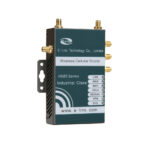
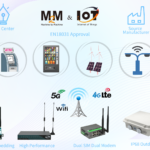
Are you source an 4G Cellular Router? E-Lins will be an excellent choice for you. Founded since 1999, specialized on manufacturing industrial 4g modems.