









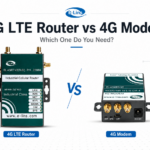
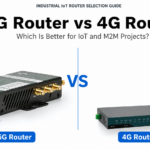


























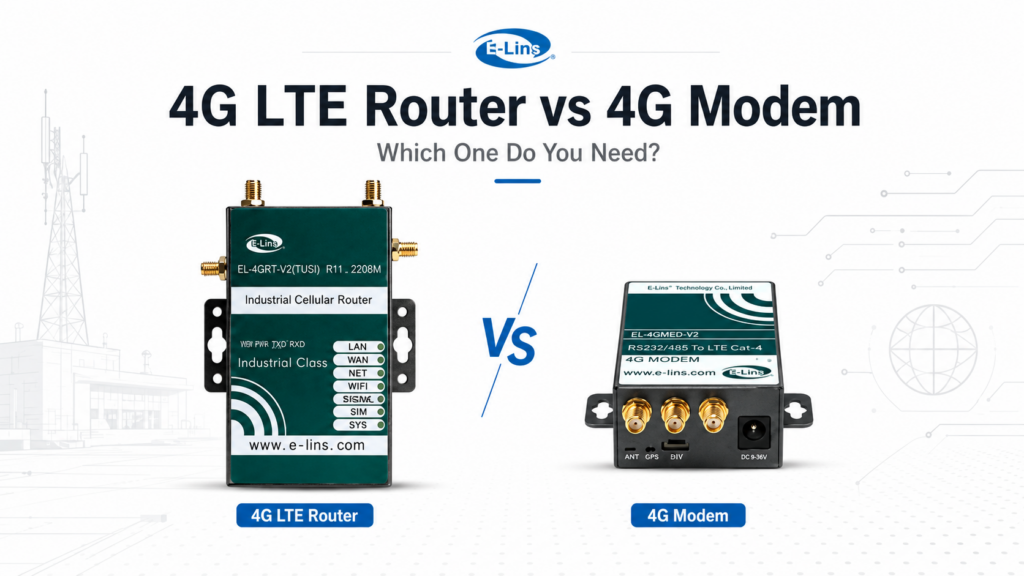
4G LTE Router vs 4G Modem is not only a device-name comparison in industrial IoT and M2M projects. The real question is whether the cellular device must manage a local network, or whether it only needs to provide mobile network access to an existing host system. Therefore, selection should start with the project architecture, not with the SIM card alone.
If several field devices need to share one cellular connection, a 4G Router is usually the right category to review. However, if an industrial gateway, controller, or embedded host already handles routing, VPN, firewall, and data logic, a modem may be more suitable.
In other words, a router often becomes the remote site gateway. A modem often becomes the cellular access part of another system. This guide explains the difference from a practical B2B selection point of view, so project teams can avoid buying the wrong device for remote monitoring, automation, telemetry, or embedded equipment.
4G LTE Router vs 4G Modem: The Core Difference
At first glance, both devices may look similar. Both can use a SIM card. Both can connect to a mobile operator network. Also, both may appear in remote monitoring, automation, telemetry, vending, energy, transportation, and industrial data collection projects.
However, their system roles are different. A router manages traffic between a local network and the cellular network. A modem mainly gives cellular access to another device. Therefore, the right choice depends on what happens after the cellular link is active.
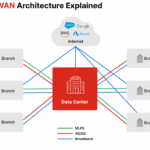
For example, a remote cabinet with PLC, HMI, camera, meter, and maintenance laptop access normally needs routing, LAN addressing, VPN access, firewall rules, and remote diagnostics. By contrast, an embedded gateway with its own network stack may only need a cellular modem interface.
Quick Decision Checklist Before Buying
Before choosing between a router and a modem, confirm the network role first. This avoids a common mistake: buying a device with a SIM slot but without the network functions the project actually needs.
- How many field devices need cellular access?
- Which device will handle NAT, DHCP, LAN IP addresses, and firewall rules?
- Is VPN required for remote PLC, HMI, camera, or gateway maintenance?
- Does the SIM plan use private APN, fixed IP, dynamic IP, or carrier-grade NAT?
- Who will check signal status, logs, reboot recovery, and configuration after installation?
What Is a 4G LTE Router?
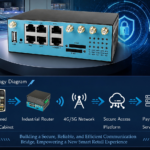
A 4G LTE Router connects field equipment to a cellular network and manages the local network behind it. In practice, it can provide LAN ports, DHCP, NAT, VPN, firewall control, APN settings, remote management, and traffic routing.
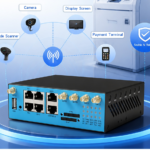
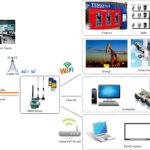
Therefore, an industrial router is often selected when one SIM connection must support several devices. It can connect IP cameras, PLCs, HMIs, data loggers, meters, edge computers, kiosks, or remote controllers through Ethernet or other interfaces.
In industrial projects, buyers should also check power input, external antennas, temperature range, DIN-rail or wall mounting, watchdog recovery, serial ports, VPN tunnels, and long-term maintenance. These details matter because remote sites are expensive to revisit after deployment.
What Is a 4G Modem?
A 4G Modem provides cellular access to a host device. That host may be an industrial gateway, embedded controller, computer, kiosk terminal, telemetry unit, machine system, or OEM device.
However, a modem does not usually act as the complete site gateway. Instead, the host device must manage IP routing, security, diagnostics, reconnection logic, and application communication. As a result, modem selection depends heavily on the existing system design.
For OEM and embedded equipment, this structure can be efficient. The modem supplies mobile network access, while the host system controls protocol conversion, cloud connection, software logic, security policy, and service workflow.
Main Differences That Affect Industrial Deployment
1. Routing, NAT, and DHCP
A router can assign local IP addresses, translate traffic through NAT, and manage how several devices reach the cellular network. This is why a router is usually a better fit for a remote LAN structure.
A modem usually leaves these tasks to the host system. If the host cannot manage routing or IP sharing, the modem alone may not support the full site requirement.
2. LAN Ports and Multi-Device Networking
A router is normally the safer choice when several Ethernet devices need one SIM connection. For example, a cabinet may include a PLC, camera, meter, controller, and local maintenance laptop access point.
A modem usually fits a single host or embedded system. If more devices must be connected later, extra routing hardware may be required.
3. VPN and Secure Remote Access
Industrial remote maintenance often needs VPN access to PLCs, HMIs, cameras, or local servers. A router can often create the VPN tunnel and route traffic to the right local IP address.
For wider IoT security planning, project teams can also review the GSMA IoT Security Guidelines as a general reference before final network design.
A modem can also work if the host device creates the VPN. However, this requires proper host software, security policy, and failure recovery design.
4. Firewall and Network Control
A router can help isolate the local network from the cellular WAN. It may also support firewall rules, port forwarding, DMZ settings, access control, and VPN policies.
A modem normally depends on the host for these controls. Therefore, the host system must be strong enough to protect the industrial network.
5. SIM, APN, and Carrier Settings
Both routers and modems need the right SIM card, APN, operator bands, and antenna setup. However, a router usually provides a clearer interface for APN, PIN, WAN IP, signal status, and reconnection settings.
A modem may require host-side commands or software tools. This is acceptable for embedded systems, but field maintenance should be planned before deployment.
Which One Fits Different Project Structures?
Neither option is always better. The right device depends on whether the cellular hardware must act as the site gateway or only as a cellular access module.
Choose a Router When
- Several devices need one cellular connection.
- The site needs NAT, DHCP, or LAN management.
- VPN access is required for remote maintenance.
- Firewall and access rules must be handled at the site edge.
- Field teams need easier status checks and configuration.
Choose a Modem When
- One host device needs cellular access.
- An existing gateway already handles routing.
- VPN and security are controlled by the host system.
- The design is an OEM or embedded product.
- Duplicate routing layers should be avoided.
Comparison Table: Router vs Modem
The table below summarizes the practical 4G LTE Router vs 4G Modem decision from a network design point of view.
| Selection Factor | 4G LTE Router | 4G Modem |
|---|---|---|
| Main role | Creates and manages a local network | Provides cellular access to a host |
| Best fit | Remote sites with multiple devices | Embedded systems or single-host equipment |
| NAT and DHCP | Usually handled by the router | Usually handled by the host |
| VPN | Often managed at the site gateway | Depends on host software |
| Multi-device access | Strong fit | Requires host sharing or extra gateway |
| Field maintenance | Usually easier for network teams | Requires host-side diagnostics |
| Main risk | May add an unnecessary routing layer | May fail multi-device or VPN requirements |
Common Mistakes When Buying
Choosing by SIM Slot Only
A SIM slot only confirms cellular access. It does not confirm routing, VPN, firewall, remote management, or multi-device support. A simple network diagram should be prepared before product selection.
Ignoring APN and Carrier NAT
Many industrial SIM plans use private APN, fixed IP, dynamic IP, or carrier-grade NAT. As a result, remote access may fail even when the device connects to the mobile network.
Using a Modem for a Multi-Device Cabinet
A modem can be suitable for one host. However, it may not support a cabinet with PLC, camera, meter, and local maintenance access unless another gateway handles the network.
Forgetting Recovery and Maintenance
Remote sites need automatic recovery after signal loss, SIM registration failure, APN error, or power interruption. Watchdog behavior, logs, and remote configuration should be checked early.
Recommendation by Application Scenario
Remote CCTV and Video Monitoring
A router is usually more suitable when cameras, NVR equipment, lighting control, and maintenance terminals share one cellular connection. VPN can also reduce the need to expose devices directly to the public internet.
PLC and Automation Panels
A router can support remote access to PLCs, HMIs, and local Ethernet devices. However, a modem can fit if an existing industrial gateway already manages protocols, routing, and security.
EV Charging and Energy Cabinets
Charging stations and energy systems may include payment equipment, meters, controllers, cameras, and cloud platforms. In this case, a router often provides a cleaner site network.
OEM and Embedded Equipment
A modem may be more suitable when the main device already controls application logic, routing, diagnostics, and security. Still, the host must manage APN setup, signal status, and reconnection behavior.
Related E-Lins Products for Router and Modem Selection
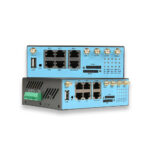
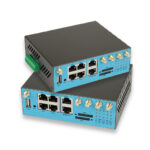
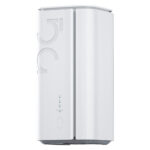
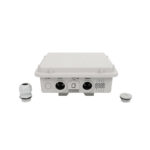
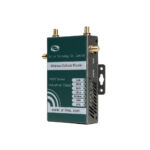
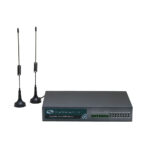
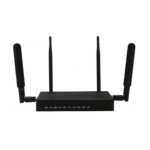
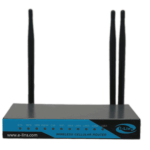
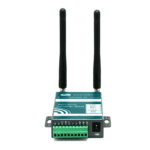
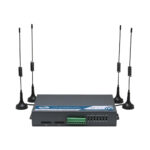
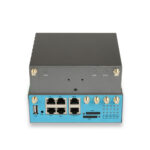
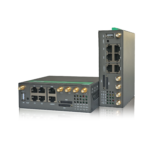
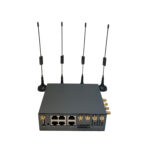
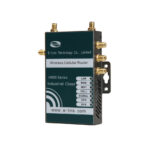
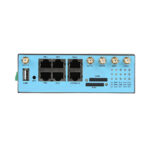
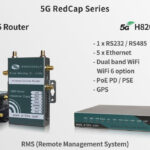
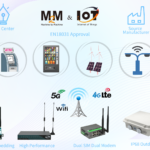
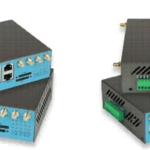
The following products help compare router-based and modem-based cellular structures. Each image can be clicked to open the related product page.
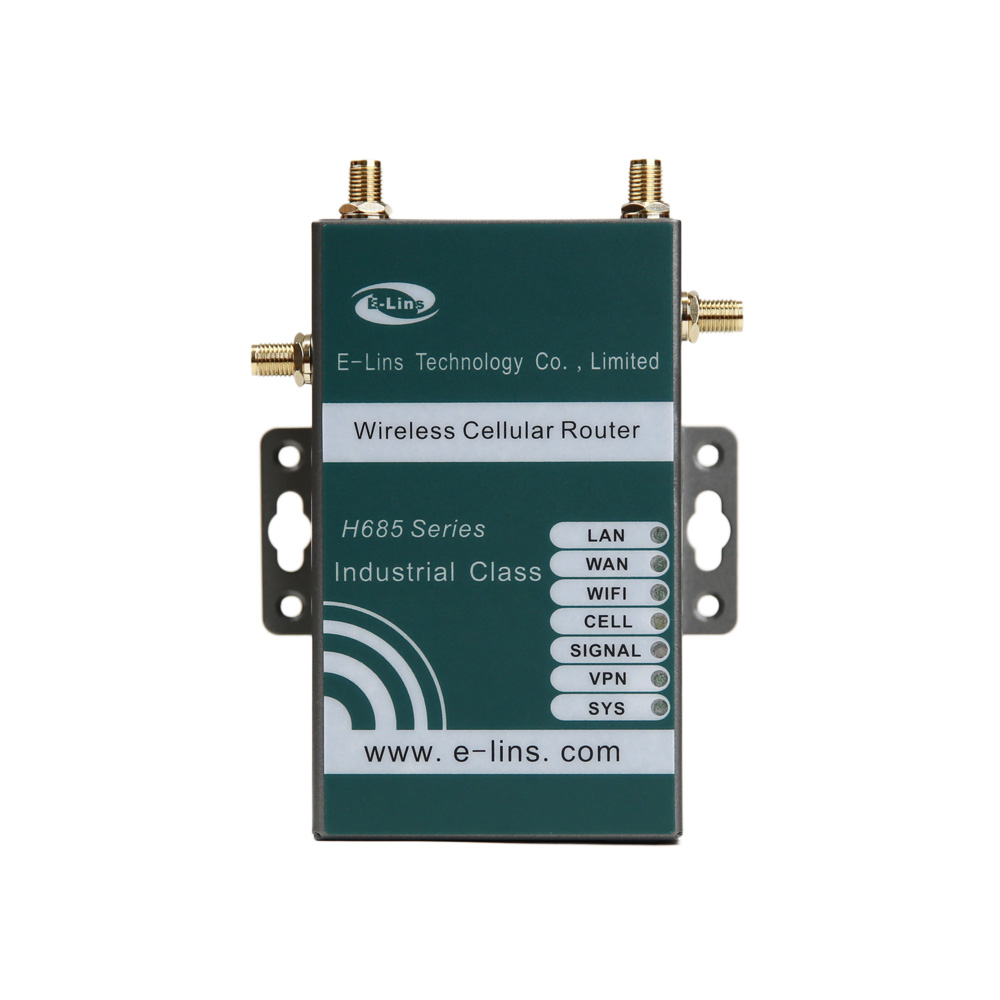
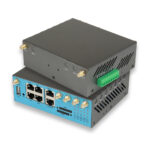
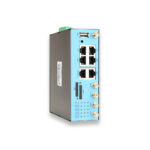
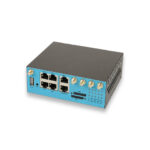
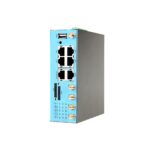
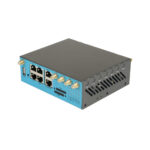
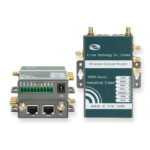
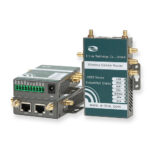
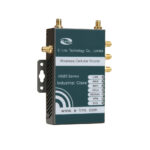
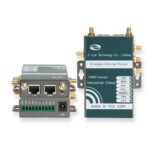
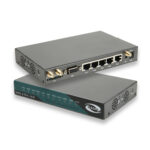
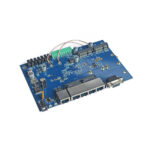
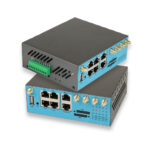
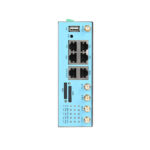
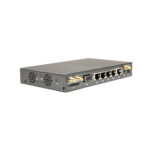
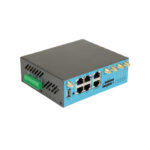
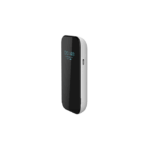
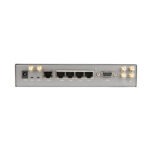
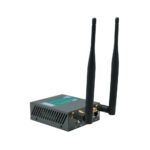
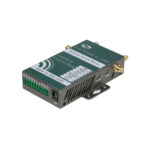
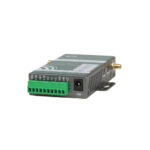
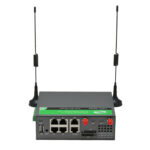
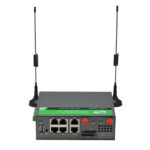
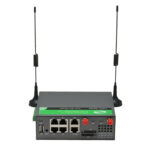
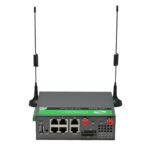
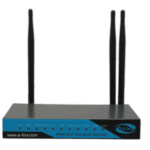
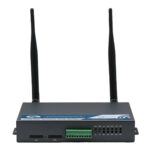
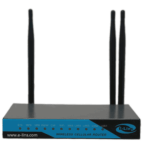
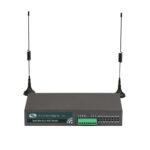
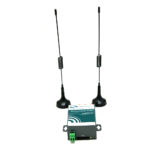
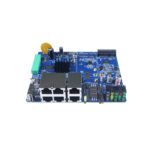
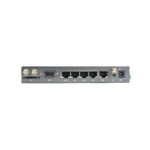
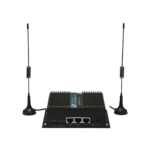
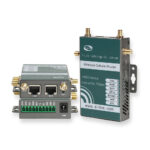
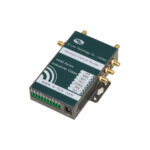
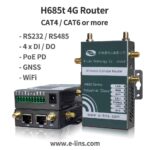
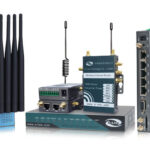
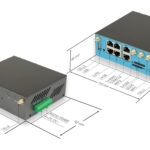
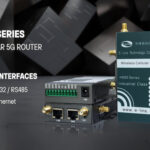
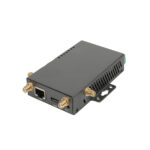
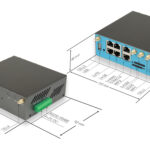
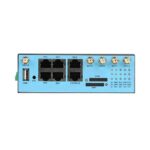
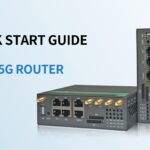
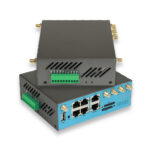
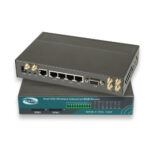
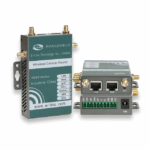
H685t Mini 4G Router
Suitable for compact industrial sites that need cellular access, LAN/WAN networking, VPN options, and gateway-style routing.
View Product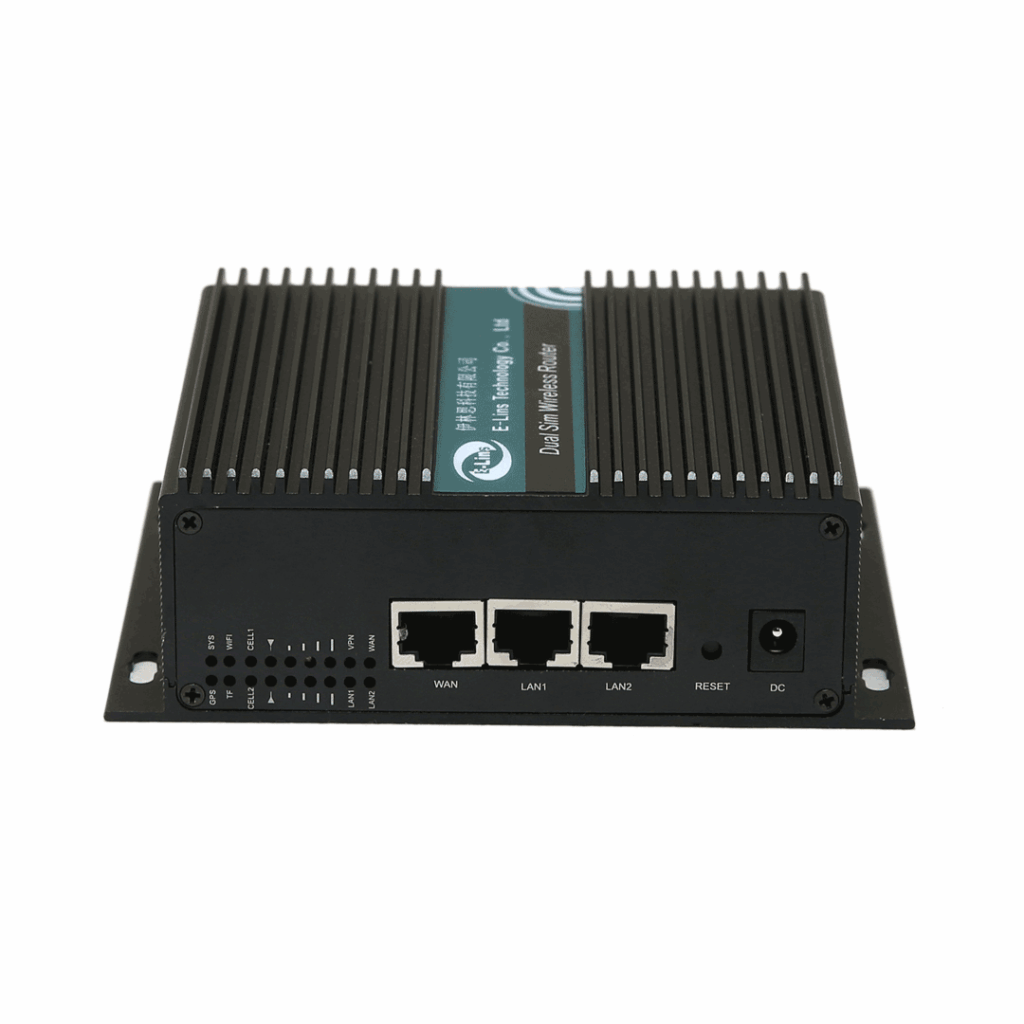
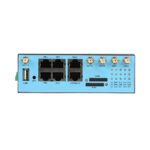
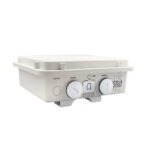
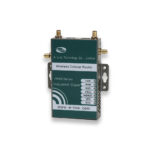
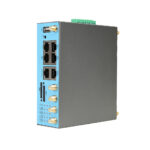
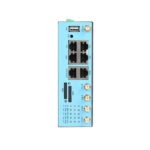
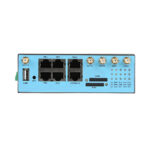
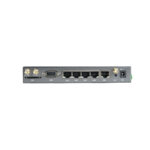
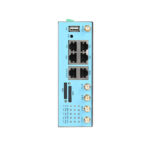
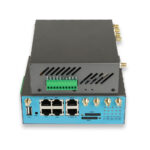
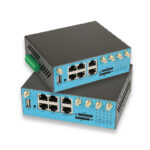
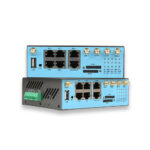
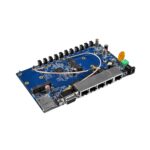
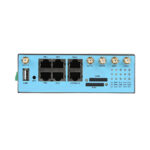
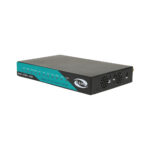
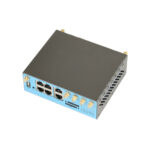
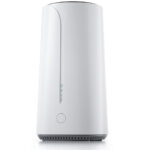
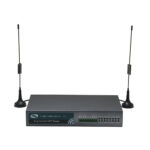
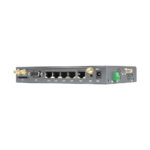
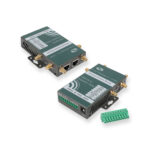
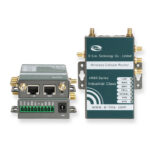
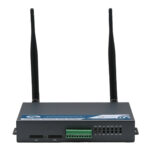
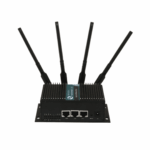
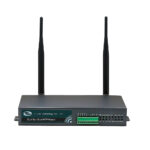
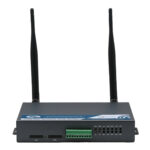
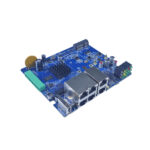
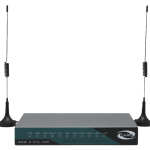
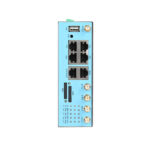
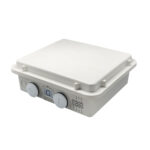
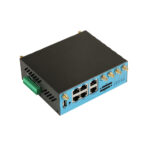
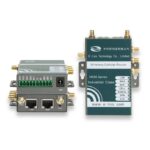
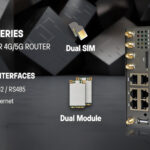
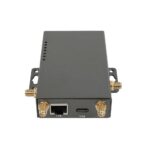
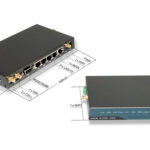
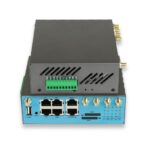
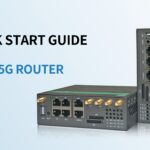
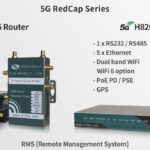
H750tt Dual SIM 4G Router
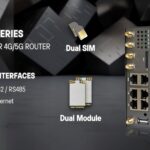
Suitable for M2M and IoT projects that need dual SIM planning, Ethernet access, RS232 or RS485 integration, and secure remote networking.
View Product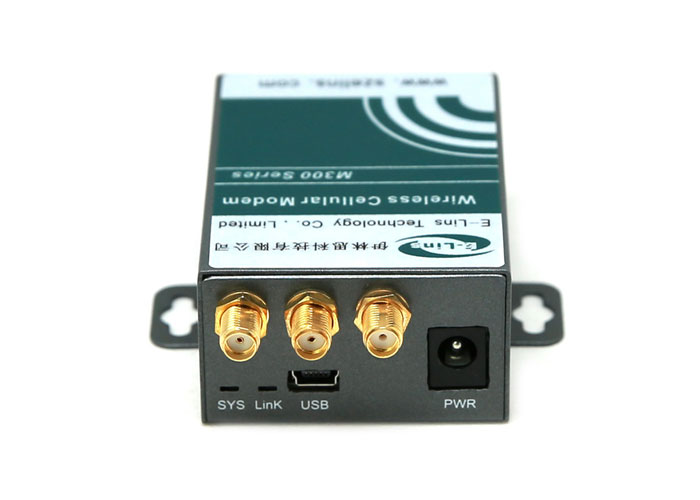
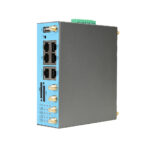
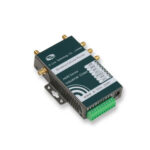
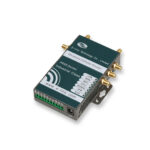
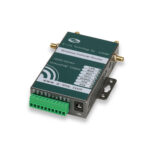
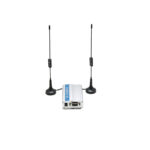
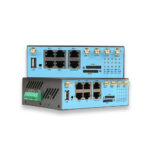
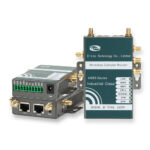
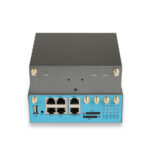
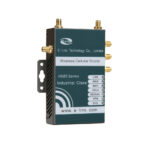
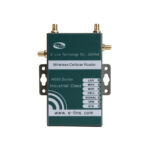
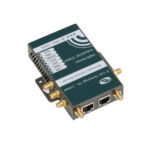
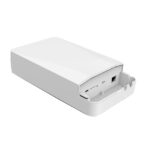
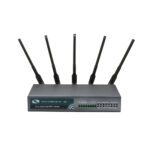
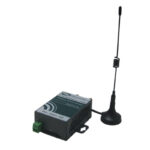
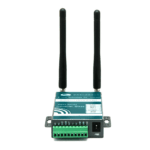
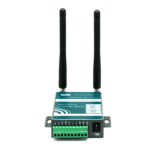
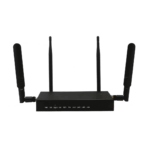
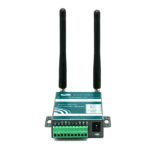
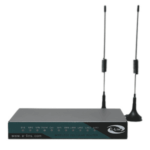
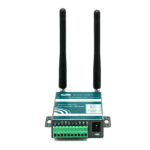
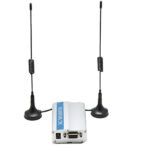
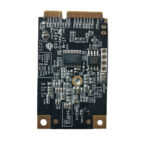
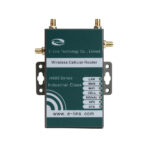
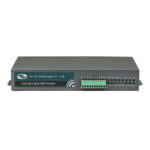
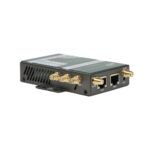
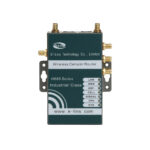
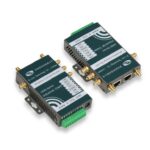
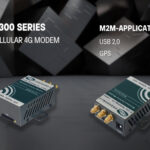
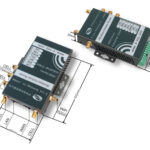
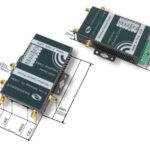
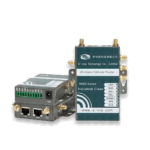
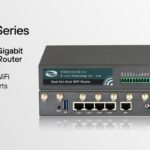
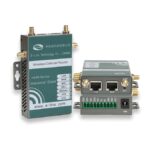
M300t 4G Modem
Suitable for host-based cellular access where an existing gateway, controller, or embedded system manages routing and application logic.
View ProductExtended Reading
Industrial 4G Router Category — Review router options for IoT, M2M, VPN, and remote site gateway projects.
Industrial 4G Modem Category — Compare modem options for host-based cellular access and embedded integration.
Project Inquiry — Share network structure, interface needs, SIM details, and remote access requirements.
FAQ
Is a 4G LTE router the same as a 4G modem?
No. A router creates and manages a local network through cellular access. A modem mainly provides cellular connectivity to a host device.
Can a 4G modem connect multiple devices?
A modem usually connects one host device. Multiple devices can connect only if the host shares the connection or another gateway handles routing.
Which is better for remote monitoring?
For several cameras, PLCs, meters, or controllers, a router often fits better. For a single host-based monitoring device, a modem may be enough.
Do I need a router if an industrial gateway already exists?
Not always. If the gateway already handles routing, VPN, firewall, diagnostics, and cloud communication, a modem may provide enough cellular access.
How should an IoT project choose between router and modem?
First, count the connected devices. Next, confirm VPN, NAT, firewall, LAN ports, serial access, APN settings, fixed IP needs, antenna layout, and remote management requirements.
Conclusion: Match the Device to the Network Role
In short, 4G LTE Router vs 4G Modem is an architecture decision. A router usually fits remote sites that need a cellular gateway, VPN access, multi-device LAN networking, NAT, firewall control, and easier field maintenance. A modem fits systems where an existing host already manages routing, security, diagnostics, and application logic.
As an industrial cellular router manufacturer, E-Lins can help review the existing network structure before product selection. Useful details include the application scenario, installation environment, connected device count, interface requirements, VPN needs, SIM/APN situation, carrier region, antenna plan, and maintenance method.
- Prepare a simple network diagram showing the cellular device, host gateway, local devices, and remote platform.
- Confirm whether VPN, NAT, DHCP, firewall, fixed IP, private APN, serial access, or LAN sharing is required.
- Check power input, temperature range, mounting method, antenna position, and expected lifecycle before final selection.