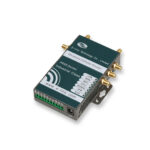
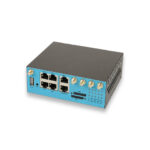
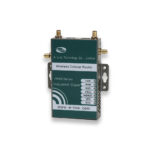
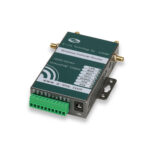












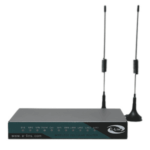
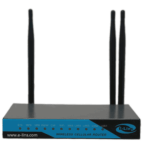
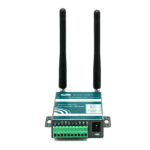
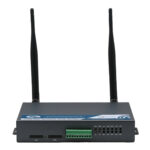




























































 Installation
--:--
Installation
--:--
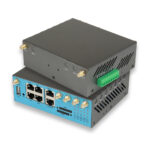
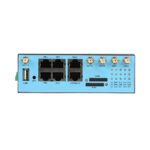
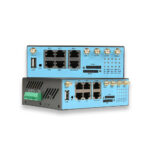
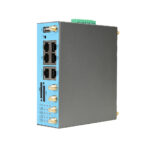
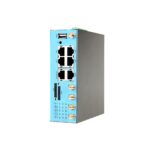
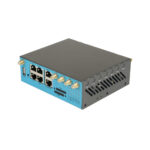
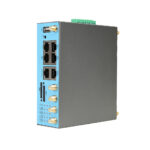
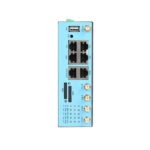
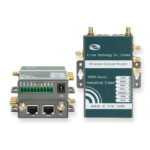
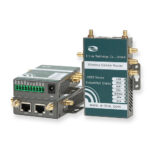
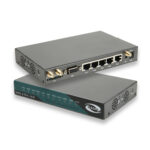
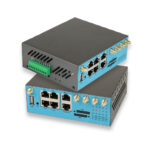
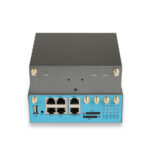
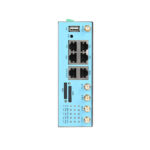
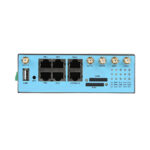
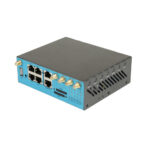
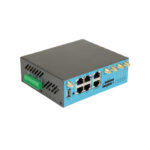
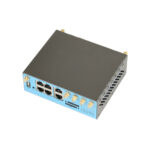
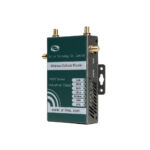
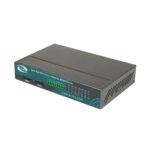
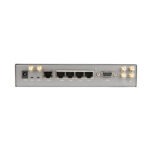
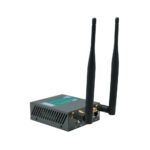
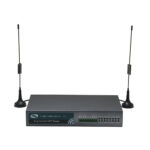
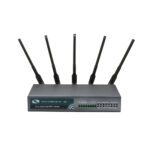
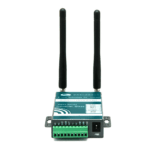
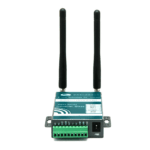
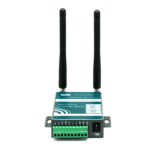
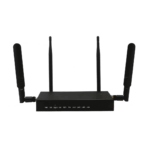
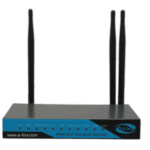
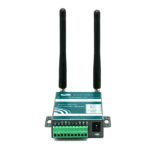
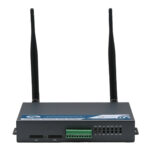
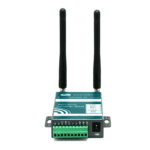
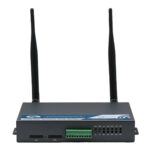
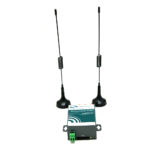
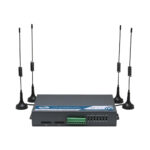
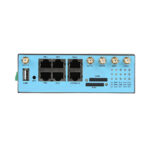
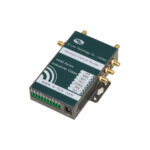
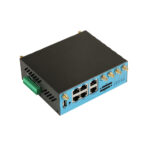
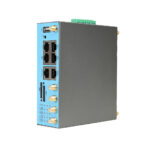
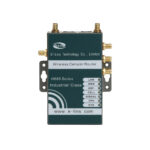
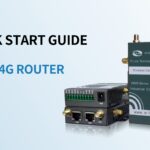
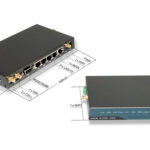
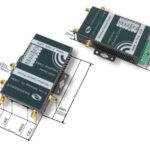
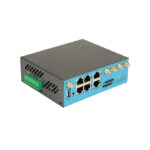
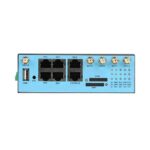
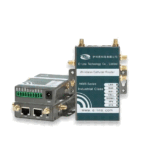
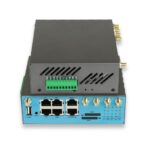
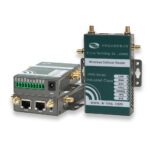
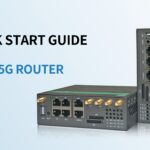
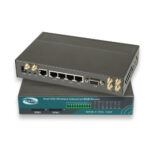
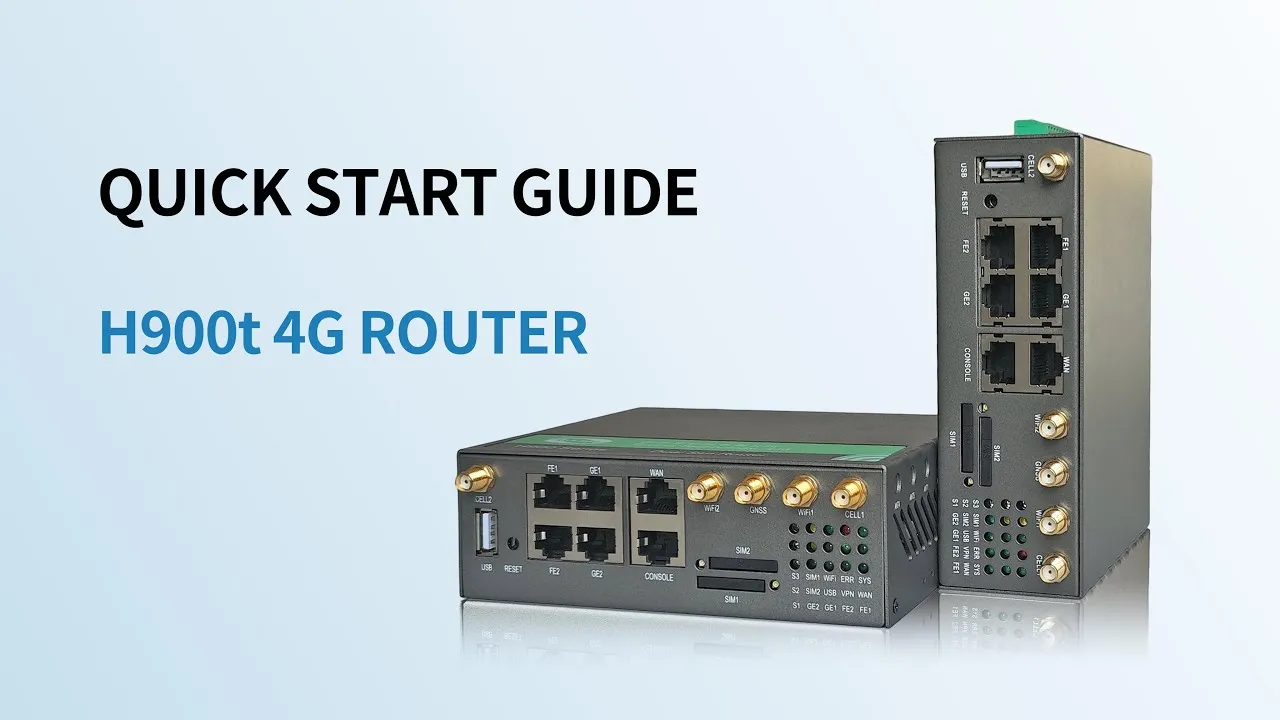
H900t – Dual SIM 4G Industrial Router – Quick Start Guide
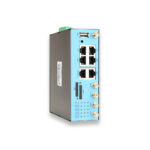
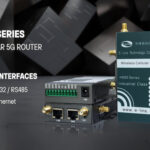
Step-by-step quick start guidance for the H900t industrial router.
 Manufacture Since 1999
Manufacture Since 1999
Manufacture Since 1999
Compare E-Lins industrial routers by connectivity, interfaces, features and deployment requirements.
Find the right gateway based on interfaces, protocols, connectivity, and deployment requirements.
Select cellular modems by network generation, regional bands, interfaces, and integration requirements.
Choose the right switch by port count, PoE requirements, uplink options, and industrial deployment conditions.
Integrate controllers with industrial devices, communication protocols, and remote management platforms.
Compare devices by mobility, network speed, coverage, Wi-Fi capability, and deployment requirements.
Support hardware integration, software development, connectivity, and customized embedded solutions.
Monitor connected devices, manage configurations, and maintain your distributed network from a centralized platform.
Find compatible accessories by product model, connector type, mounting method, and deployment requirements.
Work with E-Lins engineering teams from product requirements and prototyping through validation and production.
Industrial 4G LTE and 5G connectivity products for reliable remote access, IoT networking, and mission-critical applications.
Industrial networking and control products designed to connect, manage, and integrate machines, devices, and field systems.
From product customization and industrial interfaces to firmware, hardware design, validation, and mass production support.
Connect distributed devices, industrial systems, and remote infrastructure with secure cellular networking, edge connectivity, and centralized management.
Real deployments from Smart City, Energy, Industrial Automation, Transportation, and Mining, measured in uptime, savings, and ROI.
500+ deployments
150+ countries
Explore technical perspectives, product demonstrations, white papers, webinars, and industry developments from E-Lins.
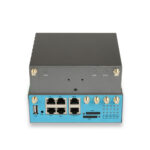
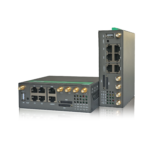
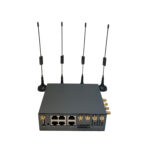
Learn the first steps for E-Lins industrial connectivity devices, including hardware preparation, SIM installation, antenna connection, and initial setup.
Step-by-step quick start guidance for the H900t industrial router.
 Installation
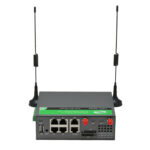
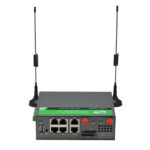
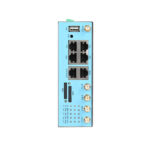
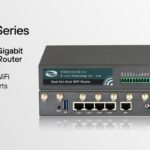
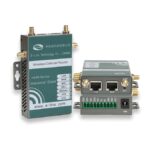
Quick-start guidance for preparing and configuring the H820 industrial router. Video link to be added
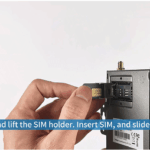
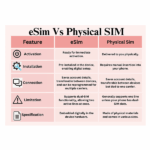
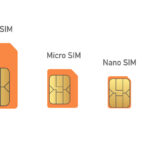
Locate the SIM slot, insert the card correctly, and avoid the classic seating mistakes. Video link to be added
Which antenna goes where, and how placement and cable length affect signal quality. Video link to be added
Power input ranges, polarity, and surge precautions for industrial sites. Video link to be added
Cable your first Ethernet link and understand the port roles. Video link to be added
DIN-rail clip and wall-mount options for cabinets and enclosures. Video link to be added
Master the Web UI, APN, network, dual-SIM, Wi-Fi, VPN, serial / I/O, GNSS, and PoE settings that power everyday operation of E-Lins industrial routers and gateways.
Log in, navigate the dashboard, and manage user accounts. Video link to be added
Set the correct APN so the router registers on the mobile network. Video link to be added
IP modes, routing, DNS, and DHCP for your site topology. Video link to be added
Primary / backup SIM behaviour and automatic failover. Video link to be added
Wireless basics plus isolated guest access. Video link to be added
Port roles, link settings, and simple VLAN segmentation. Video link to be added
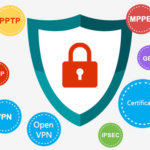
Choose a VPN type and complete a working tunnel. Video link to be added
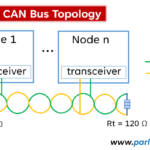
RS232 / RS485 modes and DI / DO wiring for field signals. Video link to be added
Enable positioning and stream NMEA data. Video link to be added
Power downstream devices and verify PoE budgets. Video link to be added
Reach the device from the NMS or cloud platform. Video link to be added
Keep every device healthy in the field: firmware upgrades and recovery, OTA updates, configuration backup / restore, and fleet-wide remote management through the E-Lins NMS platform.
Check versions, download the right image, and upgrade safely. Video link to be added
Use recovery mode to bring an unresponsive device back. Video link to be added
Schedule and roll out firmware across the fleet remotely. Video link to be added
Snapshot settings before changes and roll back in minutes. Video link to be added
Bulk configuration, reboots, and diagnostics over the air. Video link to be added
Onboard routers, organize sites, and manage at scale. Video link to be added
Signal quality, traffic, and event notifications. Video link to be added
Search-friendly fixes for the problems field teams hit most — written as the questions users actually type into search.
A systematic checklist from SIM and APN to signal and carrier registration. Video link to be added
SIM seating, carrier compatibility, and PIN-related causes. Video link to be added
Antenna selection, placement, and cable best practices. Video link to be added
Phase 1 / Phase 2 checks, NAT traversal, and firewall rules. Video link to be added
Registration, heartbeat, and firewall / NAT diagnostics. Video link to be added
Link lights, port settings, and cable faults. Video link to be added
RS232 / RS485 settings, grounding, and Modbus RTU diagnostics. Video link to be added
Image verification, recovery mode, and safe retry. Video link to be added
Factory reset options and restoring a saved configuration. Video link to be added
Advanced configuration and integration tutorials that go beyond basic setup — a growing library for engineers and integrators.
Policy-based failover with real-world timing benchmarks. Video link to be added
Site-to-site and road-warrior topologies on E-Lins routers. Video link to be added
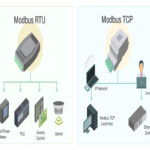
Wire, map, and poll PLC data over serial with Modbus RTU. Video link to be added
Power cameras, radios, and sensors over the Ethernet cable. Video link to be added
Tracking modes, geofencing, and NMEA output. Video link to be added
Step-by-step PLC connectivity over Ethernet and serial. Video link to be added
Reach PLCs, HMIs, and controllers behind a cellular router. Video link to be added
When a tutorial is not enough, jump into product documentation, manuals, and the knowledge base — or reach the E-Lins support team directly.
The most common questions from engineers and installers using the E-Lins video tutorial library.