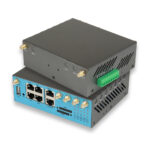
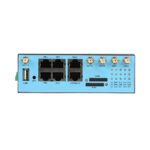
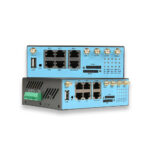
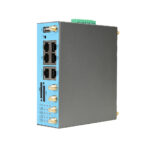
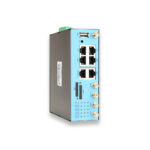
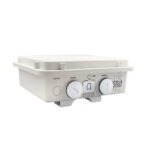
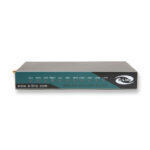
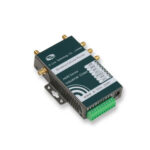
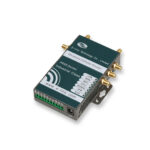
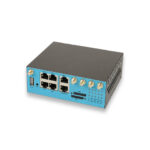
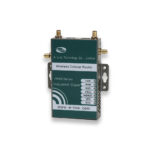
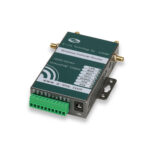
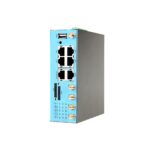

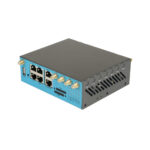
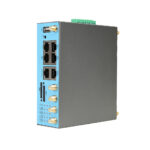
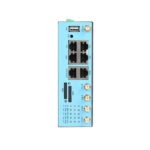
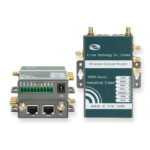
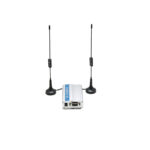
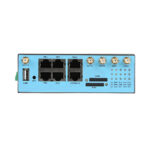
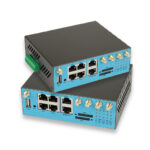
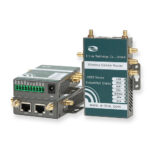
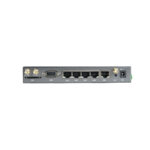
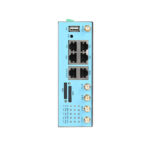
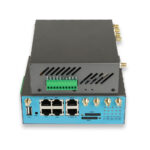
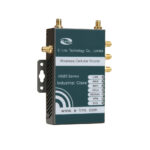
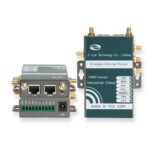
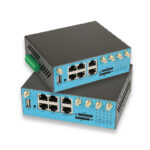
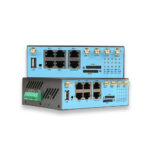
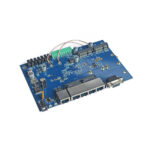
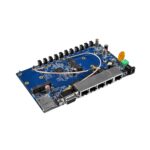
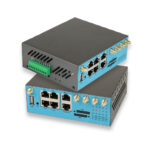
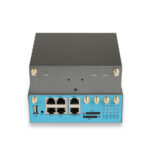
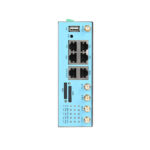
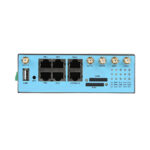
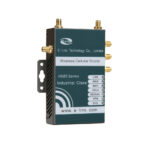
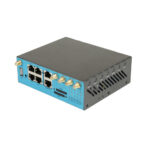
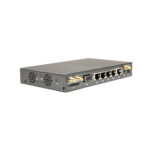
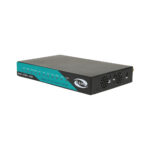
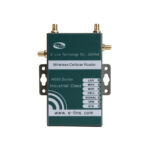
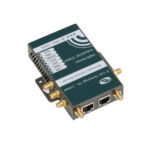
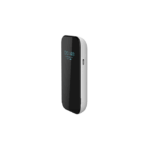
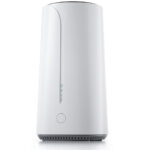
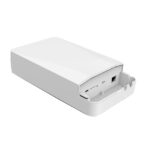
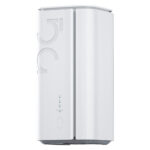
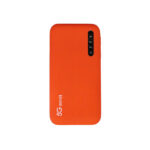
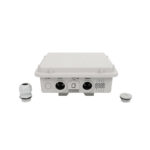
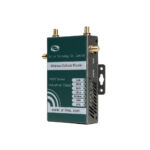
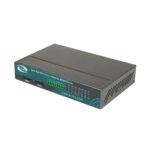
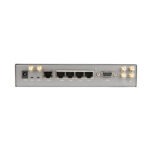
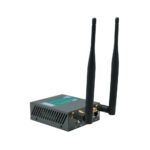
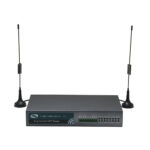
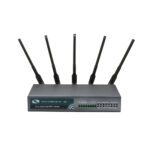
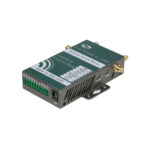
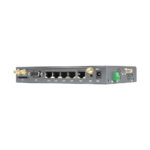
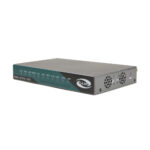
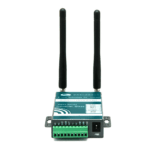
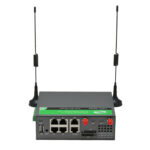
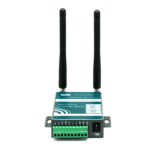
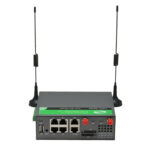
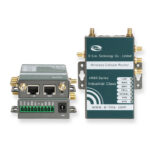
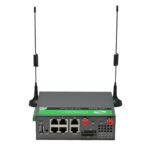

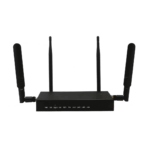
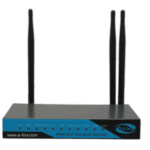
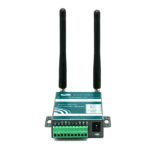
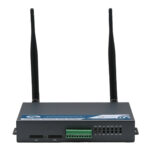
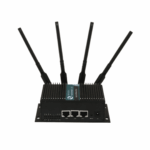
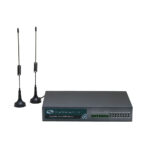

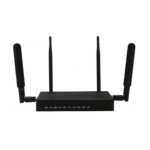
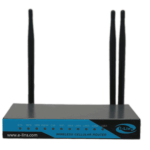
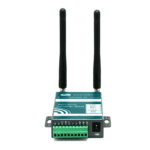
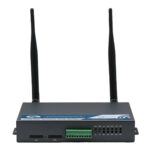
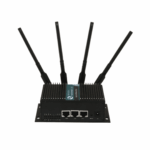
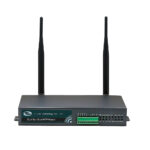

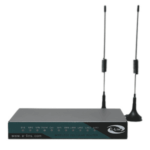
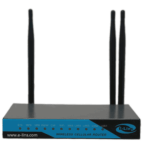
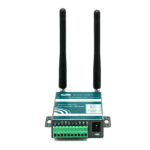
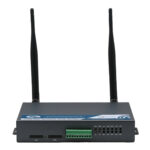
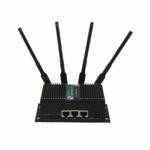
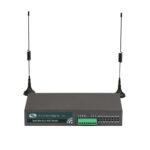
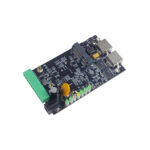
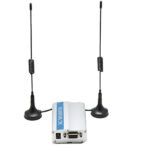
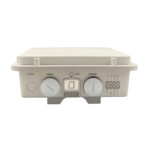
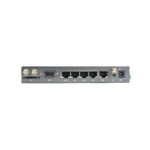
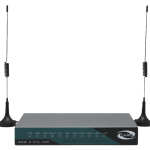
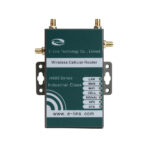
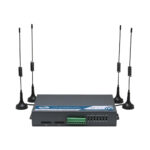
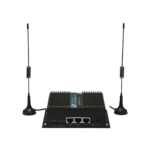
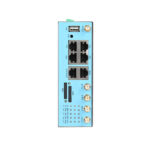
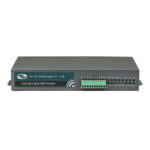
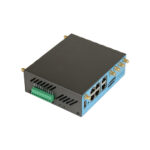
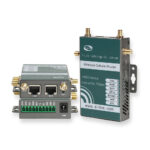
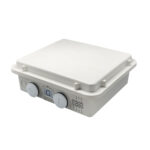
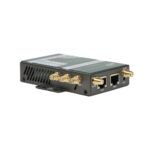
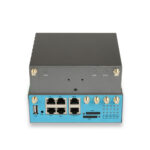
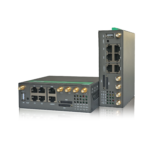
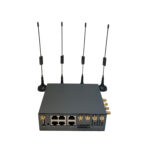
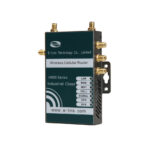
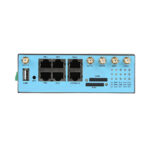
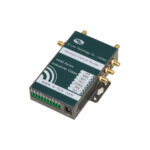
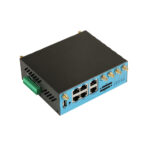
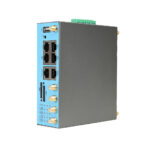








































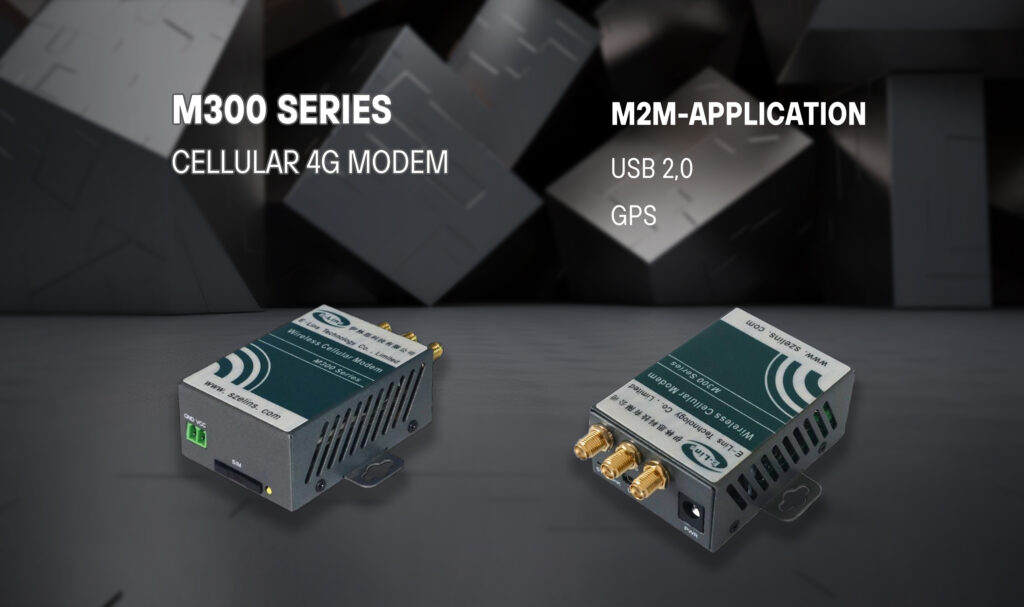
What is a 4G Cellular Modem?
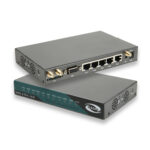
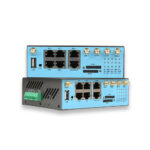
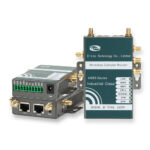
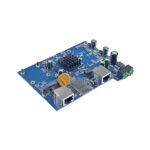
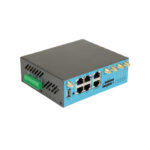
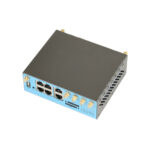
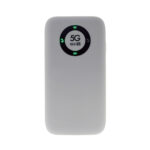
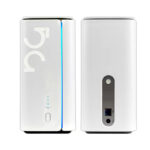
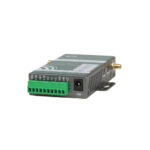
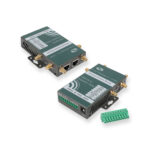
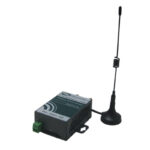
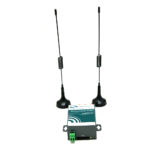
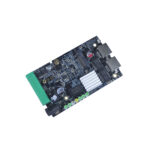
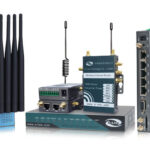
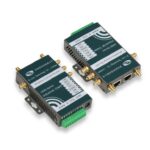
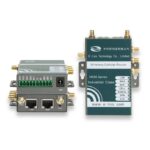
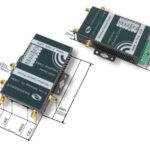
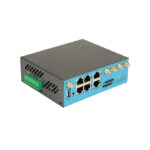
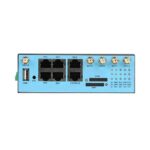
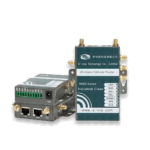
A 4G cellular modem is a hardware device that enables devices to connect to a 4G (Long-Term Evolution, LTE) cellular network, facilitating high-speed data transmission between the device and a remote server, cloud platform, or another connected device. Unlike Wi-Fi modems that rely on local wireless networks or wired modems that require physical cables, 4G cellular modems use cellular towers to establish a connection, eliminating the need for fixed infrastructure and enabling connectivity in remote or hard-to-reach areas.
Selecting the right 4G cellular modem for your business is critical to ensuring reliable connectivity, minimizing downtime, and maximizing return on investment (ROI). With a wide range of modems available on the market, each with different features, form factors, and capabilities, choosing the right one can be a daunting task. Additionally, once you’ve selected a modem, optimizing its performance and troubleshooting common issues is essential to getting the most out of your investment.
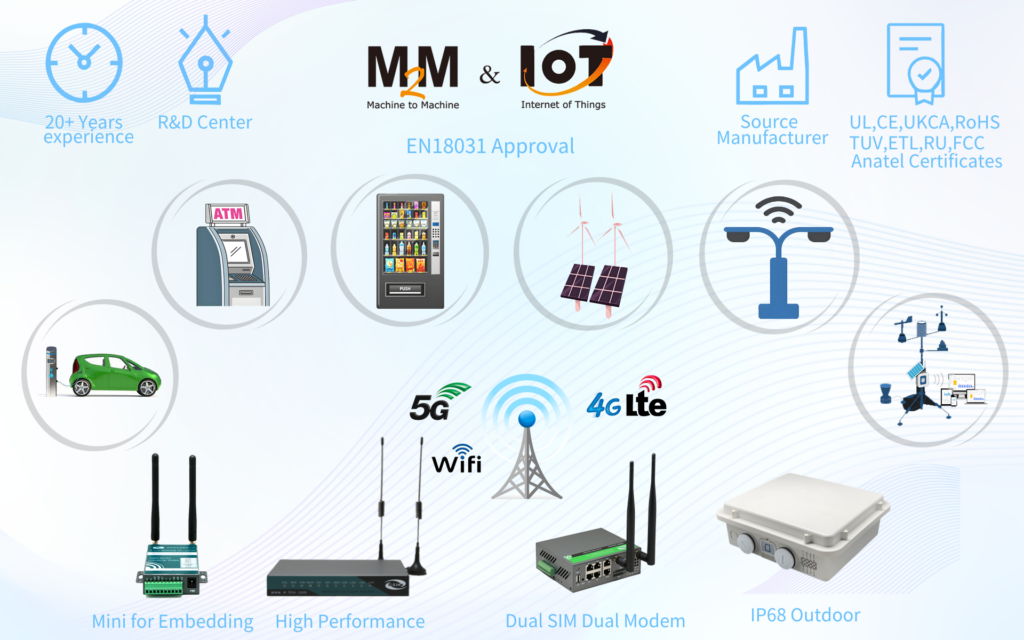
This blog provides a comprehensive guide to choosing, optimizing, and maintaining a 4G cellular modem for your business, whether you’re deploying IoT devices, managing industrial equipment, or providing remote connectivity.
1)Step 1: Define Your Business Requirements
The first step in choosing a 4G cellular modem is to clearly define your business requirements. This will help you narrow down your options and select a modem that meets your specific needs. Below are some key factors to consider:
1.1 Application Type
Consider the application for which you’ll be using the modem. Are you deploying IoT sensors, industrial machinery, video surveillance cameras, or remote workstations? Different applications have different requirements: IoT sensors may require low power consumption and small form factors, while video surveillance may require high-speed data transmission and large bandwidth. For example, a soil moisture sensor in a farm will need a low-power embedded modem, while a security camera in a construction site will need a high-bandwidth modem with video optimization features.
1.2 Data Requirements
Determine your data usage needs, including the amount of data you’ll transmit/receive per month, the speed required, and whether you need real-time data transmission. If you’re transmitting large amounts of data (such as video footage), you’ll need a modem with high bandwidth and support for 4G LTE Advanced (LTE-A) or LTE Cat 6/12. If you’re transmitting small amounts of data (such as sensor readings), a lower-cost modem with LTE Cat 1 or Cat 4 may be sufficient. Additionally, consider whether you need symmetric speeds (equal upload and download speeds) or asymmetric speeds (faster download than upload).
1.3 Environment
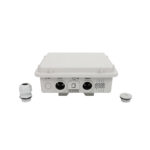
Consider the environment in which the modem will be deployed. Will it be used indoors (such as in an office or warehouse) or outdoors (such as in a construction site or farm)? Outdoor modems need to be rugged and weather-resistant, with protection against dust, water, and extreme temperatures. Industrial modems should be designed to withstand vibration, shock, and electromagnetic interference (EMI), which are common in manufacturing and industrial settings. Consumer-grade modems are suitable for indoor use but may not hold up in harsh environments.
1.4 Connectivity Needs
Determine how many devices you need to connect to the modem. If you need to connect multiple devices (such as a team of remote workers or a network of IoT sensors), you’ll need a modem with Wi-Fi or Ethernet capabilities that can act as a hotspot. If you only need to connect a single device (such as a single sensor or a laptop), a USB dongle or embedded module may be sufficient. Additionally, consider whether you need dual-SIM support for redundancy or global coverage if you’re deploying devices in multiple countries.
2)Step 2: Key Factors to Consider When Choosing a 4G Cellular Modem
Once you’ve defined your requirements, you can start evaluating modems based on the following key factors:
2.1 Form Factor
4G cellular modems are available in three main form factors, each suited to different use cases:
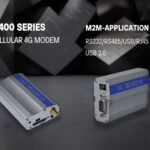
- USB Dongles: Small, portable, and easy to use, USB dongles plug directly into a laptop, desktop, or IoT device. They are ideal for temporary connectivity, remote work, or small-scale IoT deployments. However, they are not suitable for harsh environments and may have limited features compared to other form factors.
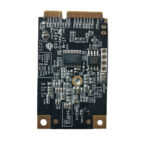
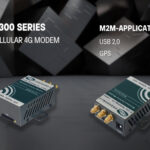
- Embedded Modules: These are small, compact modules that are integrated directly into the device (such as a sensor or industrial controller). They are ideal for mass-produced IoT devices and industrial equipment, as they save space and are more durable. Embedded modules require technical integration but offer greater flexibility and customization.
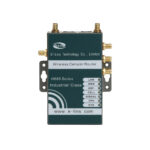
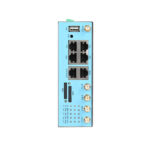
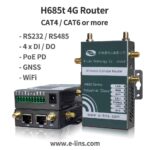
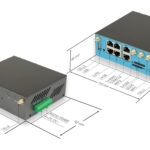
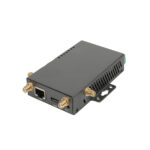
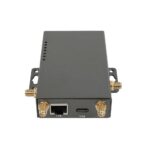
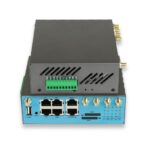
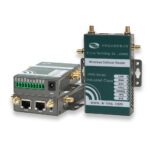
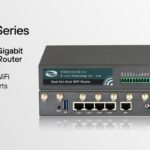
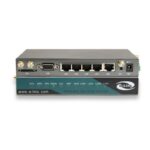
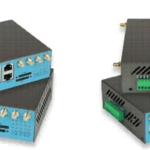
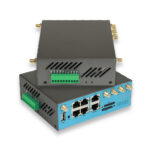
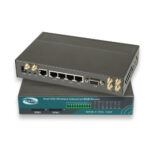
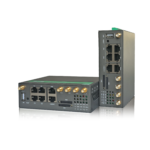
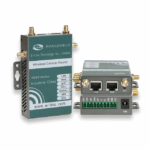
- Standalone Modems/Routers: These are standalone devices that include a 4G modem, Wi-Fi router, and Ethernet ports. They can connect multiple devices and are ideal for small offices, remote work sites, and events. Standalone modems are often rugged and weather-resistant, making them suitable for outdoor use.
2.2 Network Compatibility
Ensure that the modem is compatible with the cellular network of your service provider. 4G cellular modems support different frequency bands, and not all modems work with all carriers. For example, in the United States, Verizon, AT&T, and T-Mobile use different frequency bands, so you’ll need a modem that supports the bands used by your carrier. Additionally, consider whether you need a modem that supports multiple bands (multi-band) for global coverage if you’re deploying devices in multiple countries. Most modern 4G modems are multi-band, making them compatible with networks worldwide.
2.3 Power Consumption
Power consumption is a critical factor for battery-powered devices, such as IoT sensors and remote monitoring equipment. Look for modems with low power consumption features, such as sleep mode, wake-on-demand, and power-saving firmware. LTE Cat 1 modems are ideal for low-power applications, as they consume less power than higher Cat modems (such as Cat 4 or Cat 6) while still providing sufficient speed for most IoT use cases. Industrial modems often have adjustable power settings to optimize battery life based on your application needs.
2.4 Security Features
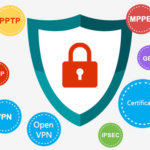
Security is essential for business applications, especially those involving sensitive data. Look for modems with robust security features, including AES-256 encryption, VPN support (IPsec, OpenVPN), firewalls, and secure authentication. Additionally, consider modems that support firmware updates over the air (OTA), which allow you to patch security vulnerabilities and add new features without physically accessing the device. Some modems also support secure boot and tamper detection, which prevent unauthorized access and tampering with the device.
2.5 Cost and ROI
Consider the total cost of ownership (TCO) of the modem, including the initial purchase price, monthly data plans, and maintenance costs. Consumer-grade modems are typically less expensive but may have a shorter lifespan and fewer features than industrial-grade modems. Industrial-grade modems are more expensive upfront but offer greater durability, reliability, and long-term value. When evaluating cost, consider the ROI: a more reliable modem may reduce downtime and maintenance costs, leading to higher long-term savings. Additionally, look for modems that are compatible with your existing infrastructure to avoid additional costs for upgrades or replacements.
3)Step 3: Optimizing Your 4G Cellular Modem for Maximum Performance
Once you’ve selected a 4G cellular modem, optimizing its performance is essential to ensuring reliable connectivity and minimizing data usage. Below are some tips to optimize your modem:
3.1 Choose the Right Data Plan
Select a data plan that matches your usage needs. If you’re transmitting large amounts of data, choose an unlimited or high-capacity data plan to avoid overage charges. If you’re transmitting small amounts of data, a low-capacity plan may be sufficient. Additionally, consider plans with rollover data or flexible usage options to avoid wasting unused data. Some carriers offer specialized IoT data plans, which are designed for low-data IoT applications and are more cost-effective than consumer data plans.
3.2 Improve Signal Strength
Poor signal strength can lead to slow speeds, dropped connections, and increased data usage. To improve signal strength:
Place the modem in a location with unobstructed access to cellular towers; use an external antenna (omni-directional or directional) to boost signal strength, especially in remote or low-coverage areas. Directional antennas are ideal for areas with a weak but consistent signal, while omni-directional antennas are better for areas with variable signal strength and avoid placing the modem near other electronic devices that may cause interference (such as routers, microwaves, or industrial equipment).
3.3 Update Firmware Regularly
Firmware updates include bug fixes, security patches, and performance improvements, so it’s important to update your modem’s firmware regularly. Most modems support OTA updates, which allow you to update the firmware remotely without physically accessing the device. Set up automatic updates to ensure that your modem is always running the latest firmware. Additionally, check the manufacturer’s website for manual updates if OTA updates are not available.
3.4 Monitor Performance
Monitor your modem’s performance to identify issues early and optimize usage. Most modems include a web interface or mobile app that allows you to view signal strength, data usage, connection status, and other key metrics. Set up alerts for low signal strength, high data usage, or dropped connections, so you can address issues before they affect your operations. Additionally, use network monitoring tools to track latency, jitter, and packet loss, which can help you identify and resolve performance issues.
3.5 Configure Security Settings
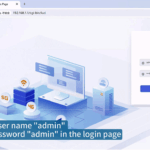
Configure your modem’s security settings to protect your network and data. Enable encryption, set up a VPN for remote access, and configure a firewall to block unauthorized access. Change the default username and password to prevent unauthorized access to the modem’s web interface. Additionally, disable any unnecessary features (such as Wi-Fi if you’re not using it) to reduce security risks. For industrial applications, use a private APN to create a secure, isolated network for your devices.
4)Troubleshooting Common 4G Cellular Modem Issues
Even with proper optimization, 4G cellular modems may experience issues from time to time. Below are some common issues and how to troubleshoot them:
Issue 1: No Connection
If your modem is not connecting to the 4G network, check the following:
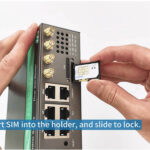
Ensure that the SIM card is properly inserted and activated. SIM cards are not hot-swappable, so power off the modem before inserting or removing the SIM card and check the signal strength. If the signal is weak, move the modem to a better location or use an external antenna and verify that the APN settings are correct. APN settings are provided by your cellular service provider, and incorrect settings can prevent connection. You can manually configure the APN in the modem’s web interface and restart the modem. Sometimes a simple restart can resolve connection issues.
Issue 2: Slow Speeds
If your modem is experiencing slow speeds, try the following:
Check the signal strength. Weak signal is the most common cause of slow speeds. Move the modem to a better location or use an external antenna and check for network congestion. 4G networks can become congested during peak hours, leading to slow speeds. Try using the modem during off-peak hours to see if speeds improve verify that you’re using the correct protocol. Some modems support QMI or QCM protocols, which can provide faster speeds than PPPD Dial. Check your modem’s settings to ensure you’re using the optimal protocol to reduce the number of connected devices. Too many devices connected to the modem can consume bandwidth and slow down speeds.
Issue 3: Dropped Connections
Dropped connections can be caused by weak signal, network congestion, or modem issues. To resolve:
Improve signal strength by moving the modem or using an external antenna; enable automatic reconnection in the modem’s settings. This will allow the modem to reconnect automatically if the connection is dropped; check for firmware updates. Outdated firmware can cause connection issues, so update the firmware to the latest version. Use a dual-SIM modem with a backup network. If the primary network is unstable, the modem will switch to the backup network, reducing downtime.
5)FAQ: Choosing and Optimizing 4G Cellular Modems
Q1: What is the difference between LTE Cat 1, Cat 4, and Cat 6 modems?
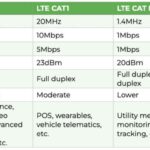
LTE Cat refers to the speed and performance of the modem. Cat 1 modems offer download speeds of up to 10 Mbps and upload speeds of up to 5 Mbps, making them ideal for low-power, low-data IoT applications (such as sensors). Cat 4 modems offer download speeds of up to 150 Mbps and upload speeds of up to 50 Mbps, suitable for most IoT and industrial applications. Cat 6 modems offer download speeds of up to 300 Mbps and upload speeds of up to 50 Mbps, ideal for high-bandwidth applications (such as video surveillance and large data transfers). The choice depends on your data needs and application type.
Q2: Should I choose an industrial-grade or consumer-grade 4G modem?
Choose an industrial-grade modem if you’re deploying the device in harsh environments (outdoors, manufacturing plants, oil fields) or if reliability is critical. Industrial-grade modems are rugged, weather-resistant, and designed to withstand extreme temperatures, vibration, and EMI. They also have longer lifespans and better security features. Choose a consumer-grade modem for indoor use (offices, homes) or temporary connectivity (remote work, events), as they are less expensive and easier to use but less durable.
Q3: How do I configure APN settings on my 4G cellular modem?
APN settings are provided by your cellular service provider. To configure APN settings:
Access the modem’s web interface by entering its IP address (usually 192.168.1.1 or 192.168.0.1) in a web browser. Log in using the default username and password; navigate to the “Network” or “Cellular” settings. Enter the APN, username, and password provided by your carrier; save the settings and restart the modem. The modem should now connect to the network using the correct APN settings.
Q4: Can I use a 4G cellular modem with a VPN?
Yes, most 4G cellular modems support VPN connections, which allow you to create a secure, encrypted connection between the modem and a remote server or network. This is particularly useful for businesses that need to access sensitive data remotely or secure their IoT devices. Most modems support popular VPN protocols such as IPsec, OpenVPN, and L2TP. To set up a VPN, you’ll need to configure the VPN settings in the modem’s web interface, including the VPN server address, authentication credentials, and encryption settings.
Q5: How can I reduce data usage with my 4G cellular modem?
To reduce data usage:
Compress data before transmission. Many IoT devices and modems support data compression, which reduces the amount of data sent over the network. Use event-based data transmission instead of continuous transmission. For example, have sensors transmit data only when a threshold is exceeded (such as high temperature or low moisture) instead of sending data continuously optimize video quality. If using video surveillance, reduce the video resolution or frame rate to reduce bandwidth usage. Monitor data usage regularly and set up alerts for high usage. This will help you identify and address any unexpected data consumption. Choose a data plan with rollover data or flexible usage options to avoid wasting unused data.
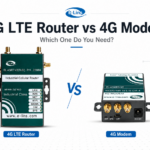
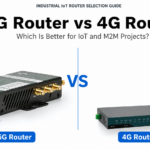
Q6: What is the difference between a 4G cellular modem and a 4G router?
A 4G cellular modem is a device that connects to the 4G network and enables a single device to access the internet. A 4G router, on the other hand, includes a 4G modem plus additional features such as Wi-Fi, Ethernet ports, and the ability to connect multiple devices. In other words, a 4G router is a modem plus a router. If you need to connect multiple devices, a 4G router is the better choice. If you only need to connect a single device, a 4G modem (such as a USB dongle) is sufficient. Some modems can be connected to a separate router to enable multiple device connectivity.
By following this guide, you can select the right 4G cellular modem for your business, optimize its performance, and troubleshoot common issues, ensuring reliable connectivity and maximizing ROI. Whether you’re deploying IoT devices, managing industrial equipment, or providing remote connectivity, a well-chosen and optimized 4G cellular modem is a key component of your connected infrastructure.
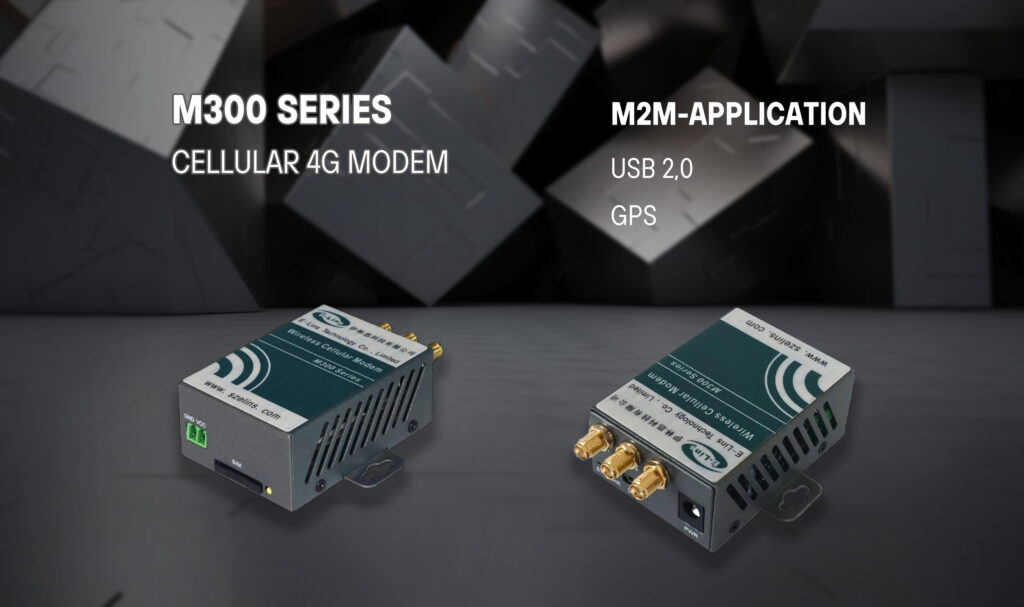
Do you need a reliable 4G Cellular Modem? You could contact with E-Lins, a IoT expert, providing many excellent 4G Cellular Modems.