
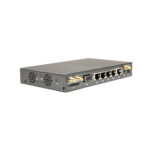
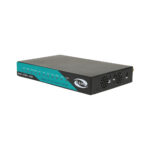



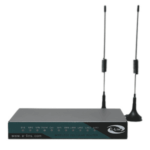
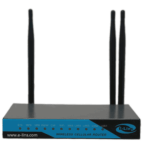
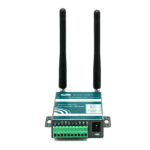
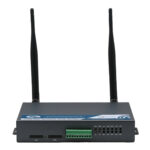
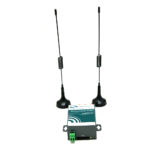
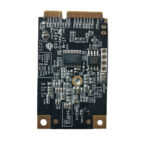
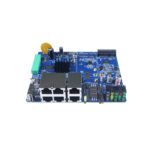
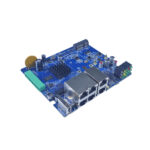










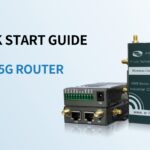





















Why a 4G Wi-Fi Router Is the Smart Choice for Modern Connectivity
In an era where work, education, and entertainment are entirely digital, a reliable internet connection is no longer a luxury—it is a necessity. However, millions of households and businesses still face the frustration of slow DSL speeds, fiber-optic dead zones, or frequent wired network outages. Enter the 4G Wi-Fi router: a versatile device that bridges the gap between mobile networks and your local devices.
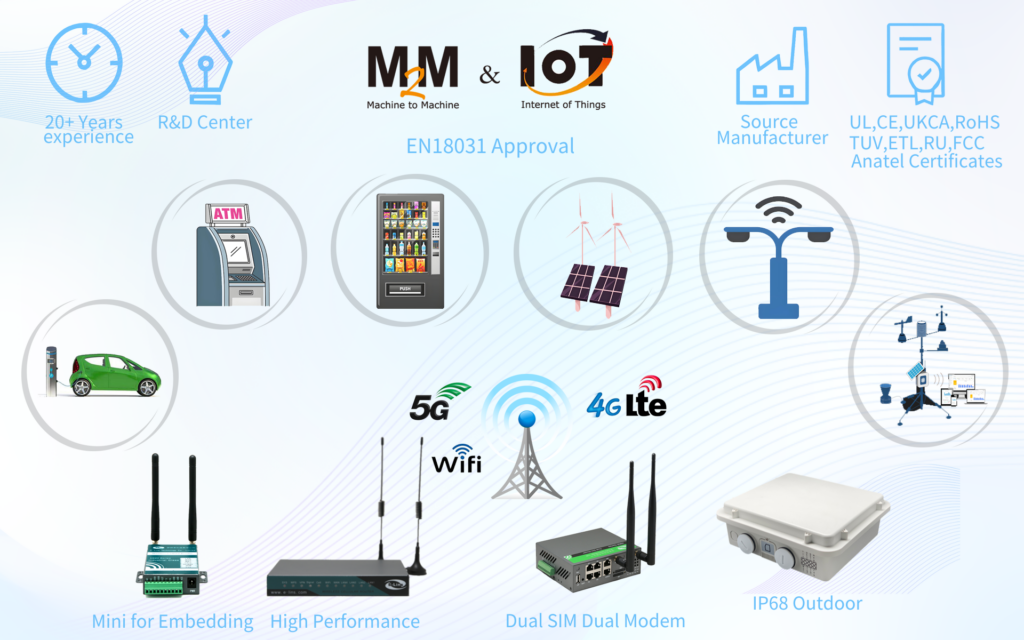
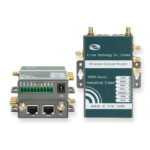
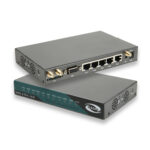
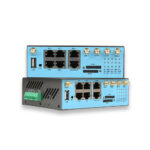
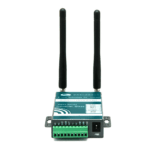
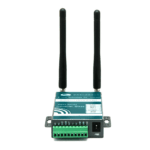
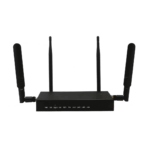
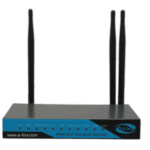
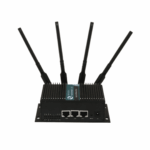
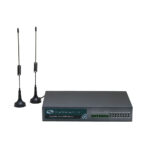
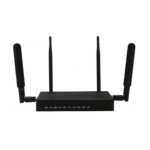
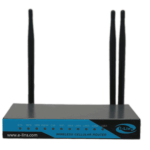
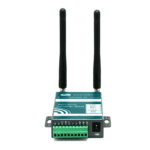
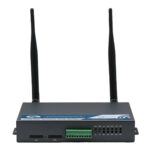
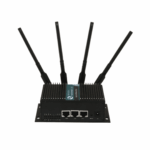
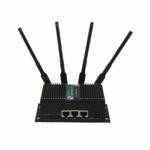
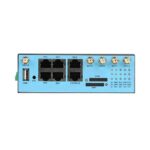
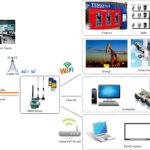
A 4G Wi-Fi router (sometimes called a SIM router or LTE modem router) operates by inserting a standard SIM card—much like the one in your smartphone—to receive a cellular signal. It then broadcasts that connection as a Wi-Fi network or distributes it via Ethernet cables. This technology has evolved rapidly. In 2026, these devices are not just backup tools; for many, they are the primary source of internet access.
This guide will walk you through everything you need to know about selecting, setting up, and optimizing a 4G Wi-Fi router to ensure you stay connected, no matter where you are.
1)How Does a 4G Wi-Fi Router Work?
Understanding the basic mechanics of these routers helps in making an informed purchase. Unlike traditional routers that require a coaxial cable or telephone line connected to a modem, a 4G Wi-Fi router has a built-in cellular modem.
1. The SIM Card Mechanism
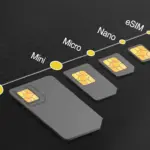
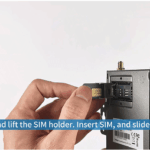
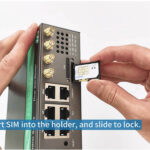
The core functionality revolves around the SIM card. When you subscribe to a mobile data plan from a carrier (like T-Mobile, Vodafone, or EE), you insert that SIM into the router’s slot. The router negotiates a connection with the nearest cell tower, authenticates your access, and establishes an internet connection. Most modern routers support plug-and-play, automatically configuring the Access Point Name (APN) settings required by your provider.
2. From Cellular Signal to Wi-Fi
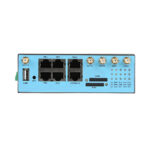
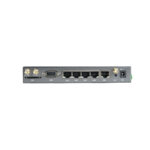
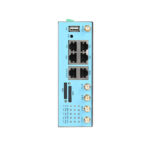
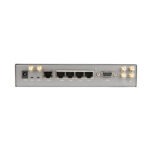
Once the router receives the 4G LTE signal, it translates that data into a standard local network. High-quality routers feature dual-band Wi-Fi (2.4GHz and 5GHz), allowing you to connect everything from smart fridges and security cameras to gaming laptops and 4K streaming sticks. For devices that demand the lowest latency, such as desktop PCs or servers, the Gigabit Ethernet ports on the back provide a direct wired connection.
2) Key Features to Look For in a 4G Wi-Fi Router
The market is flooded with options, ranging from budget-friendly travel routers to industrial-grade units. To find the right fit, pay close attention to the following specifications.
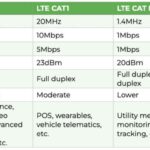
1. LTE Categories and Speed (Cat 4 vs. Cat 6 vs. Cat 12)
Not all 4G is created equal. The “Category” (Cat) rating determines the maximum speed the modem can achieve.
- Cat 4: Offers speeds up to 150 Mbps. This is sufficient for HD streaming, browsing, and light gaming in small households.
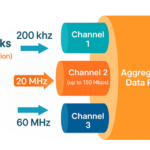
- Cat 6: Utilizes carrier aggregation to bond different frequency bands, boosting speeds up to 300 Mbps. Ideal for homes with multiple heavy users.
- Cat 12 and Above: Provides speeds exceeding 600 Mbps, often rivaling entry-level fiber connections. These are best for power users and offices.
2. Wi-Fi Generation: Wi-Fi 5 vs. Wi-Fi 6
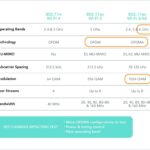
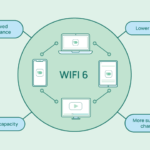
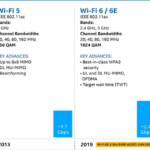
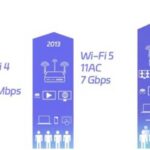
While the router gets internet via 4G, your internal network relies on Wi-Fi technology. Modern 4G Wi-Fi routers increasingly feature Wi-Fi 6 (802.11ax). This standard, as seen in devices like the NETGEAR LAX20, offers up to four times the data capacity of Wi-Fi 5, meaning you can connect dozens of smart home devices simultaneously without buffering.

3. Advanced Features: Failover, Mesh, and Security
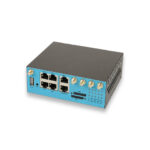
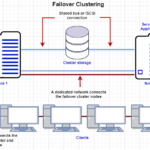
- Dual-WAN Failover: For homes with existing wired internet, a router with failover capabilities (like the D-Link G415) automatically switches to the 4G backup if your primary line goes down. The transition is seamless, ensuring video calls or online games don’t drop.
- Mesh Compatibility: If you live in a larger home, look for routers that support mesh networking. This allows you to add satellite units to eliminate Wi-Fi dead zones.
- WPA3 Security: Ensure your chosen router supports the latest WPA3 encryption protocol to keep your data safe from intruders.
3) Optimizing Your 4G Router Placement
One of the biggest mistakes users make is hiding their 4G router in a basement cabinet. Since the device relies on cellular reception, placement is critical.
1. Finding the “Sweet Spot”
Cellular signals degrade as they pass through walls, metal, and concrete. To maximize speed:
- Use your smartphone’s field test mode to find the strongest signal area in your home.
- Place the router near a window facing the direction of the nearest cell tower.
- Keep the router away from large metal objects and other electronics that cause interference, such as microwaves.
2. The Role of External Antennas
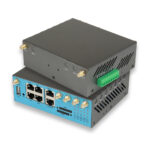
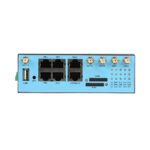
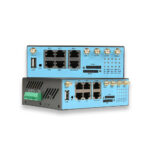
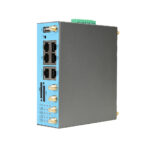
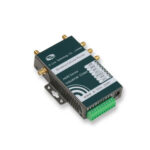
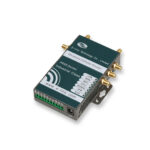
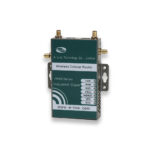
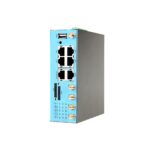
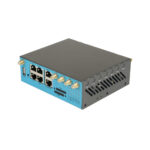
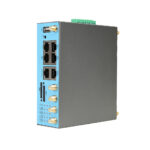
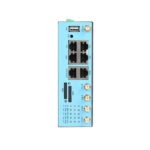
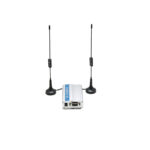
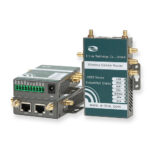
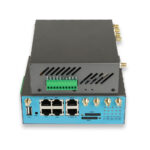
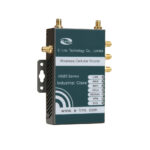
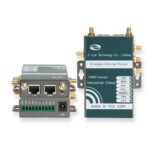
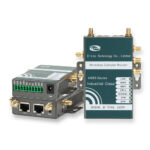
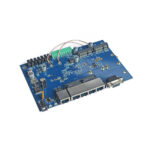
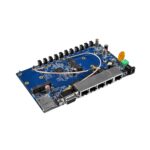
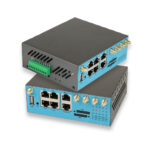
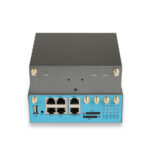
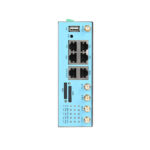
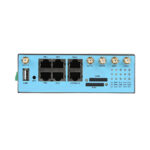
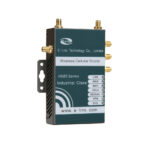
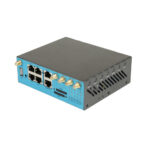
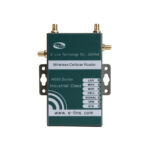
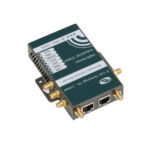
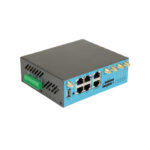
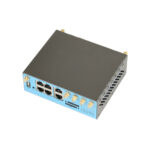
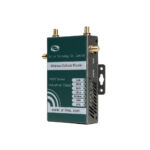
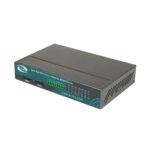
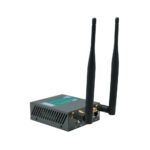
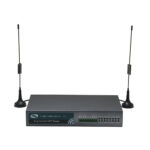
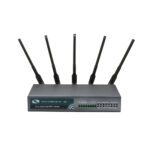
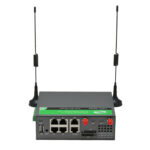
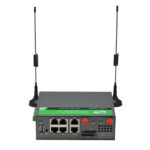
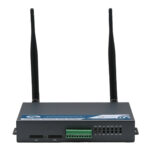
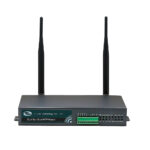
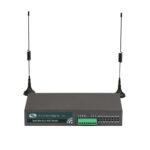
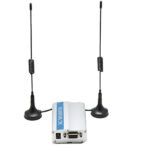
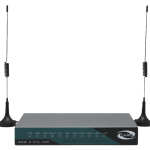
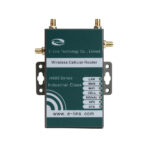
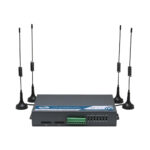
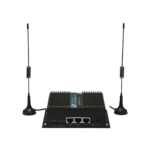
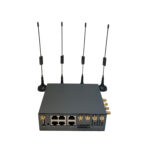
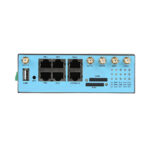
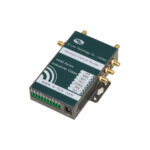
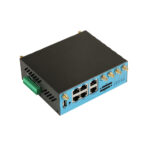
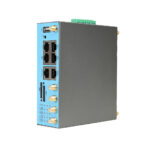
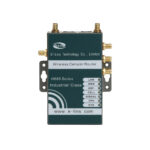
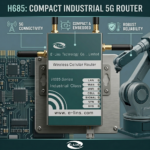
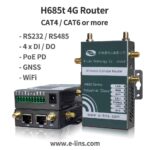
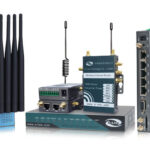
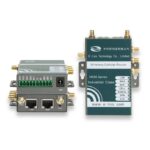
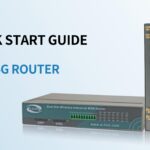
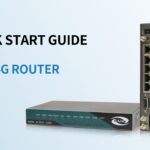
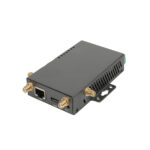
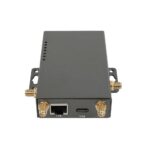
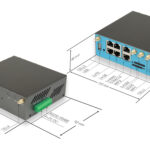
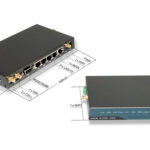
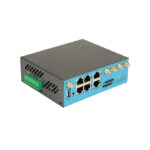
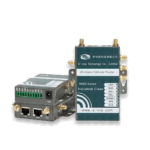
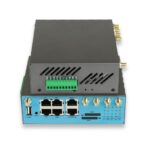
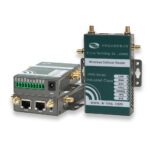
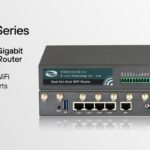
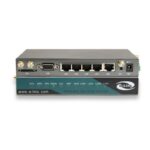
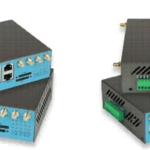
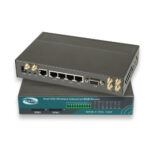
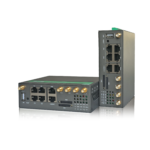
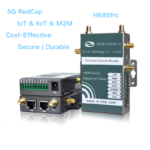
If you live in a rural area with weak signal strength, a standard router might struggle. Look for 4G Wi-Fi routers with external antenna ports (often SMA connectors). You can attach high-gain directional antennas, pointing them directly at the tower to capture a usable signal from miles away. Devices like the E-Lins H685t is designed specifically for such challenging environments.
4) 4G vs. 5G: Should You Wait?
With 5G networks expanding, many consumers wonder if buying a 4G router in 2026 is a backward step. For most users, the answer is no.
1. The Practical Reality
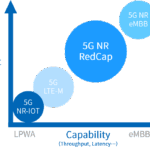
While 5G routers offer jaw-dropping theoretical speeds (up to 10 Gbps), the real-world experience depends heavily on location and infrastructure. mmWave 5G signals have short range and struggle to penetrate walls. In contrast, 4G LTE networks are mature, providing blanket coverage in most urban and suburban areas.
2. Cost-Benefit Analysis
A high-quality 4G Wi-Fi router costs significantly less than a 5G counterpart. Additionally, 4G data plans are generally cheaper and more likely to offer truly unlimited data. For the average household streaming video and browsing social media, a Cat 6 or Cat 12 4G router provides an experience virtually indistinguishable from 5G at a fraction of the cost.
5) FAQ – 4G Wi-Fi Router
Q1: Can I use any SIM card in a 4G Wi-Fi router?
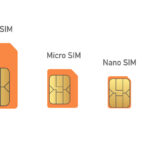
Generally, yes, but there are nuances. The router requires a standard size SIM (usually Micro or Nano). However, while the physical card fits, you need a data plan. Some phone SIMs work, but many carriers recommend or require a “data-only” SIM for routers and hotspots to avoid service conflicts.
Q2: What is the difference between a Mi-Fi router and a 4G Wi-Fi router?
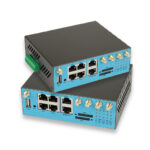
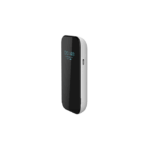
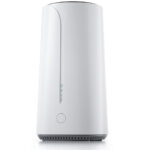
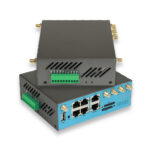
A MiFi router is a specific type of 4G Wi-Fi router designed for portability. It is battery-powered and typically supports fewer devices. A stationary 4G Wi-Fi router plugs into the wall, has stronger antennas, supports more simultaneous connections, and usually includes multiple Ethernet ports for wired backhaul.
Q3: How do I manually configure APN settings?
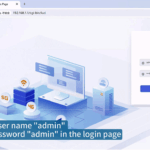
If your router does not automatically connect, you must enter the APN. Access the router’s admin interface via its IP address (often 192.168.1.1 or 192.168.50.1). Navigate to the “Network Settings” or “Internet” section, switch the APN mode from Auto to Manual, and enter the details provided by your Internet Service Provider.
Q4: Why is my 4G router slow even with good signal strength?
Speed can be throttled by network congestion. If many users are on the same cell tower, bandwidth is shared. Alternatively, you might have reached a data cap on your plan, causing the carrier to reduce your speed. Check your plan details and try testing at off-peak hours.

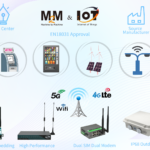
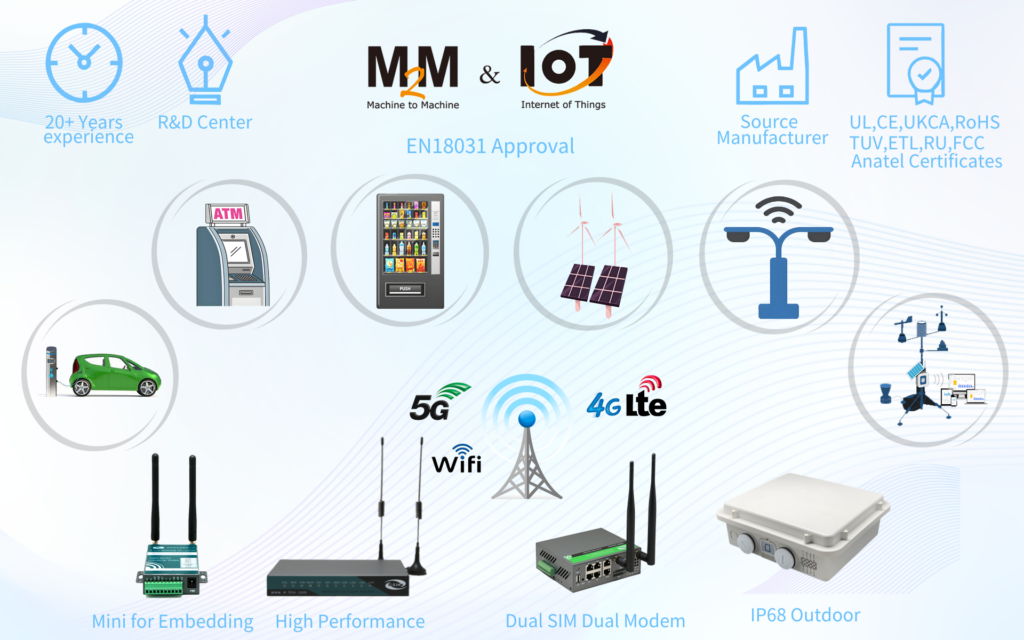
Do you need a reliable 4G Wi-Fi Router? You could contact with E-Lins, a IoT expert, providing many excellent 4G SIM Routers.