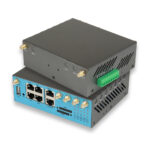
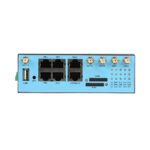
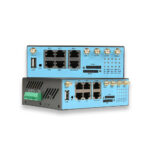
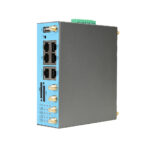
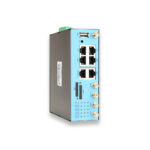
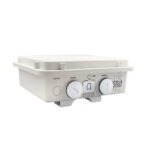
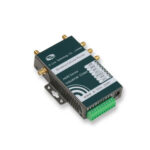
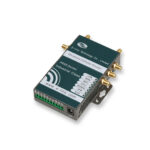
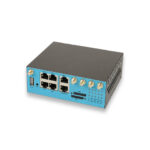
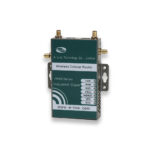
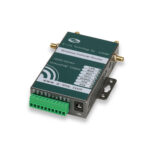
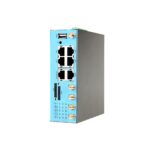

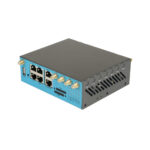
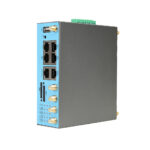
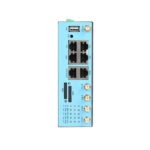
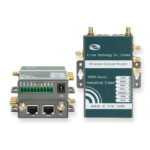
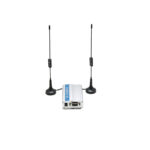
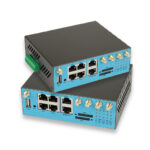
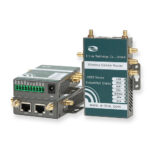
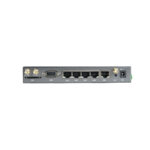
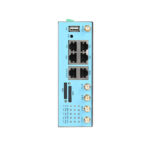
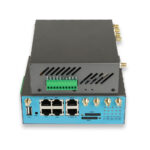
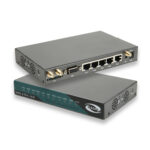
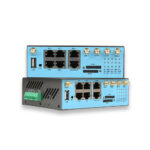
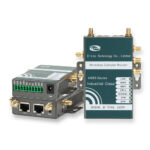



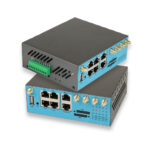
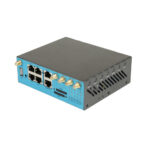
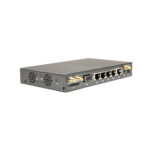
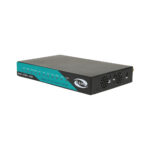
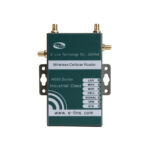
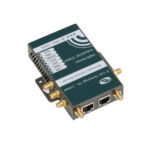
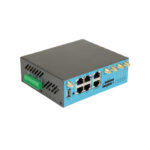
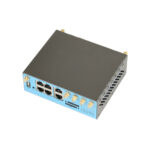
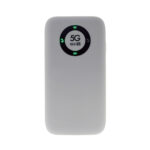
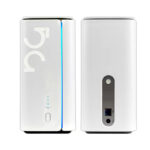
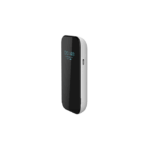
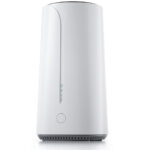

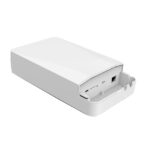
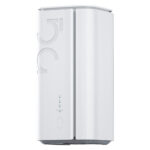
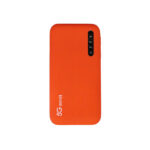
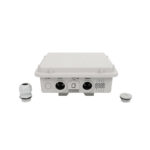
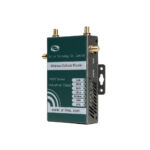
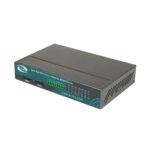
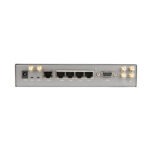
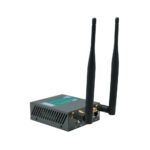
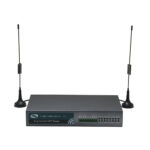
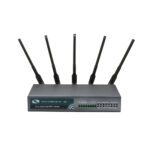
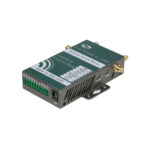
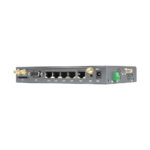
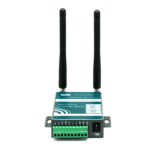
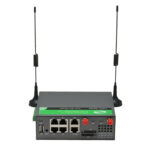
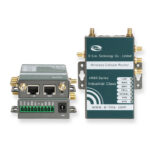
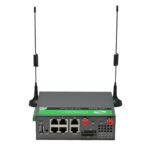

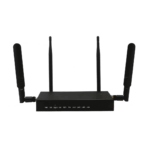
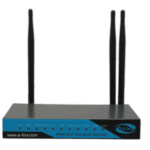
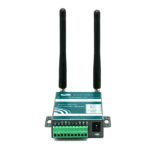
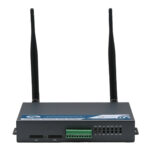

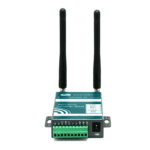
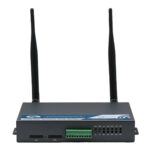
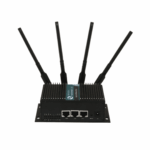
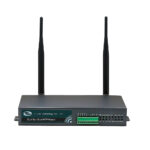

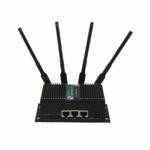
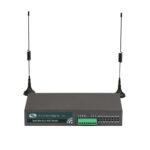
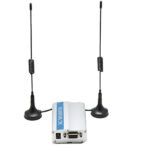
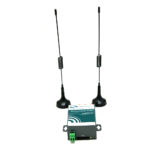
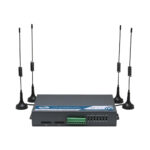
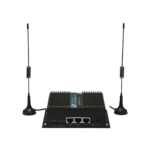
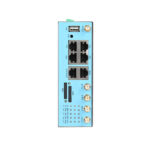
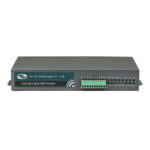
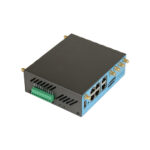
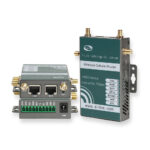
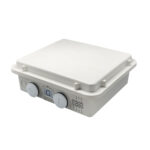
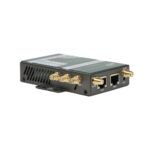
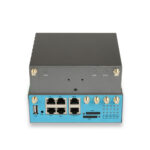
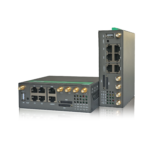
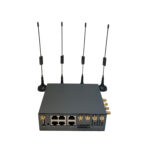
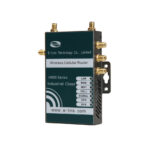
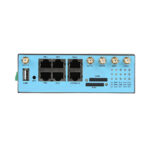
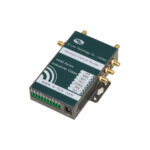
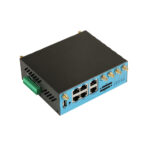
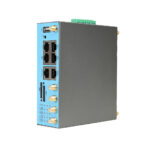








































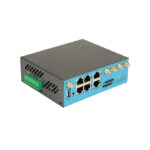
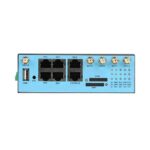
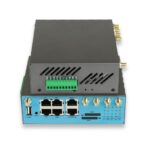



























With the wide range of 4G wireless routers available on the market in 2025, choosing the right one for your needs can be overwhelming. Whether you’re looking for a portable router for travel, a stationary model for your home, or a high-performance router for your small business, there are several key factors to consider—from 4G band support and device capacity to portability and budget. Making the wrong choice can lead to slow speeds, poor coverage, and frustration, while the right 4G wireless router can provide reliable, affordable connectivity for years to come.
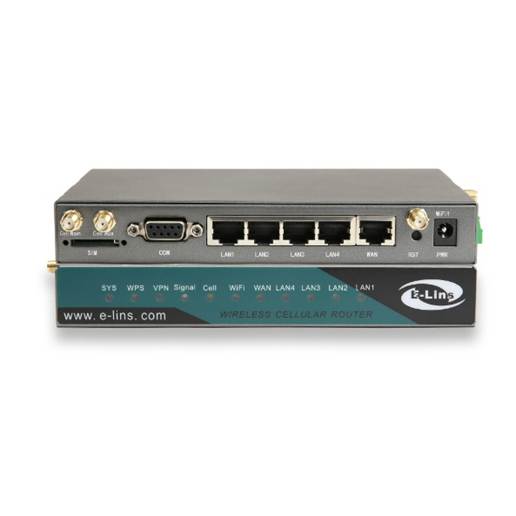
In this comprehensive guide, we’ll walk you through the process of choosing the right 4G wireless router, highlight common pitfalls to avoid, and answer the most frequently asked questions to help you make an informed decision.
What is a 4G Wireless Router?
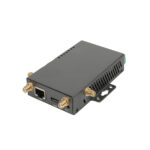
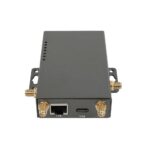
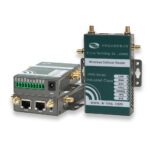
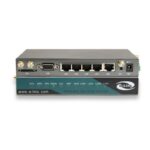
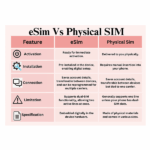
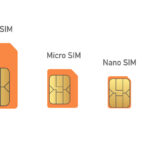
A 4G wireless router is a portable or stationary device that uses 4G LTE cellular networks to provide wireless internet access to multiple devices—including laptops, smartphones, tablets, smart home devices, and IoT gadgets—via Wi-Fi or Ethernet. Unlike traditional wired routers that rely on cable or fiber-optic broadband, 4G wireless routers use a physical SIM card (or in some cases, eSIM) from a cellular carrier to connect to 4G networks, eliminating the need for fixed-line infrastructure. This makes them ideal for areas where wired broadband is unavailable, expensive, or unreliable, as well as for users who need internet on the go.
At its core, a 4G wireless router converts 4G cellular signals into Wi-Fi signals, allowing multiple devices to connect simultaneously. Most modern 4G wireless routers support 4G LTE-Advanced (LTE-A) technology, delivering download speeds of up to 300 Mbps and upload speeds of up to 50 Mbps—sufficient for most daily activities, including HD video streaming, video conferencing, online gaming, and large file downloads. While 4G speeds are slower than 5G, they are more than enough for casual users, small businesses, and travelers who prioritize reliability and affordability over ultra-fast speeds. Additionally, 4G wireless routers are often more compact, lightweight, and cost-effective than 5G models, making them accessible to a wider range of users.
1)Why Choosing the Right 4G Wireless Router Matters
The right 4G wireless router will align with your specific use case, budget, and connectivity needs, ensuring you get the most value for your money. For example, a portable router designed for travel may not have enough Ethernet ports or device capacity for a small business, while a stationary home router may be too bulky for frequent travel. Additionally, choosing a router that isn’t compatible with your carrier’s 4G bands can result in limited performance or no connectivity at all. Investing time in choosing the right router will help you avoid costly mistakes and ensure you have reliable internet access when you need it most.
2)Key Factors to Consider When Choosing a 4G Wireless Router
When evaluating 4G wireless routers, there are several critical factors to keep in mind. These factors will help you narrow down your options and find a router that meets your unique needs. Below are the most important factors to consider:
1. 4G Band Support
The first and most important factor to consider is the router’s 4G band support. 4G LTE networks use different frequency bands across different countries and carriers, so it’s crucial to choose a router that supports the bands used by your carrier. Most global carriers use bands in the 700 MHz, 800 MHz, 900 MHz, 1800 MHz, 2100 MHz, and 2600 MHz ranges. Unlocked routers typically support multiple bands, making them compatible with most carriers worldwide. If you travel frequently, choose a router that supports global 4G bands to ensure connectivity in different countries. You can check your carrier’s website for a list of supported 4G bands, and compare it to the router’s specifications.
2. Performance (Speed and Latency)
Performance is another key factor, especially if you use bandwidth-heavy applications like HD video streaming, video conferencing, or online gaming. Most 4G wireless routers support 4G LTE-A technology, delivering download speeds of up to 300 Mbps and upload speeds of up to 50 Mbps. However, actual speeds will depend on your carrier’s network coverage, congestion, and the router’s hardware. For casual users, speeds of 100–150 Mbps are sufficient, while power users and small businesses may want a router that supports speeds of 200+ Mbps. Latency is also important—aim for a router with latency of 20–50 ms, which is sufficient for most real-time applications.
3. Device Capacity
Consider how many devices you need to connect to the router at the same time. Home users may only need to connect 5–10 devices (laptops, smartphones, smart TVs), while small businesses may need to connect 20+ devices. Most 4G wireless routers can connect between 10 and 32 devices simultaneously—choose a router with a device capacity that exceeds your current needs to accommodate future growth. For example, if you have a family of 4 with multiple devices, a router that supports 16+ devices would be a safe choice.
4. Portability and Design
If you plan to use the router while traveling or on the go, portability is crucial. Look for a compact, lightweight router (ideally under 200g) with a built-in battery. Battery life is also important—aim for a router that lasts at least 8 hours on a single charge. For home or business use, portability is less important, but you may want a router that is sleek and fits well with your decor. Some routers also have rugged designs, which are ideal for outdoor use or harsh environments (e.g., construction sites, camping trips).
5. Additional Features
Consider the additional features that are important to you. Common features include: Ethernet ports, Wi-Fi 6 support, a touchscreen interface, a microSD card slot (for file sharing), and advanced security features (like WPA3 encryption, VPN support, and parental controls). For small businesses, features like guest Wi-Fi, device management, and cloud integration may also be important. Avoid paying for features you don’t need—for example, if you don’t use wired devices, you don’t need a router with multiple Ethernet ports.
6. Budget
4G wireless routers range in price from around $50 to $300+, depending on features and performance. Set a budget before you start shopping, and prioritize the features that are most important to you. For example, if you only need a basic router for home use, a budget model ($50–$100) may be sufficient. If you need a high-performance, portable router for travel or business, you may need to invest in a premium model ($150+). Keep in mind that you’ll also need to factor in the cost of 4G data plans, which can vary by carrier and usage.

3)Common Pitfalls to Avoid When Choosing a 4G Wireless Router
When choosing a 4G wireless router, there are several common mistakes that many users make. Avoiding these pitfalls will help you find a router that meets your needs and avoids frustration:
1. Ignoring 4G Coverage in Your Area
Even the best 4G wireless router won’t perform well if there’s no 4G coverage in your area. Before purchasing, check your carrier’s 4G coverage map to ensure that 4G is available in your home, office, or travel destinations. If 4G coverage is limited, you may want to consider a router that supports both 4G and 3G as a backup, or look into other connectivity options.
2. Choosing a Router That’s Not Compatible with Your Carrier
Not all 4G wireless routers are compatible with all carriers. Some routers are locked to a specific carrier, while others may not support the 4G bands used by your carrier. Always check the router’s specifications and your carrier’s compatibility list before purchasing to ensure that the router will work with your 4G SIM card.
3. Overlooking Battery Life for Portable Use
If you plan to use the router while traveling, battery life is critical. Many users make the mistake of choosing a portable router with a short battery life (less than 8 hours), which can leave them without connectivity when they need it most. Always check the battery life specifications and read reviews to see how the router performs in real-world use.
4. Paying for Features You Don’t Need
Premium 4G wireless routers come with a range of advanced features, but you may not need all of them. For example, if you don’t travel internationally, you don’t need a router that supports global 4G bands. If you don’t use wired devices, you don’t need a router with multiple Ethernet ports. Avoid paying extra for features that won’t add value to your use case.
5. Forgetting to Consider Data Plan Costs
The cost of 4G data plans can add up, especially if you use a lot of data. Before purchasing a router, research the cost of 4G data plans from your carrier and compare them to traditional broadband plans. If you have high data needs, look for carriers that offer unlimited data plans for 4G routers. Additionally, consider whether the router supports data monitoring, which can help you avoid overage charges.
4)FAQ: Choosing the Right 4G Wireless Router
Below are the most frequently asked questions about choosing a 4G wireless router, to help you make an informed decision:
Q1: What’s the difference between a portable 4G wireless router and a stationary 4G wireless router?
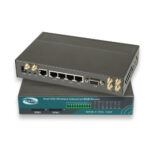
Portable 4G wireless routers are compact, lightweight, and have a built-in battery, making them ideal for travel, outdoor use, or temporary connectivity. They typically support fewer devices (10–20) and have lower battery life compared to stationary routers. Stationary 4G wireless routers are larger, plug into a wall outlet, and have more advanced features (like multiple Ethernet ports, higher device capacity, and Wi-Fi 6). They are designed for long-term use in homes or small businesses.
Q2: Can I use a 4G wireless router with a prepaid SIM card?
Yes, most 4G wireless routers are compatible with prepaid SIM cards. Prepaid SIM cards are a great option for travelers or users who don’t want a long-term contract. Many carriers offer prepaid 4G data plans with flexible data amounts and durations (e.g., 5GB for 7 days, 20GB for 30 days), making them ideal for short trips or occasional use.
Q3: How do I check if a router supports my carrier’s 4G bands?
You can check the router’s specifications (usually on the manufacturer’s website) to see which 4G bands it supports. Then, check your carrier’s website to see which bands they use for 4G. If the router’s supported bands match your carrier’s bands, it will work with your carrier’s network. For example, if your carrier uses the 1800 MHz band, choose a router that supports this band.
Q4: Is it worth investing in a Wi-Fi 6 4G wireless router?
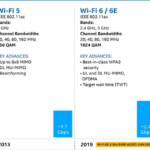
If you have devices that support Wi-Fi 6 (like the latest smartphones, laptops, and smart TVs), a Wi-Fi 6 4G wireless router is worth the investment. Wi-Fi 6 offers faster speeds, less congestion, and better device connectivity compared to Wi-Fi 5. However, if you don’t have Wi-Fi 6 devices, a Wi-Fi 5 router will be sufficient and more affordable.
Q5: Can I use a 4G wireless router in rural areas?
Yes, 4G wireless routers are ideal for rural areas, as 4G LTE networks cover most rural regions where wired broadband is unavailable. However, performance will depend on 4G coverage—if coverage is weak, you may experience slower speeds or occasional interruptions. To improve signal reception, choose a router with a built-in external antenna, or purchase an additional external antenna.
Q6: How long do 4G wireless routers last?
Most 4G wireless routers have a lifespan of 3–5 years, depending on usage and maintenance. Premium models with high-quality hardware may last longer, while budget models may need to be replaced sooner. Factors that affect lifespan include battery degradation (for portable routers), software updates, and hardware wear and tear. To extend the lifespan of your router, keep it updated with the latest firmware, avoid overheating, and handle it with care.
Choosing the right 4G wireless router requires careful consideration of your needs, budget, and connectivity requirements. By focusing on key factors like 4G band support, performance, device capacity, and portability, and avoiding common pitfalls, you can find a router that provides reliable, affordable connectivity for years to come. Whether you’re a home user, business owner, or frequent traveler, there’s a 4G wireless router that’s perfect for you

Do you need a reliable 4g wireless router? You could contact with E-Lins, a IoT expert, providing many excellent 4g wireless routers.