




















































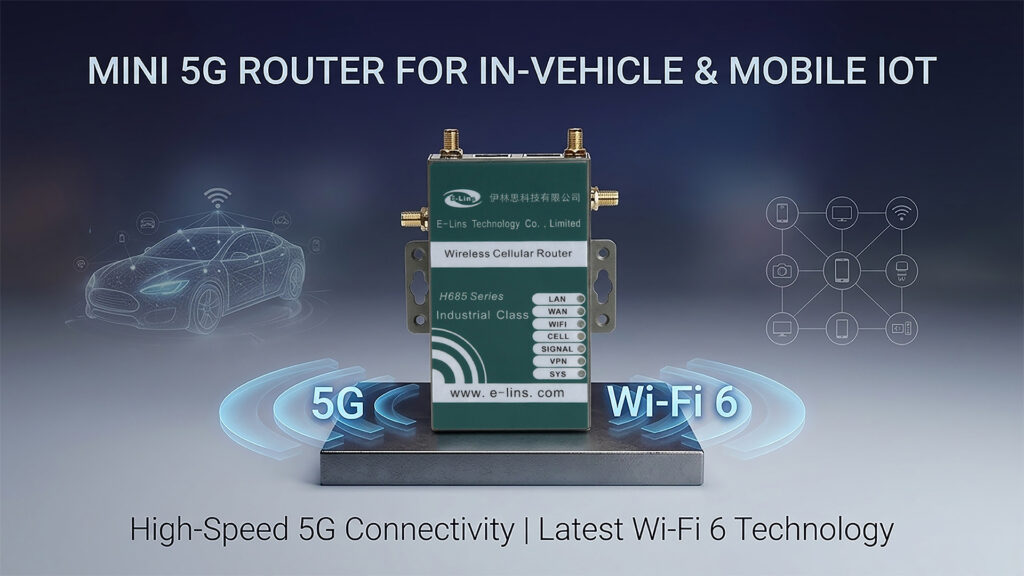
Mini 5G Router for In-Vehicle and Mobile IoT: How Wi-Fi 6 and 5G Work Together in Moving Platforms
I’ve lost count of how many times I’ve explained this to a customer on a call: your vehicle doesn’t have one connectivity problem, it has two, and they’re not the same problem. One is getting data off the vehicle and into your cloud platform — that’s a WAN problem, and 5G solves it. The other is connecting the things riding inside the vehicle to each other and to that WAN link — that’s a LAN problem, and on a moving platform with several onboard devices, Wi-Fi 6 solves it in a way Wi-Fi 5 increasingly doesn’t. The H685f Wi-Fi 6 variant is the device I point people toward when both problems show up on the same panel-mount budget.
What I Mean by a Mini 5G Router for Mobile IoT — and Why “Mini” Matters Here
When I talk to fleet telematics engineers and vehicle OEMs about connectivity, I find I have to walk back an assumption almost every time: that the WAN link and the onboard network are basically the same job, just with different antennas. They’re not. A mini 5G router for in-vehicle and mobile IoT like the H685f Wi-Fi 6 variant is built around treating them as genuinely separate jobs running on the same small board, because that’s what they are in practice.
The 5G radio’s job is the WAN — getting telemetry, video, and diagnostic data off the moving platform and into whatever cloud system or control room is waiting for it, and pulling commands and configuration back down. That link has to survive coverage gaps, tunnels, and handoffs between cell towers as the vehicle moves, which is why I lean so heavily on automatic 4G fallback in every deployment I help spec — 5G coverage is still patchy enough in plenty of operating areas that fallback isn’t optional.
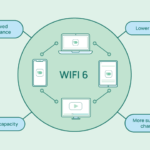
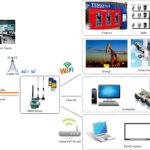
The Wi-Fi radio’s job is completely different. It’s the local network for whatever devices are riding along — a driver tablet, a ticketing terminal, a CCTV encoder, a passenger Wi-Fi portal, or in the AGV and rail cases I work on most often, other vehicles and fixed infrastructure sharing the same physical space. Wi-Fi 6 specifically matters here because of how it handles many devices contending for the same spectrum at once, which I’ll get into in detail further down. For now, the framing I find most useful is this: 5G connects the vehicle to the world; Wi-Fi 6 connects what’s inside (and immediately around) the vehicle to itself. A router has to do both well, in a footprint that fits where vehicle integrators actually have space — which in my experience is almost never as much space as the wiring diagram implies.
How I explain it on a first call: if your problem is “the vehicle needs to talk to head office,” that’s the 5G side. If your problem is “the things on the vehicle need to talk to each other, or to other vehicles nearby, without choking each other out,” that’s the Wi-Fi 6 side. Most mobile platforms I’ve worked on need both running simultaneously off one device, not sequentially off two.
Integration Checklist I Run Through Before Specifying a Router for a Mobile Platform
These are the questions I ask early, before getting into protocol details, because the answers usually determine which configuration actually fits — and I’d rather find out the panel space is wrong in week one than after hardware has shipped.
- How many onboard Wi-Fi client devices need to connect simultaneously — and is that number growing as the platform’s role expands?
- What’s the available mounting depth and footprint in the panel, rack, or electronics bay where the router needs to live?
- What’s the platform’s power architecture — vehicle 12V/24V, rail traction-adjacent DC bus, or a more conventional industrial supply?
- Does the platform need to talk to fixed infrastructure access points (depot Wi-Fi, station Wi-Fi, warehouse APs), and if so, what Wi-Fi generation do those access points support?
- Is there onboard serial equipment — ticketing systems, legacy controllers, diagnostic interfaces — that needs RS232/RS485 integration alongside the wireless connectivity?
- What’s the cellular coverage profile along the platform’s typical route, including known dead zones, tunnels, or underground sections?
- Does the deployment need GPS/positioning data alongside connectivity, and where will that antenna be mounted?
- What’s the VPN and central management architecture for the fleet, and has reconnection behaviour been tested under the platform’s actual power-cycling pattern?
Two Problems, Two Radios: Why I Don’t Treat 5G and Wi-Fi 6 as One Spec Line
I think the biggest mistake I see in early-stage router specifications for mobile platforms is collapsing “wireless connectivity” into a single requirement line, as if 5G and Wi-Fi were interchangeable depending on which one happens to be cheaper that quarter. They solve different physical problems, and conflating them leads to underspecifying one or the other.
On the WAN side, what I care about most is resilience across a moving route: automatic fallback to 4G where 5G drops out, fast re-registration after a tunnel or dead zone, and a VPN that re-establishes quickly rather than sitting in a half-connected state for a minute or two after every gap. None of that is exotic — it’s table stakes for any vehicle-grade cellular router, and I covered the deeper vehicle-electrical side of this (ignition sensing, transient protection, that whole conversation) in a separate piece on the base H685f. This article is specifically about what happens on the other radio.
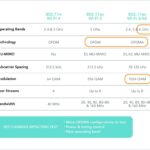
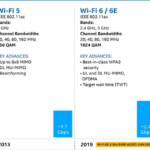
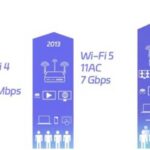
On the Wi-Fi side, the thing I actually care about is contention behaviour under load, and this is where Wi-Fi 5 starts showing its age on busy mobile platforms. Wi-Fi 5 (802.11ac) handles multiple connected devices largely through time-division — each device gets a turn, one after another, even when its actual data payload is small. As device count climbs, the overhead of constantly switching between devices starts to dominate, and the latency you experience becomes less predictable. I’ve watched this happen in real deployments: a network that feels completely fine with four or five devices connected starts showing clear lag once you cross into the teens.
Wi-Fi 6’s OFDMA mechanism changes that math. It splits a transmission opportunity into smaller frequency sub-channels that can carry data for multiple devices at the same time instead of serialising them one by one. For a panel-mount 5G Wi-Fi 6 router for transit and rail vehicles, that’s the actual benefit — not a higher peak speed number on a spec sheet, but a flatter, more predictable latency curve as more devices join the local network. On a moving platform, where the device population can swing depending on how many passengers’ phones auto-connect to a public Wi-Fi SSID, or how many nearby AGVs are sharing a warehouse aisle, that predictability is worth more to me than the headline throughput figure most marketing leads with.
On a transit vehicle pilot I was involved in, where the router served a driver tablet, a ticketing terminal, and a passenger Wi-Fi portal with a variable number of connected phones depending on how full the vehicle was, I logged round-trip latency to the onboard management application across different passenger loads. With under ten connected passenger devices, latency on the Wi-Fi 5 baseline router sat around 12–16 ms — fine. Once passenger device count crossed roughly twenty-five during a busy commute run, the same metric climbed to 45–60 ms with visible variance, occasionally spiking past 100 ms. I swapped in the H685f Wi-Fi 6 variant for a follow-up run at comparable passenger load and saw latency holding in the 18–26 ms range at the same device count — still rising slightly under load, but nowhere near the spread I’d recorded on Wi-Fi 5. That gap is the entire argument for Wi-Fi 6 on a busy mobile platform, in one comparison.
A light rail operator I worked with was rolling out passenger Wi-Fi across their fleet alongside existing onboard telemetry — door sensor status, HVAC monitoring, and a CCTV system — all running through the same onboard router. Their pilot car used a Wi-Fi 5 router, and during peak commute periods with thirty-plus passenger devices connected, they started seeing the onboard telemetry dashboard lag behind real-time by several seconds, enough that operations staff noticed and flagged it as a fault. When we traced it, the telemetry wasn’t actually failing — it was queuing behind passenger Wi-Fi traffic contention on the same radio. Moving the pilot car to the H685f Wi-Fi 6 variant resolved the lag without any change to the telemetry application itself. The operator’s technical lead described the fix to me as “embarrassingly simple once we understood what was actually happening” — the telemetry had never needed fixing, the radio handling it under load did.
Something I always flag: Wi-Fi 6’s contention-handling advantage is most pronounced when talking to other Wi-Fi 6 devices. If your platform needs to hand off to fixed infrastructure access points — a depot, a station platform, a warehouse — and those access points are still Wi-Fi 5, you won’t get the full benefit on that leg of the connection until the infrastructure side catches up too. I always ask about the fixed infrastructure’s Wi-Fi generation early, because it changes how much benefit a vehicle-side upgrade actually delivers in practice.
The Features I Actually Check Before Recommending This Router for a Mobile Platform
I don’t go through every line on a datasheet with customers — most of it doesn’t change the outcome of a mobile deployment. These are the ones that consistently do.
1. Simultaneous Dual-Band Wi-Fi 6 Operation
I like that the H685f’s Wi-Fi 6 runs 2.4 GHz and 5 GHz concurrently rather than forcing a choice. On a vehicle, that flexibility matters because the RF environment changes as the platform moves — 2.4 GHz has better range and penetrates the vehicle structure better for devices a bit further from the radio, while 5 GHz has less legacy contention but shorter effective range. Running both lets me put different traffic types on whichever band is performing better in a given moment, rather than committing the whole platform to one band’s tradeoffs.
2. 5G SA/NSA with Automatic 4G Fallback for the WAN Side
This is the half of the equation that has nothing to do with Wi-Fi 6 and everything to do with keeping the vehicle connected to the outside world. I treat 4G fallback as non-negotiable on any mobile platform — 5G SA/NSA gives you the headroom when coverage is good, but the fallback is what keeps the link alive everywhere else along the route. I’ve never specified a vehicle router without it and don’t plan to start.
3. The Super-Mini Footprint, and Why It Keeps Coming Up in Integration Calls
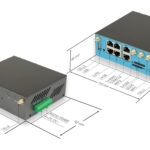
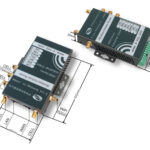
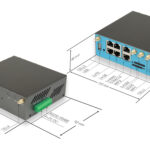
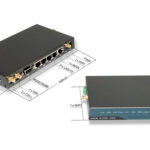
I genuinely think the 100×60×21mm body matters more to OEM integrators than the spec sheet usually conveys. Vehicle and rolling-stock electronics bays are designed around everything else first — traction controllers, battery management, signalling equipment — and the connectivity router gets whatever space is left. I’ve sat in enough integration meetings where the deciding factor wasn’t the radio spec at all, it was “does this physically fit the bracket we already designed.”
4. RS232/RS485 for the Onboard Equipment Nobody Replaces on a Whim
Rail and fleet platforms are full of equipment that’s been in service for a decade or more, talking RS232 or RS485 because that’s what existed when it was installed. I see this constantly — a ticketing system, a door controller, a legacy diagnostic interface, none of which anyone wants to rip out just to add modern connectivity. The serial port on the H685f lets me bridge that existing equipment into the cellular and Wi-Fi network without asking the customer to redesign hardware that’s working fine on its own terms.
“I get asked about this almost every retrofit project: ‘can we keep the old ticketing controller and just add connectivity around it?’ Almost always, yes — if the router has a serial port that can bridge it. The alternative is telling a rail operator to replace a controller that’s been reliable for years, purely because the new router doesn’t speak its language. That’s an expensive and unpopular answer, and it’s one I try hard to avoid giving.”
— E-Lins application engineering team5. DI/DO Ports for Hardware Signals That Matter on a Moving Platform
I use the four DI/DO ports most often for door status, ignition or traction status, and the occasional tamper or alarm contact — signals that I want reported independently of whatever the platform’s primary control system is doing. It gives me a secondary, hardware-level reporting path that doesn’t depend on the main controller’s software being in a particular state to register an event.
6. PoE In for Simplifying the Power Wiring on Retrofit Jobs
Where an Ethernet run to the router was already planned for data purposes, PoE In lets me skip pulling a separate power cable through the platform’s cable channels. On retrofit jobs especially — where I’m working within existing cable routing rather than designing from scratch — that’s a real time saver, even if it sounds like a small detail on paper.
7. Wide-Voltage DC Input Across the Platform’s Full Power Cycle
Vehicle and rail DC supplies are never as clean as a datasheet’s “nominal voltage” line suggests — battery-based systems swing across the charge cycle, and traction-adjacent supplies have their own transient behaviour. The H685f’s 5–40V (60V option) input absorbs that range without me needing to add an intermediate regulator into the design, which is one less component for something to go wrong with later.
E-Lins H685f Wi-Fi 6 Variant: The Router I Reach for When Both Radios Need to Earn Their Place
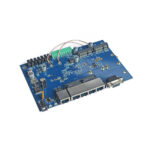
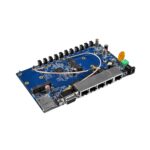
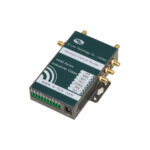
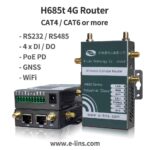
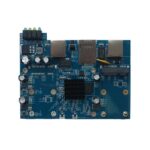
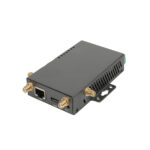
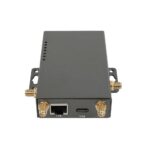
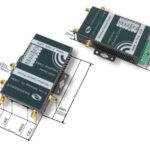
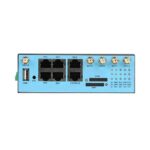
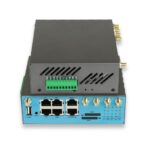
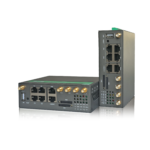
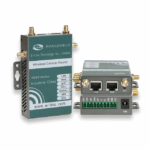
The H685f Wi-Fi 6 variant is built on the same super-mini H685 platform I’ve covered elsewhere in this series, with the Wi-Fi radio specifically upgraded to dual-band 802.11ax. I think of it as the configuration that exists for exactly the situation this article describes — a moving platform that needs a genuinely capable WAN link and a genuinely capable local network, running at the same time, off one small board.
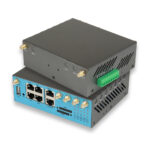
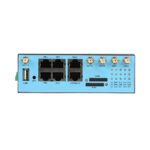
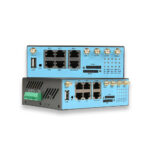
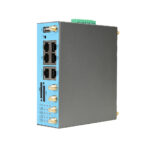
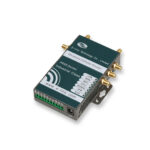
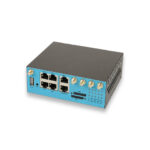
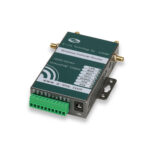
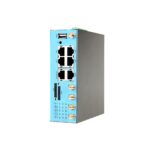
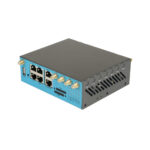
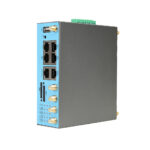
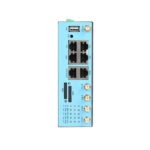
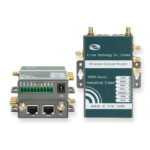
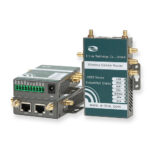
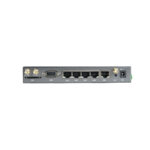
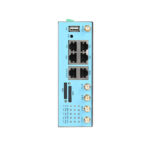
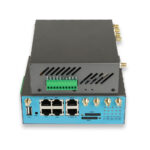
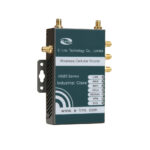
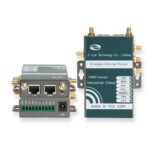
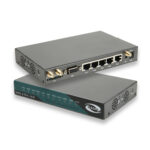
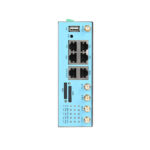
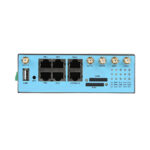
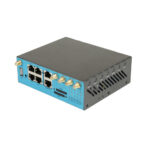
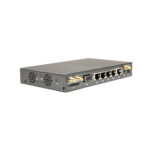
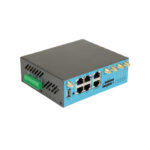
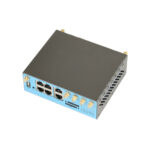
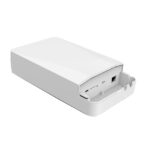
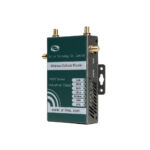
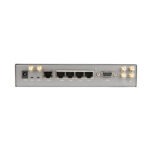
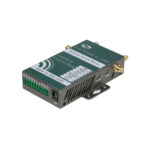
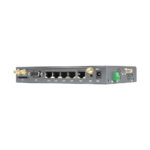
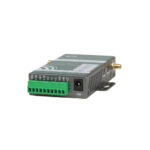
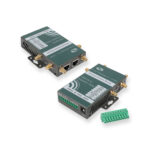
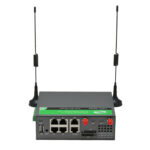
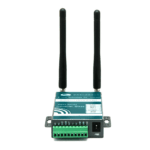
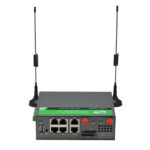
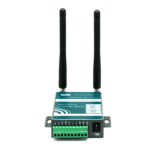
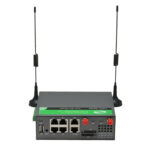
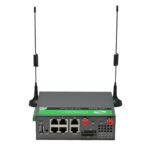
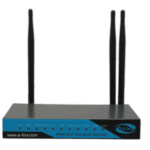
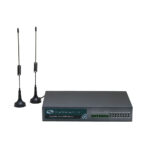
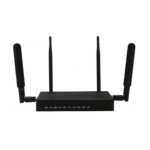
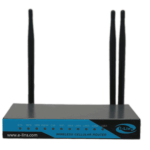
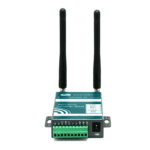
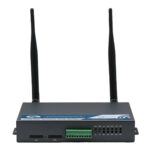
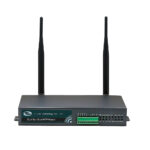
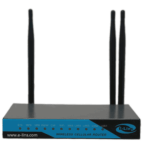
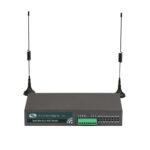
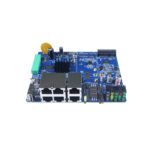
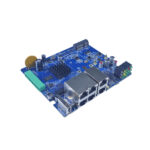
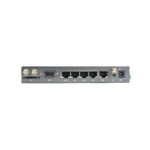
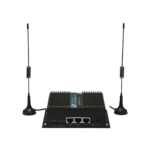
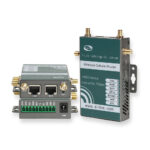
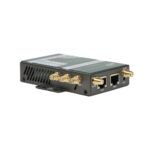
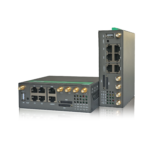
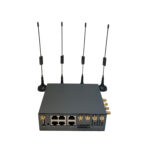
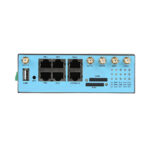
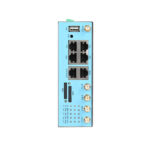
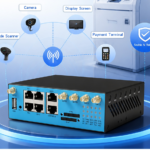
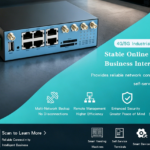
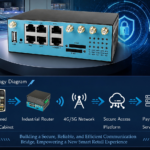
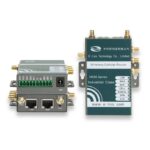
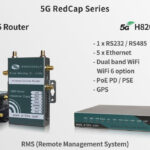
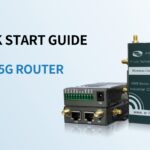
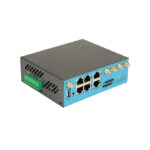
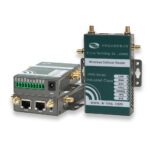
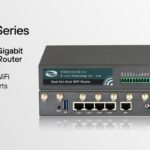
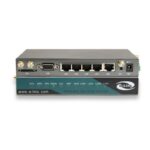
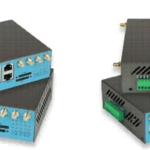
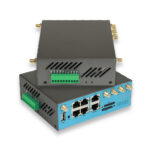
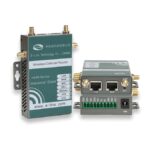
E-Lins H685f Mini IoT 5G Router with Wi-Fi 6, PoE In and DI/DO
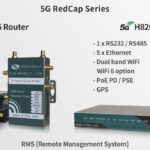
Super-mini industrial 5G SA/NSA router with dual-band Wi-Fi 6 (802.11ax), RS232/RS485 serial, 4× DI/DO, PoE In, wide-voltage DC input, and full VPN suite. The configuration I recommend for vehicles, AGVs, rail platforms, and mobile command units that need cellular WAN and high-density local Wi-Fi simultaneously, in a footprint that fits panel integration.
How I Think About What the Wi-Fi 6 Upgrade Actually Buys You
I want to be straightforward about this, because I think the honest framing serves customers better than oversimplifying: the standard H685f and this Wi-Fi 6 variant share the same cellular module, the same serial interface, the same power input, the same enclosure. The only difference is the wireless radio. If I’m specifying a router for a single device with no nearby wireless contention — one driver tablet, nothing else — the Wi-Fi 6 upgrade buys very little, and I’d usually point that customer to the standard Wi-Fi 5 variant to save the cost difference.
Where I do recommend the upgrade without hesitation is exactly the scenario this article is about: a moving platform where multiple onboard devices, or nearby platforms in a shared space, are all competing for the same spectrum. That’s most rail and transit deployments with passenger Wi-Fi, most AGV fleets above a handful of units, and most mobile command vehicles carrying several crew devices simultaneously. The threshold where it starts mattering tends to creep up on people — fine at five devices, fine at ten, noticeably degraded by twenty — which is why I’d rather specify for where the deployment is heading than where it sits on day one.
The EN 18031 certification is one I flag specifically for European rail and transit projects, since it covers cybersecurity requirements for radio equipment under EU rules. Having that confirmed at the hardware level early removes one item from what’s usually a long compliance checklist on public transit procurement.
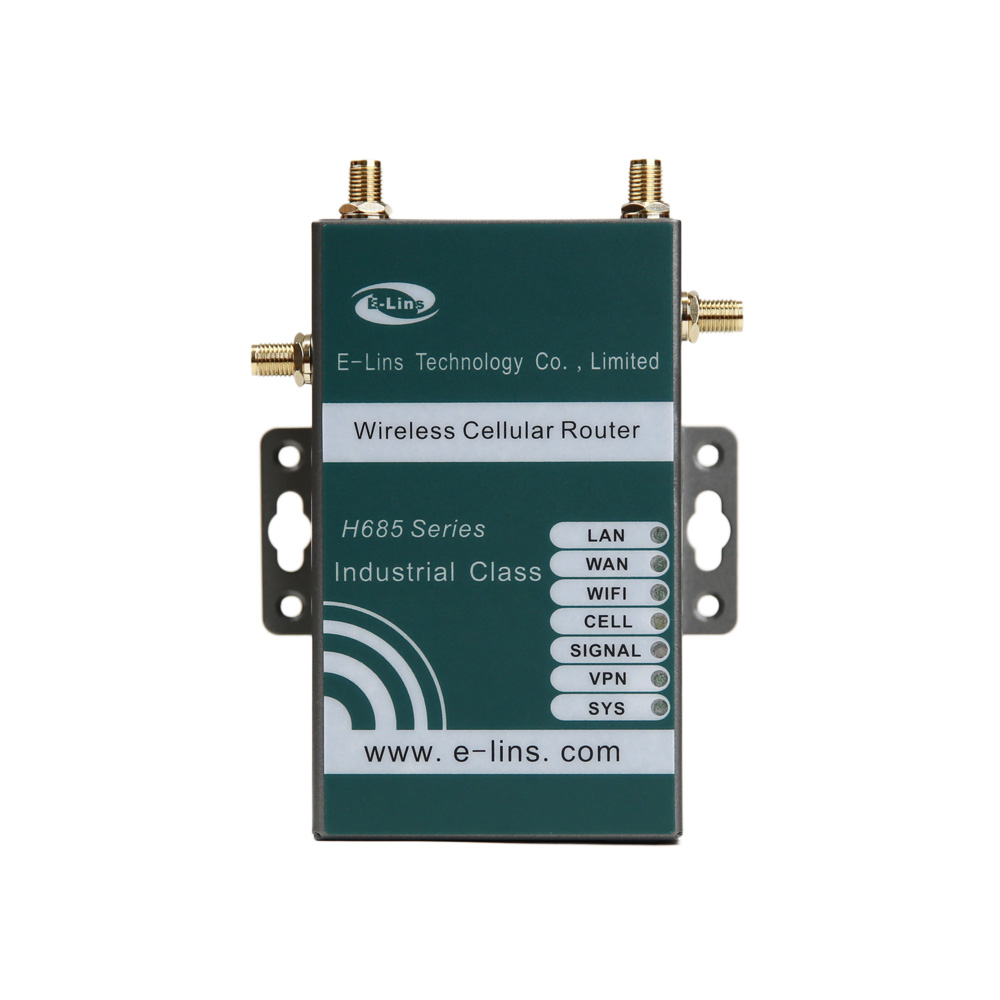
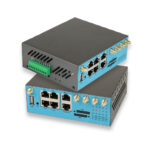
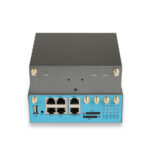
E-Lins H685f Wi-Fi 6 variant — the configuration I specify when a moving platform needs cellular WAN and high-density local Wi-Fi running together, in a panel-mountable footprint
How I Match Platform Type to Configuration
I find it’s rarely a single deciding factor — it’s usually a combination of onboard device count, route coverage profile, and what existing equipment needs to be bridged in. Here’s roughly how I sort the platforms I get asked about most.
Rail and Light Transit
- Passenger Wi-Fi alongside onboard telemetry on the same radio.
- Wi-Fi 6 keeps telemetry responsive under peak passenger load.
- RS232/RS485 bridges legacy door, ticketing, or signalling gear.
- EN 18031 relevant for EU transit procurement compliance.
- 4G fallback covers tunnels and underground sections reliably.
AGV and AMR Fleets
- Onboard router for cellular backhaul plus Wi-Fi 6 local mesh.
- Density handling matters as fleet size scales past a dozen units.
- Wide-voltage input matches battery-based vehicle power.
- DI/DO reports e-stop and bumper status to fleet controller.
- Super-mini footprint fits constrained electronics bays.
Mobile Command and Emergency Vehicles
- 5G for control-room connectivity, Wi-Fi 6 for crew devices.
- Several simultaneous onboard devices during active deployment.
- DI/DO integrates ignition, emergency, and equipment signals.
- VPN secures the link to dispatch and records systems.
- 4G fallback for areas with weaker 5G penetration.
Freight and Logistics Vehicles
- Fewer onboard devices — standard Wi-Fi 5 H685f often sufficient.
- Upgrade to Wi-Fi 6 only if multi-device cab setups are planned.
- RS232 integrates tachograph or temperature monitoring.
- GPS option supports fleet tracking alongside connectivity.
- Wide-voltage input covers 12V/24V truck power systems.
Wi-Fi 6 vs Wi-Fi 5 H685f — How I Decide Which One to Recommend
I use this comparison almost word-for-word on calls when a customer asks why one variant costs more than the other.
| Factor | H685f Wi-Fi 6 (802.11ax) | H685f Wi-Fi 5 (802.11ac) |
|---|---|---|
| Best fit | Multiple onboard devices, passenger Wi-Fi, AGV fleets, dense shared spaces | Single or few onboard devices, no nearby wireless contention |
| Latency under high device load | Stays comparatively flat as device count rises | Degrades noticeably past roughly 15–20 devices |
| Fixed-infrastructure handoff | Full benefit needs Wi-Fi 6 access points nearby | Works with any infrastructure generation |
| 5G WAN capability | Identical to Wi-Fi 5 variant — same cellular module | Identical to Wi-Fi 6 variant — same cellular module |
| Cost | Modest premium for the radio upgrade | Lower cost where density isn’t a factor |
| My usual recommendation | Rail/transit, AGV fleets, mobile command with crew devices | Freight cabs, single-device telematics, light commercial use |
Mistakes I See Repeated on Mobile Platform Wireless Specs
Specifying Wi-Fi 6 as a Default Rather Than a Response to an Actual Density Problem
I sometimes get asked for Wi-Fi 6 simply because it’s the newer standard, on a platform with one onboard device. It’s not harmful, but it’s money better spent elsewhere on that specific build — extra DI/DO capacity, a bigger PoE budget, whatever the project actually needs more. I’d rather spend the budget where it changes the outcome.
Forgetting That the Fixed Infrastructure Side Needs to Keep Up
I’ve seen fleets upgrade every vehicle to Wi-Fi 6 and then wonder why depot connectivity didn’t improve — because the depot’s own access points were still Wi-Fi 5. The vehicle-to-vehicle improvement shows up regardless, but the vehicle-to-infrastructure leg only improves once both ends are on the newer standard. I always raise this before the order goes in, not after.
Testing Cellular Coverage at One Point Instead of Along the Whole Route
A signal check at the depot doesn’t tell you what happens in the tunnel section, or the valley stretch, or wherever the route’s known weak spots are. I push customers to log signal along the full route during commissioning, because that’s where the fallback logic actually gets exercised, not at the depot where coverage is usually fine anyway.
Not Confirming Serial Parameters Before a Retrofit
On retrofit jobs, the existing equipment’s baud rate, parity, and flow control settings are sometimes genuinely undocumented — installed a decade ago by someone no longer at the company. I always try to capture the actual serial traffic with an analyser rather than guessing from a generic spec sheet, because a mismatch here causes exactly the kind of “it’s connected but not talking” fault that’s painful to diagnose after the fact.
Underestimating Vibration’s Effect on Connectors Over Time
A router that’s rock solid on the bench can develop intermittent issues months into vehicle service, purely from cumulative vibration loosening antenna or serial connectors. I always recommend proper torque and strain relief at installation, and I flag this specifically because “intermittent fault, can’t reproduce on the bench” is one of the more frustrating tickets to receive after the fact.
Where I’ve Actually Seen This Combination Used
These are the platform types where I keep recommending the Wi-Fi 6 variant, drawn from the projects and conversations I’ve been part of.

Rail and Light Transit
Passenger Wi-Fi and onboard telemetry sharing one radio without the telemetry getting starved during peak ridership — the exact problem I described in the light rail case above.

AGV and AMR Fleets
Onboard router handling cellular backhaul to the fleet platform while Wi-Fi 6 keeps inter-vehicle and local sensor communication stable as fleet size grows.

Mobile Command and Emergency Vehicles
5G keeps the link to control room and CAD systems alive while Wi-Fi 6 supports several crew devices active at once during an incident response.

Logistics Cabs with Multi-Device Setups
Driver tablet, scanner, and dash camera sharing one router’s Wi-Fi without one device’s traffic crowding out another during a busy delivery run.
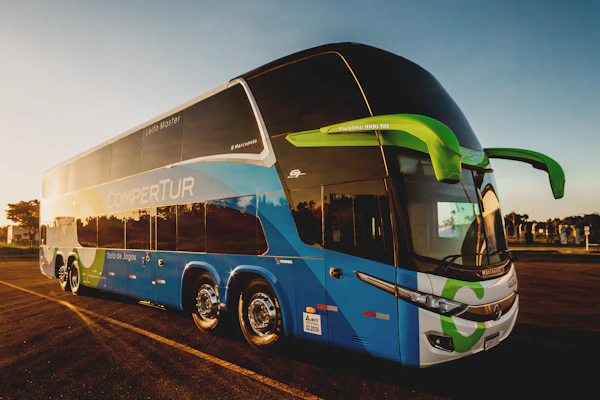
Transit Buses with Passenger Wi-Fi
Variable passenger device counts handled without the latency spread I measured on the Wi-Fi 5 baseline earlier in this article.

Warehouse Vehicles in Dense Zones
Forklifts and tow tractors operating in the same congested aisles as AGVs and fixed scanners, where Wi-Fi 6’s contention handling carries over directly from the AGV use case.
Extended Reading
E-Lins H685f Wi-Fi 6 Product Page — Full specification and ordering information for the mini 5G router with Wi-Fi 6, PoE In, and DI/DO that I cover throughout this article.
H685f Base Variant (Vehicle-Hardened) — Where I go into ISO 7637-2 protection, ignition sensing, and the vehicle-electrical side of this same hardware family.
IoT 5G Router Category — The full E-Lins 5G router lineup if neither H685f variant matches your platform’s specific port or interface needs.
H900f Dual SIM 5G Router — For platforms needing carrier redundancy and Active PoE Out alongside the rest of this feature set.
Wi-Fi Alliance — Wi-Fi 6 Overview — The technical background on 802.11ax I refer back to when explaining OFDMA to customers.
Project Inquiry — Tell me your platform type, onboard device count, route coverage profile, and serial equipment, and I’ll help confirm the right configuration.
FAQ
Do I actually need Wi-Fi 6, or is Wi-Fi 5 fine for my vehicle?
In my experience it comes down to onboard device density, not vehicle type. If you’ve got one or two connected devices and no nearby wireless contention, Wi-Fi 5 performs essentially the same as Wi-Fi 6 and I’d save the cost difference. Once you’re regularly seeing ten or more simultaneous devices — passenger Wi-Fi, an AGV fleet sharing a space, several crew devices on a command vehicle — Wi-Fi 6’s contention handling starts paying for itself in latency consistency.
Can the H685f run 5G and Wi-Fi 6 at the same time without one interfering with the other?
Yes, and that’s the standard operating mode, not an edge case — cellular WAN and Wi-Fi 6 LAN running concurrently is exactly what this configuration is built for. The two radios operate on different frequency bands. I’d still follow normal antenna separation practice during installation to avoid any near-field interaction, but I haven’t run into interference issues with this combination in deployments I’ve been involved in.
Will Wi-Fi 6 help if the depot or station access points are still Wi-Fi 5?
Partially. You’ll still see the benefit for device-to-device communication on the vehicle’s own local network — multiple onboard devices talking to the router itself improve regardless. But the vehicle-to-fixed-infrastructure leg, like handing off to a depot or station access point, only gets the full Wi-Fi 6 benefit once that infrastructure is also upgraded. I always raise this with customers before they assume a vehicle-only upgrade solves everything.
What serial equipment have you actually bridged with the RS232/RS485 port?
In my experience, the most common cases are legacy ticketing controllers, door status systems, and older diagnostic interfaces on rail and transit platforms — equipment that predates Ethernet adoption on those platforms and that operators generally don’t want to replace just to add connectivity. The port handles transparent serial-to-IP tunnelling, which covers Modbus RTU and most proprietary protocols running over a standard RS232/RS485 physical layer.
How does the router handle power cycling on a vehicle that’s frequently started and stopped?
For the vehicle-electrical specifics — ignition sensing, transient protection, that whole side — I’d point you to the companion article on the base H685f, since both variants share the same power-handling hardware. What I’ll say here is that I always test VPN reconnection behaviour specifically across realistic power cycles during commissioning, not just under stable bench power, because reconnection timing can differ meaningfully between the two.
What’s the realistic device count where Wi-Fi 6 starts mattering?
From what I’ve measured across a handful of deployments, the inflection point tends to land somewhere between ten and twenty simultaneous devices, depending on the RF environment and how much data each device is actually moving. I wouldn’t treat that as a hard threshold — I’d treat it as a sign to test under your platform’s actual peak load before committing either way.
Is this the same hardware as the standard H685f, just with a different Wi-Fi chip?
Essentially yes. The cellular module, RS232/RS485 port, DI/DO configuration, power input range, and enclosure are identical between the two variants. The Wi-Fi radio is the only meaningful difference, which is why I think of the decision between them as purely a Wi-Fi-generation question, not a broader capability question.
Does GPS work the same way on this variant as on the base H685f?
Yes, GPS/Beidou is the same optional feature with the same external SMA antenna connector across both variants. I mount the antenna the same way regardless of which Wi-Fi configuration is fitted — exterior position with clear sky visibility, same as I’d do on any vehicle installation.
What’s your honest take on whether this is overkill for a single delivery van?
For a single delivery van with a driver tablet and not much else, I’d say yes, it’s more router than you need — the standard Wi-Fi 5 H685f covers that case fine, and I’d recommend it instead. I try to steer customers away from over-specifying just as much as I try to steer them away from under-specifying.
How do you usually validate this setup before a fleet-wide rollout?
I push for a pilot deployment on one or two units first, run it through the platform’s actual peak-load conditions — busiest commute time, fullest warehouse aisle, whatever the real stress case is — and measure latency and reconnection behaviour directly rather than relying on spec sheet numbers. The light rail case I described earlier in this article is a good example of that approach catching a real issue before it scaled to the whole fleet.
Conclusion: I Specify for the Two Jobs, Not Just the One on the Brochure
If there’s one thing I’d want a fleet telematics engineer or vehicle OEM to take from this, it’s that a mini 5G router for in-vehicle and mobile IoT isn’t really a single-purpose device, even though it gets marketed and speced that way half the time. It’s doing two distinct jobs — WAN connectivity out to the world, and local Wi-Fi connectivity for whatever’s riding along — and the second job has gotten harder as more devices end up sharing the same onboard or nearby wireless space. Wi-Fi 6 exists specifically to answer that second job better than Wi-Fi 5 does once device density crosses a threshold I’ve seen repeat across rail, AGV, and fleet deployments alike.
The H685f Wi-Fi 6 variant pairs that with the 5G SA/NSA WAN side, RS232/RS485 for the legacy equipment nobody wants to replace, DI/DO for hardware-level status reporting, and a footprint small enough to fit the panel space vehicle integrators actually have left over after everything else is accounted for. I don’t recommend it for every platform — plenty of single-device deployments are better served by the standard Wi-Fi 5 variant — but where the device density is there or heading there, it’s the configuration I keep coming back to.
Before I’d sign off on a final spec, here’s what I’d want confirmed:
- Actual or projected peak onboard device count, tested under the platform’s real busiest condition rather than estimated from a typical-use assumption.
- Wi-Fi generation of any fixed infrastructure the platform needs to hand off to, so expectations match what the upgrade can actually deliver on that leg.
- Cellular coverage logged along the full route, not just at the depot, with VPN reconnection tested across the platform’s real power-cycling pattern.
Working Out Connectivity for a Vehicle, AGV, or Rail Platform?
Tell me your platform type, onboard device count, route coverage profile, and any legacy equipment that needs bridging. I’ll help confirm whether the H685f Wi-Fi 6 variant fits or point you to the right alternative.
Contact Us