
How to config captive portal in our routers?
September 19, 2025
•
By
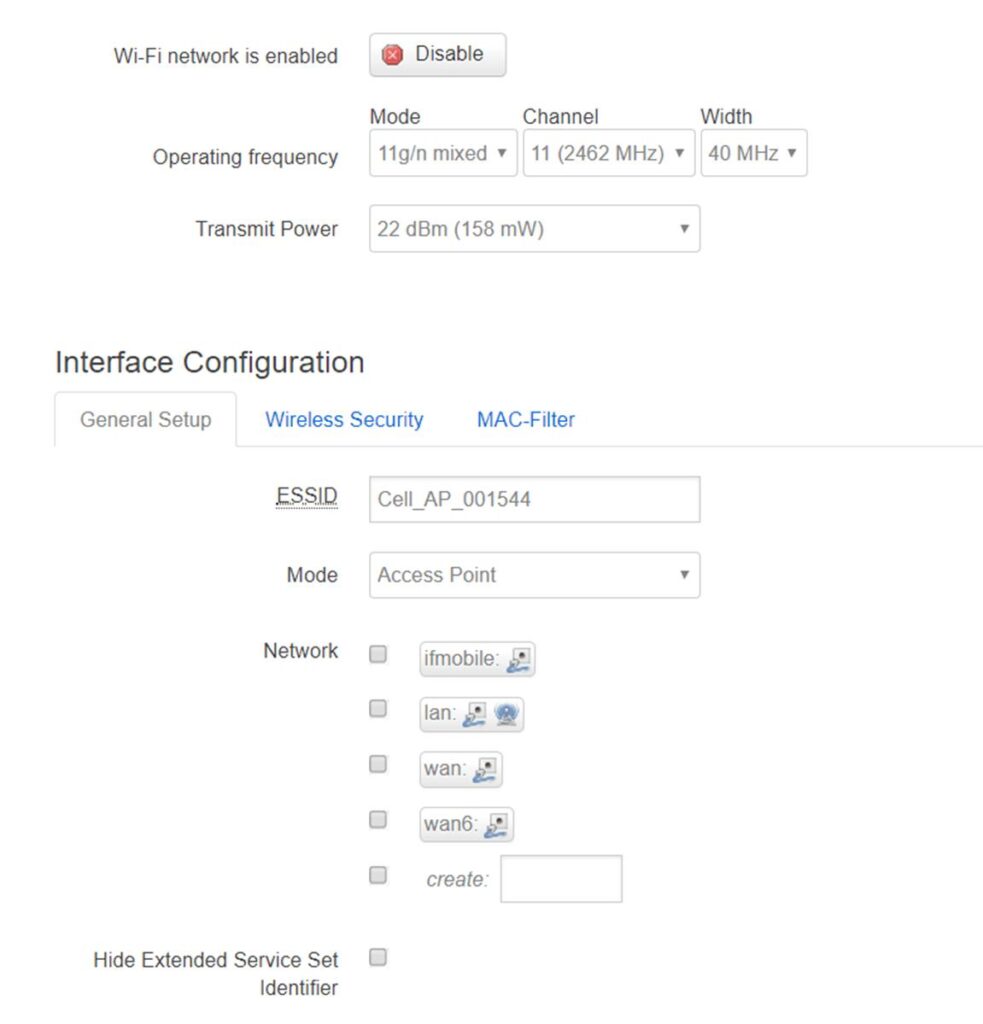
- Open page Network—Wi-Fi, then edit. Untick lan in Network section.
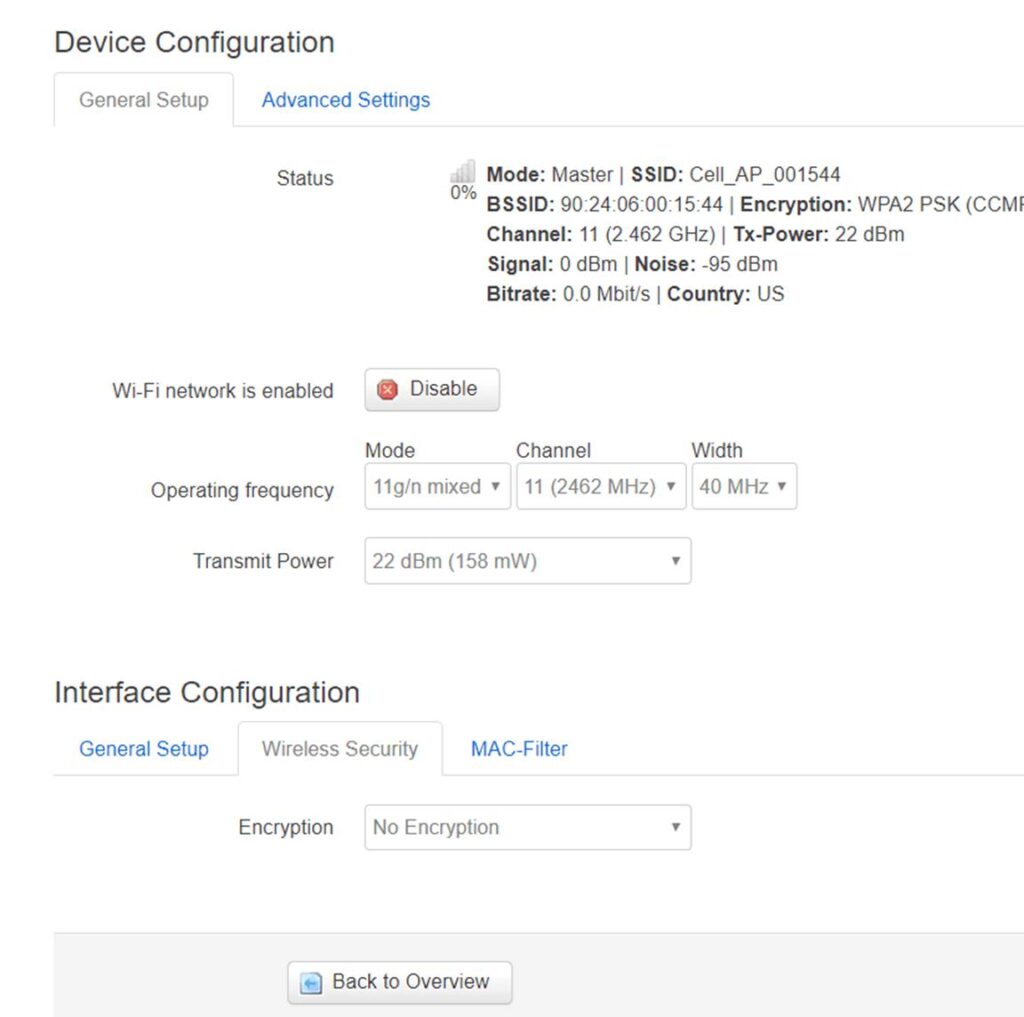
- Set Encryption to None. Then Save & Apply
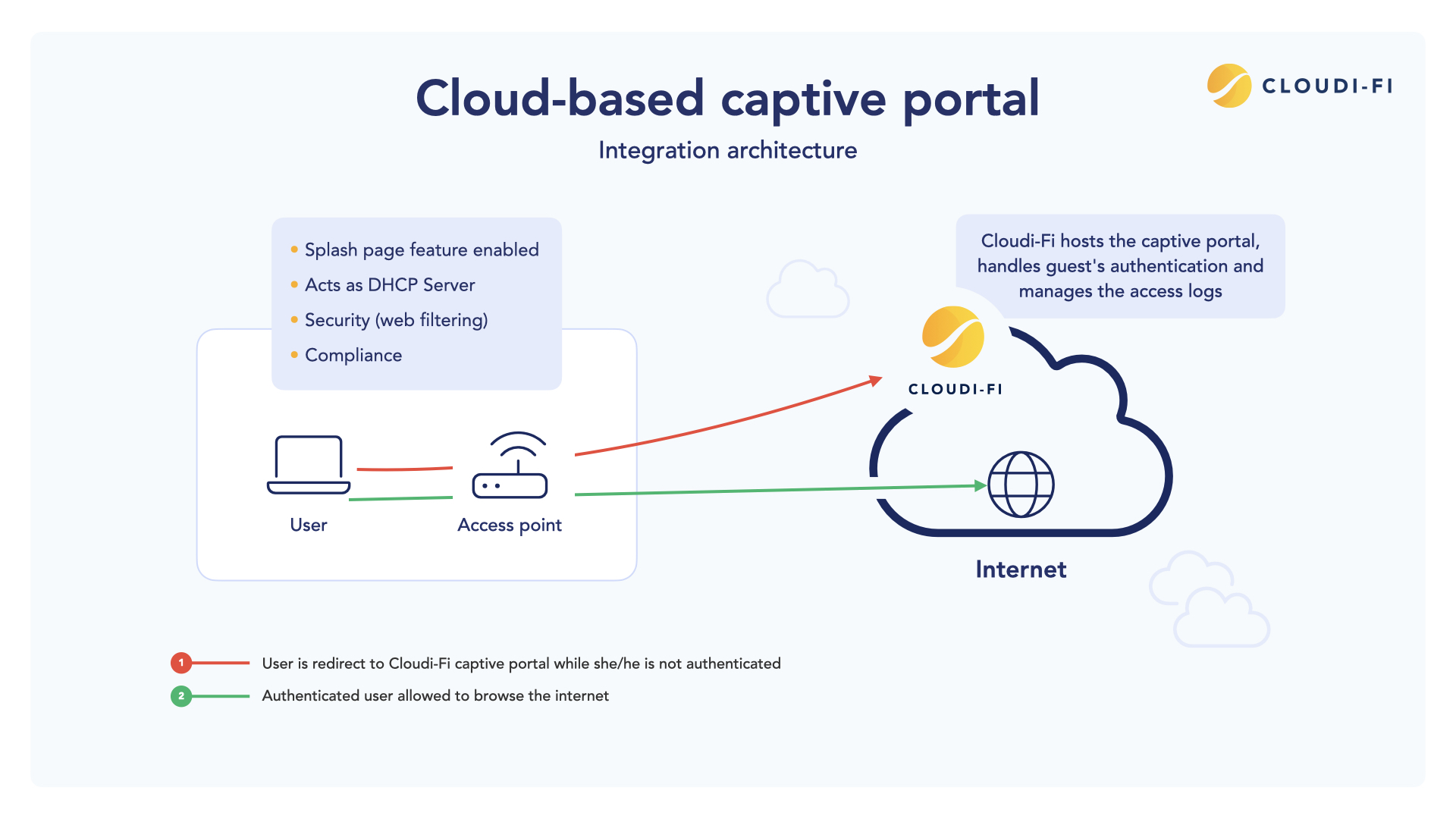
- Open Services—Captive portal, after settings, press button Save & apply. The follow page its typical configuration for hotspotsystem.com

- Open phone WLAN settings, choose Wi-Fi then connect.

- Press button Login on the pop page.

- Then phone can access internet via router.

- For moe information about hotspotsystem, you can access www.hotspotsystem.com